System Log
Introduction
- System Log is a default platform service and does not require any advanced settings. You can click ‘All Applications’, then click ‘Account’ in the pop-up to enter the user module. Next, click ‘System Log’ in the left-side menu to open the system log page.
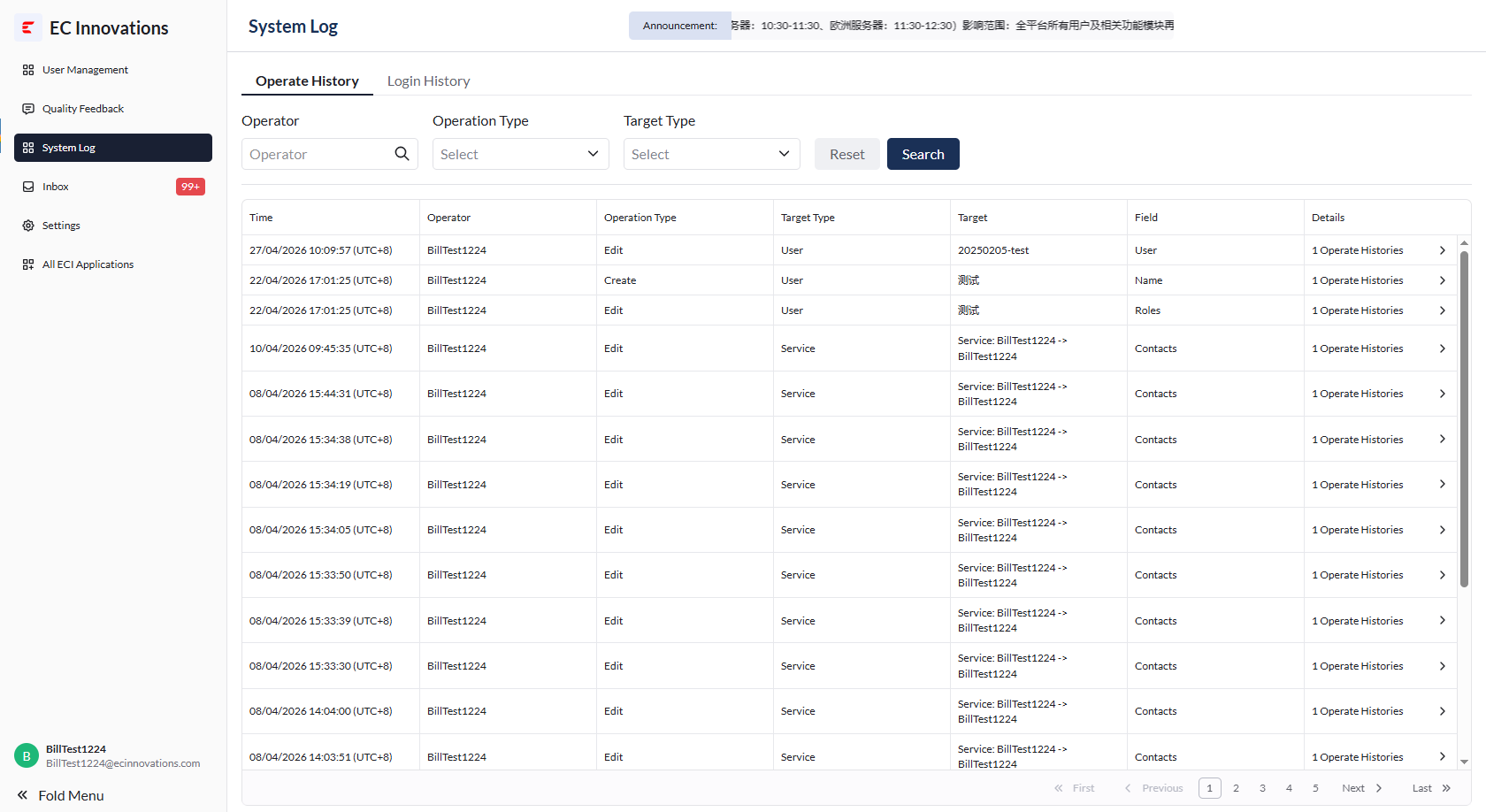
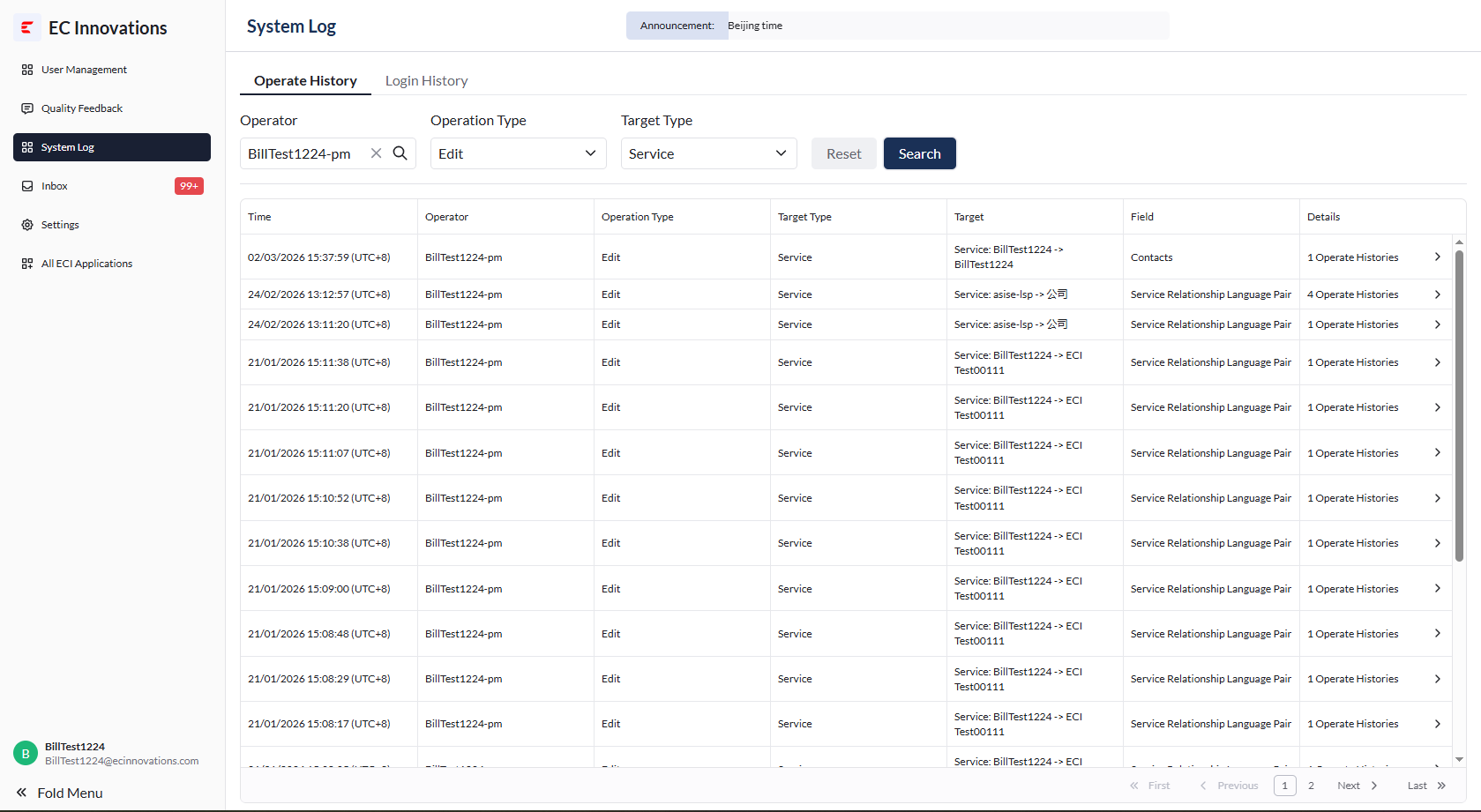
Operation History
- You can search operation history by entering the operator name or selecting the operation type and target type.
Login History
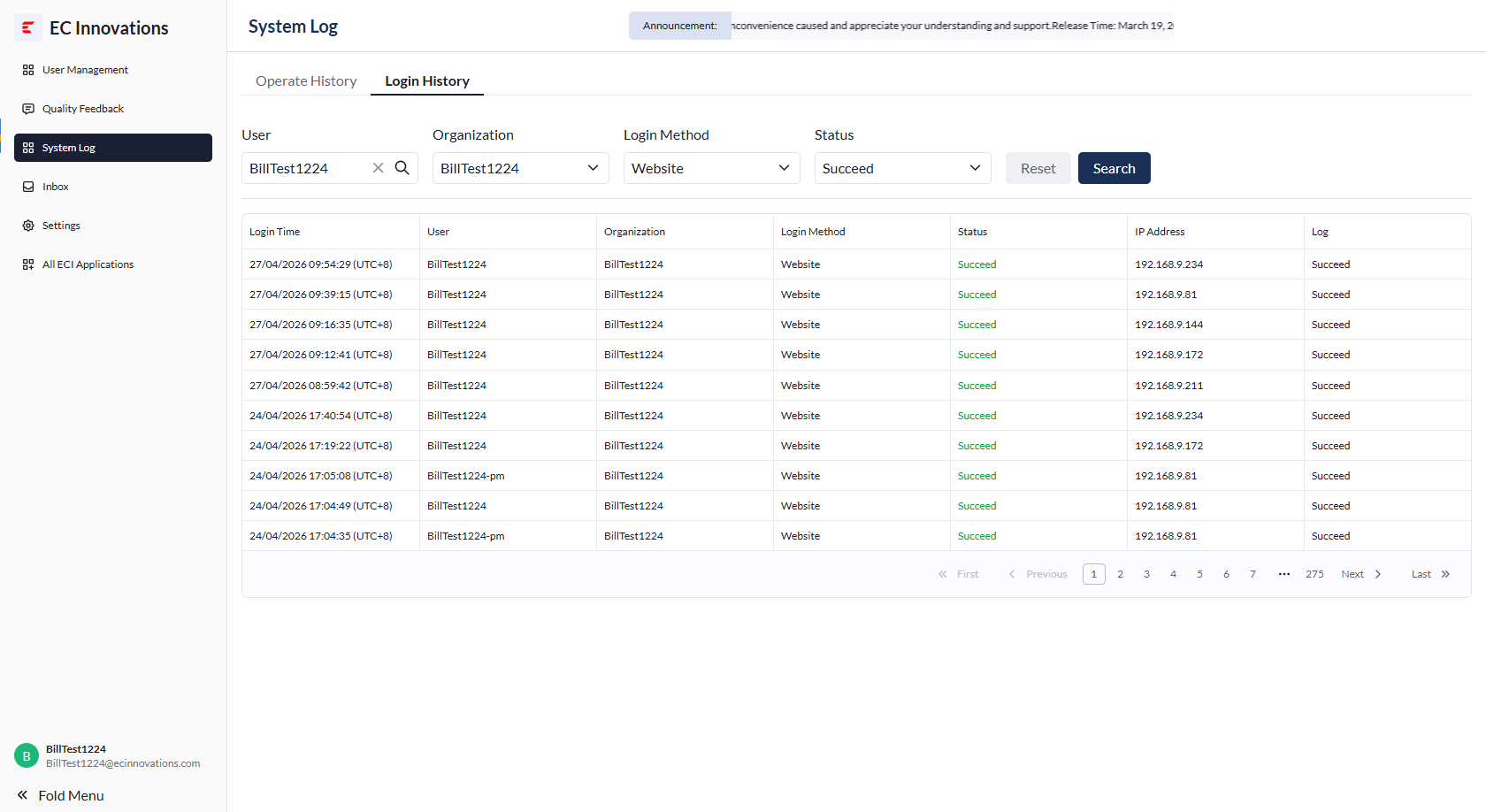
- You can click ‘Login History’ in the upper-left corner of the list to open the login history page.
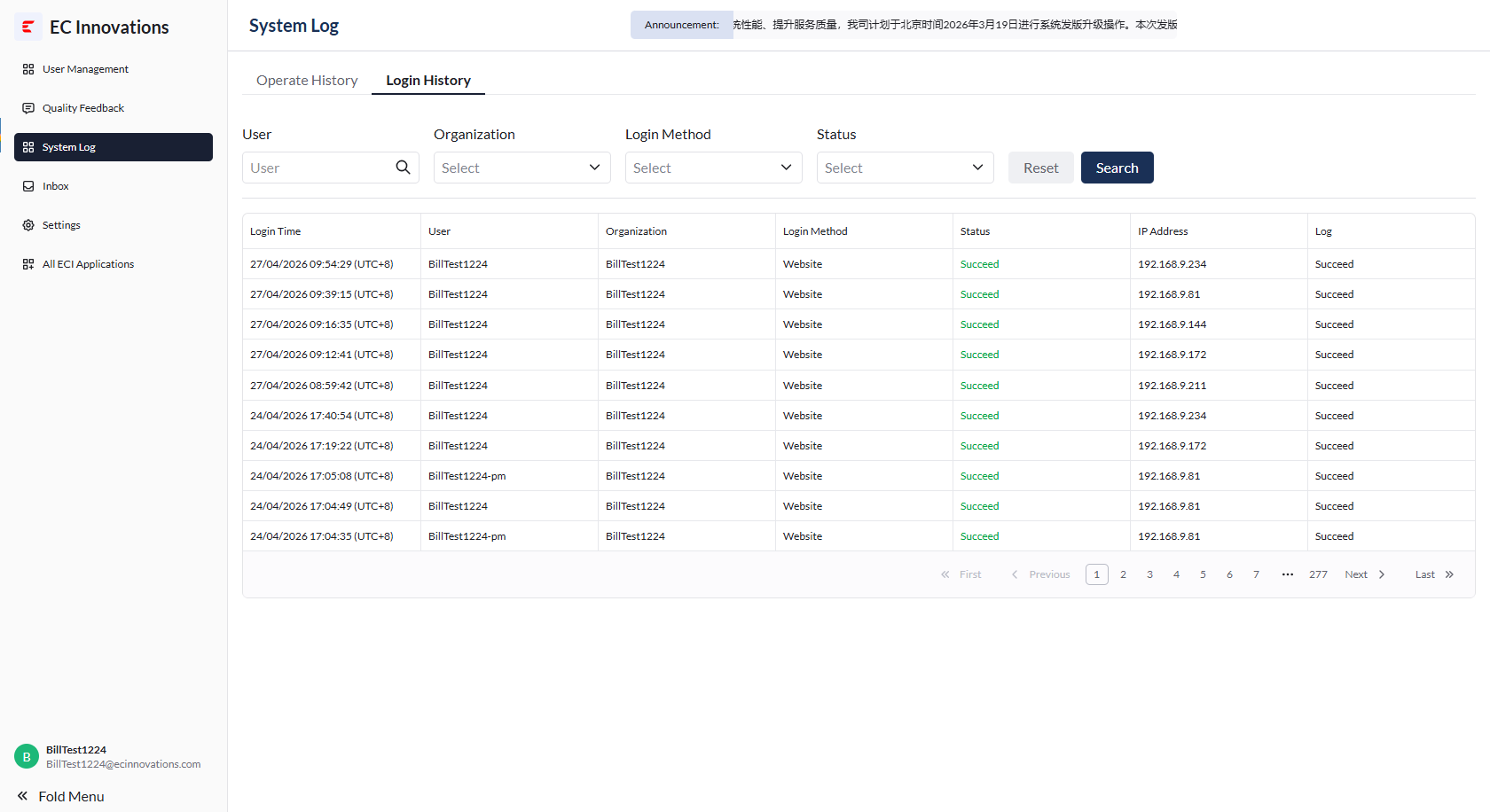
- You can search login history by entering the user name or selecting the organization, login type, and login status.