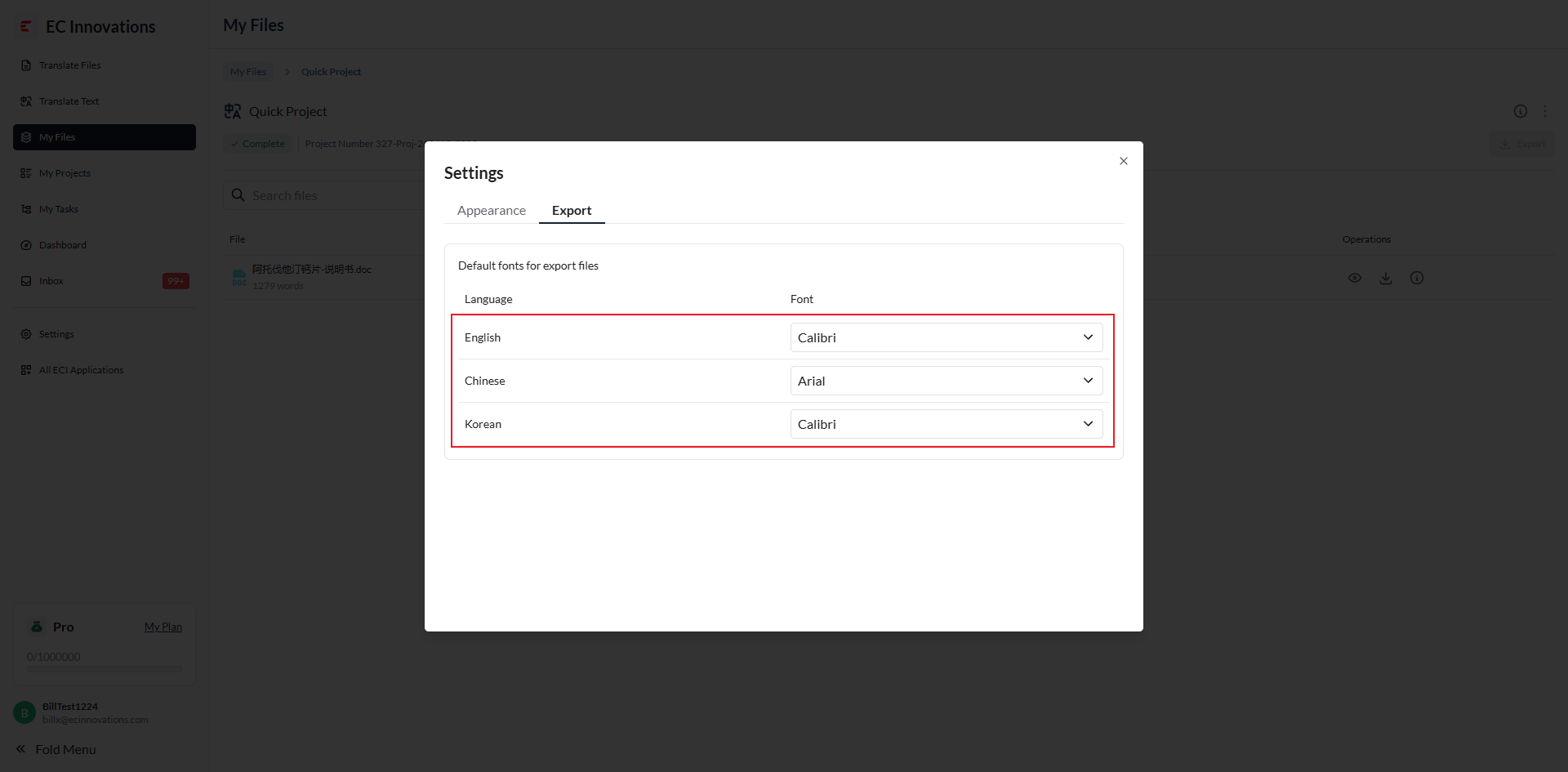
General Settings
Introduction
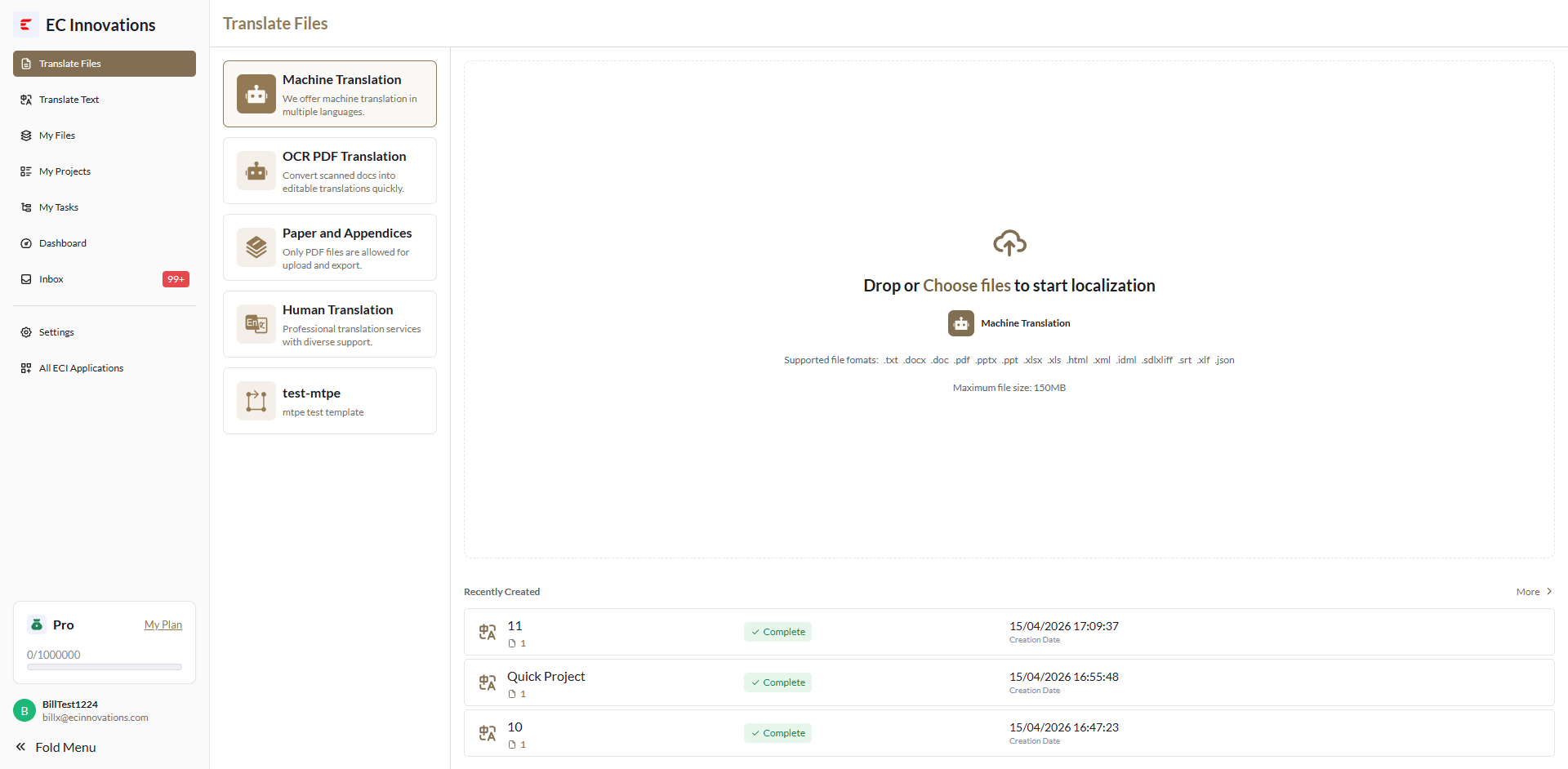
General Settings let you adjust the system theme, color, language, information display style, default fonts for exported files, and more.
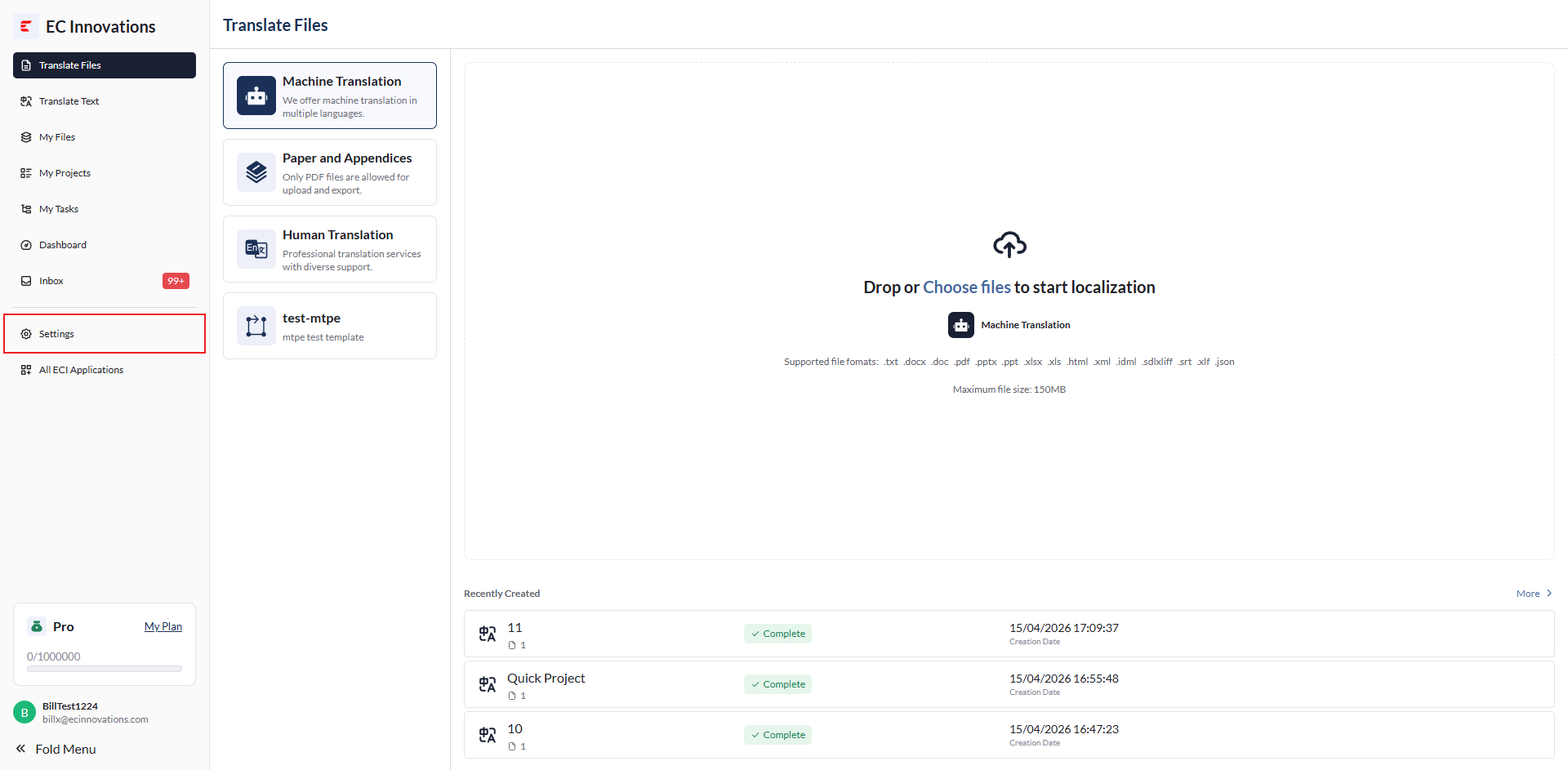
‘Appearance’: Used to adjust the system theme, color, language, and information display style.
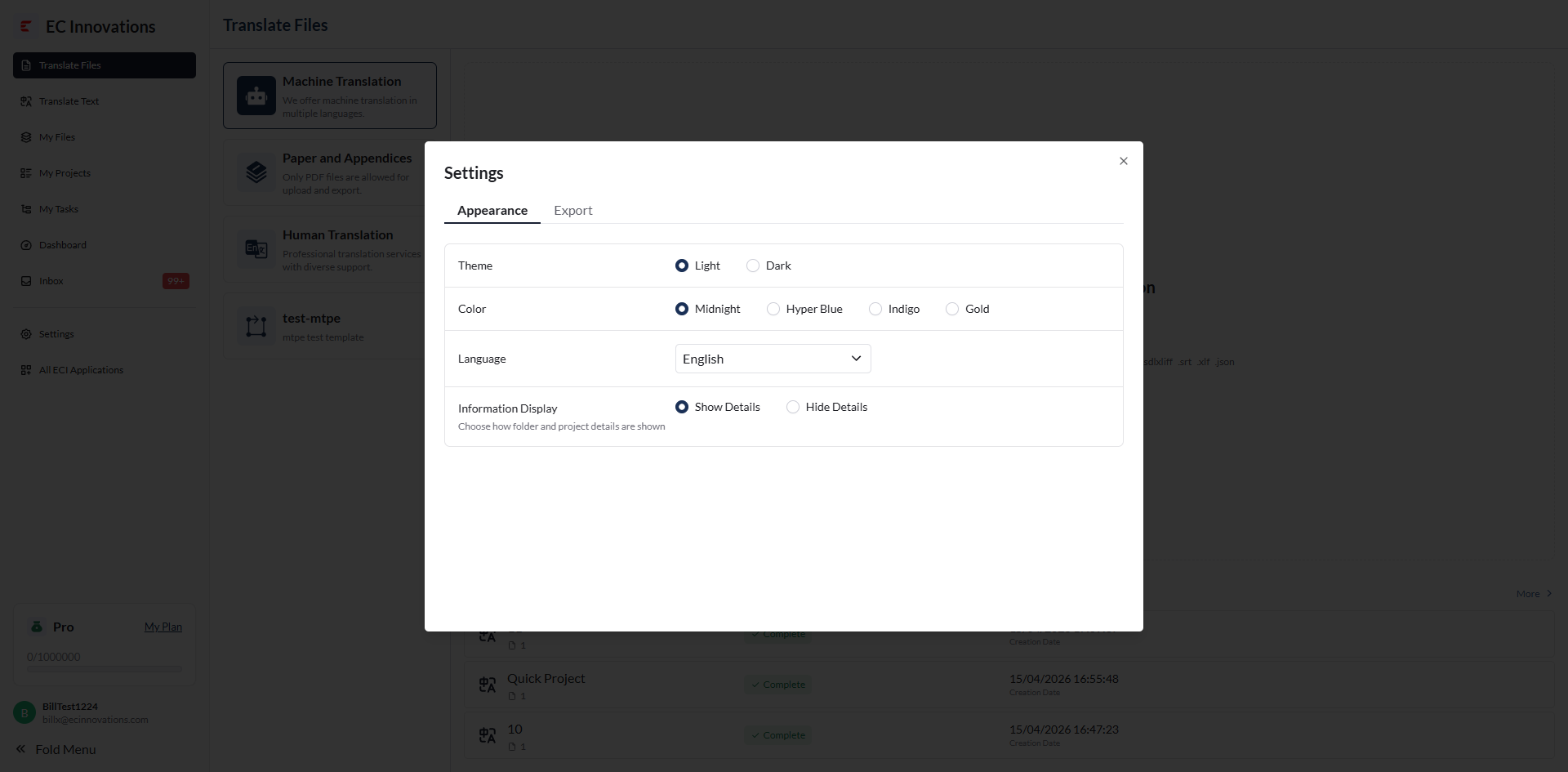
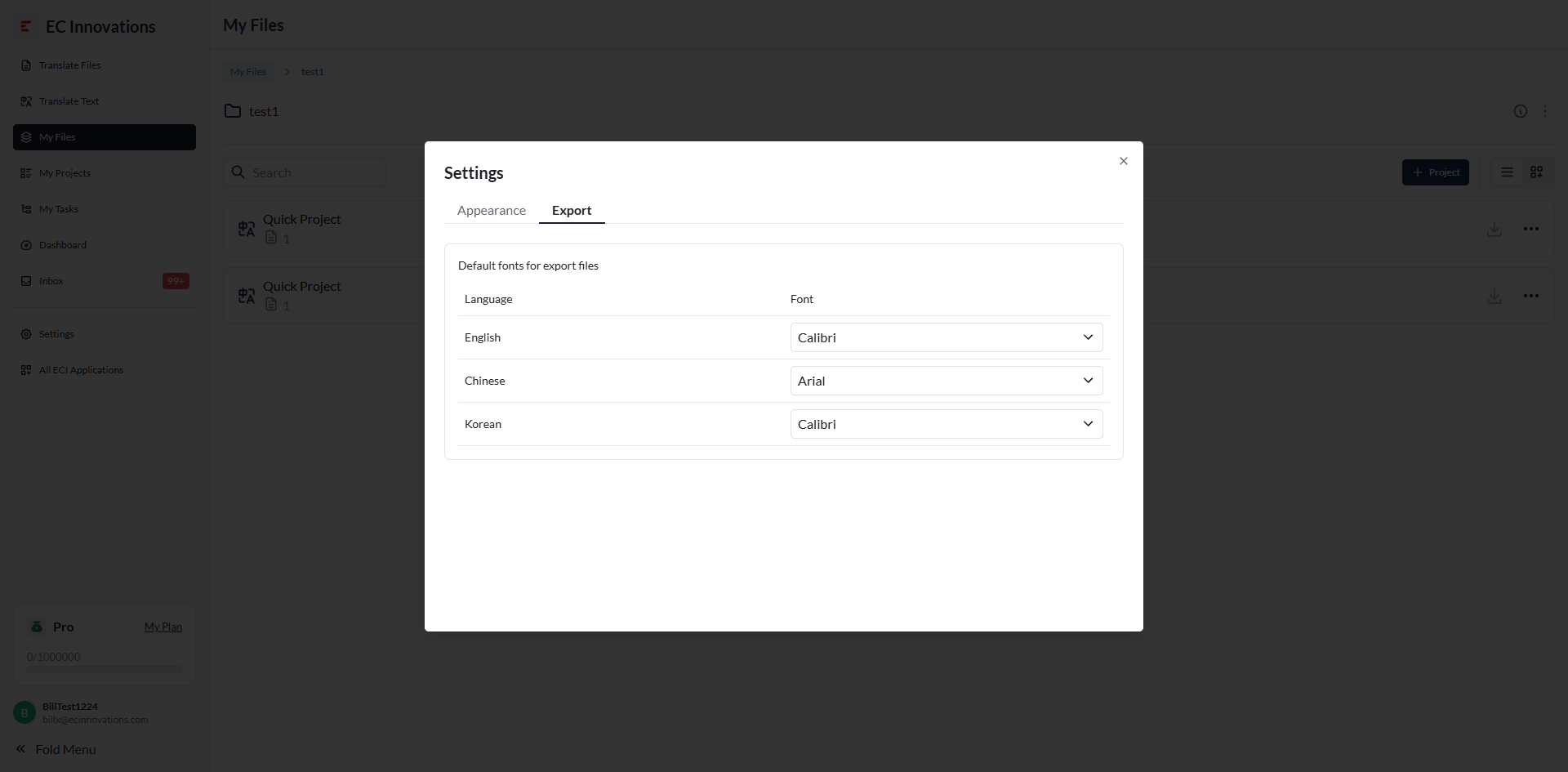
‘Export’: Used to adjust the default fonts for exported files.
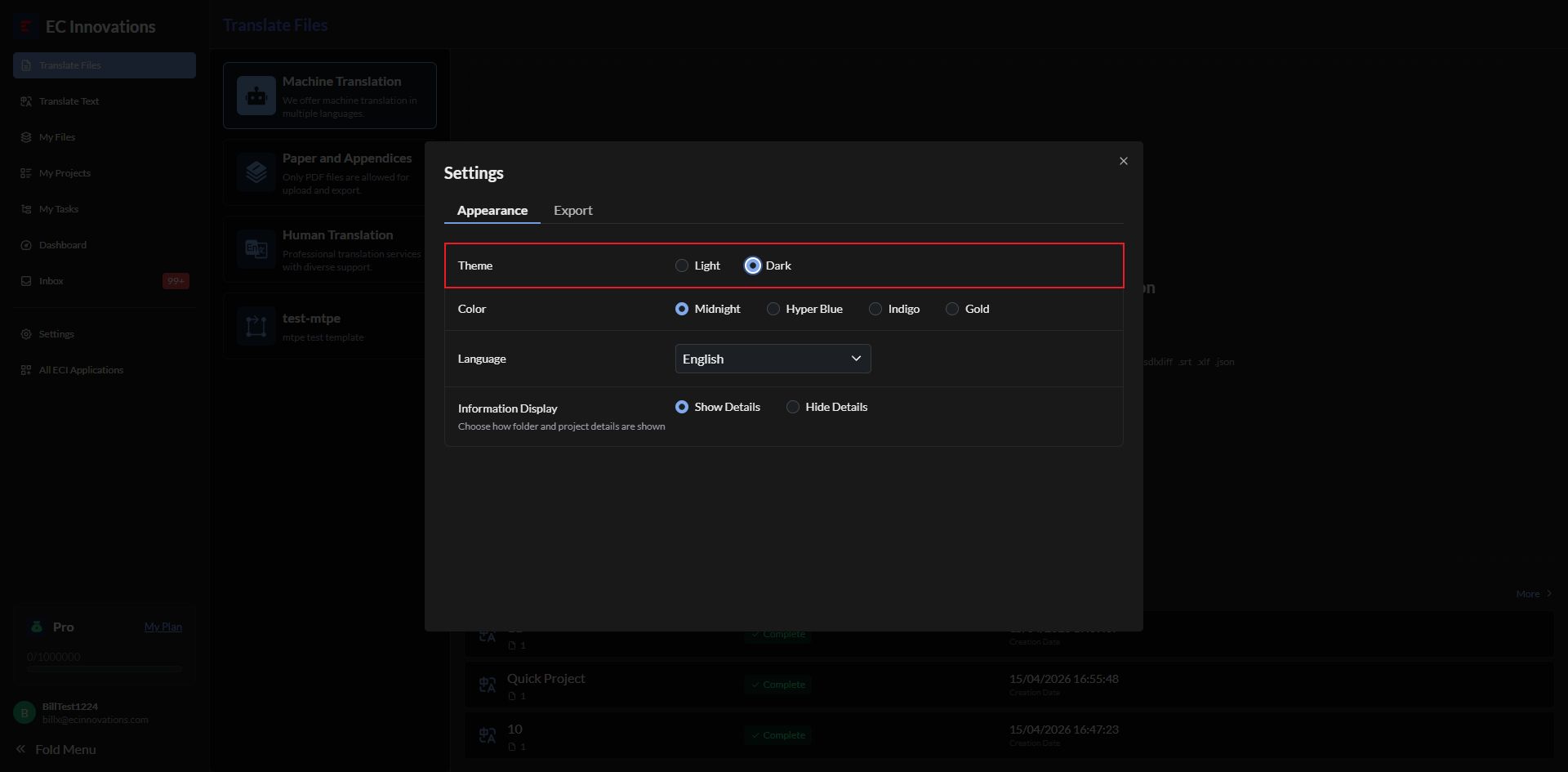
Theme
You can select ‘Light’ or ‘Dark’ to change the page theme.
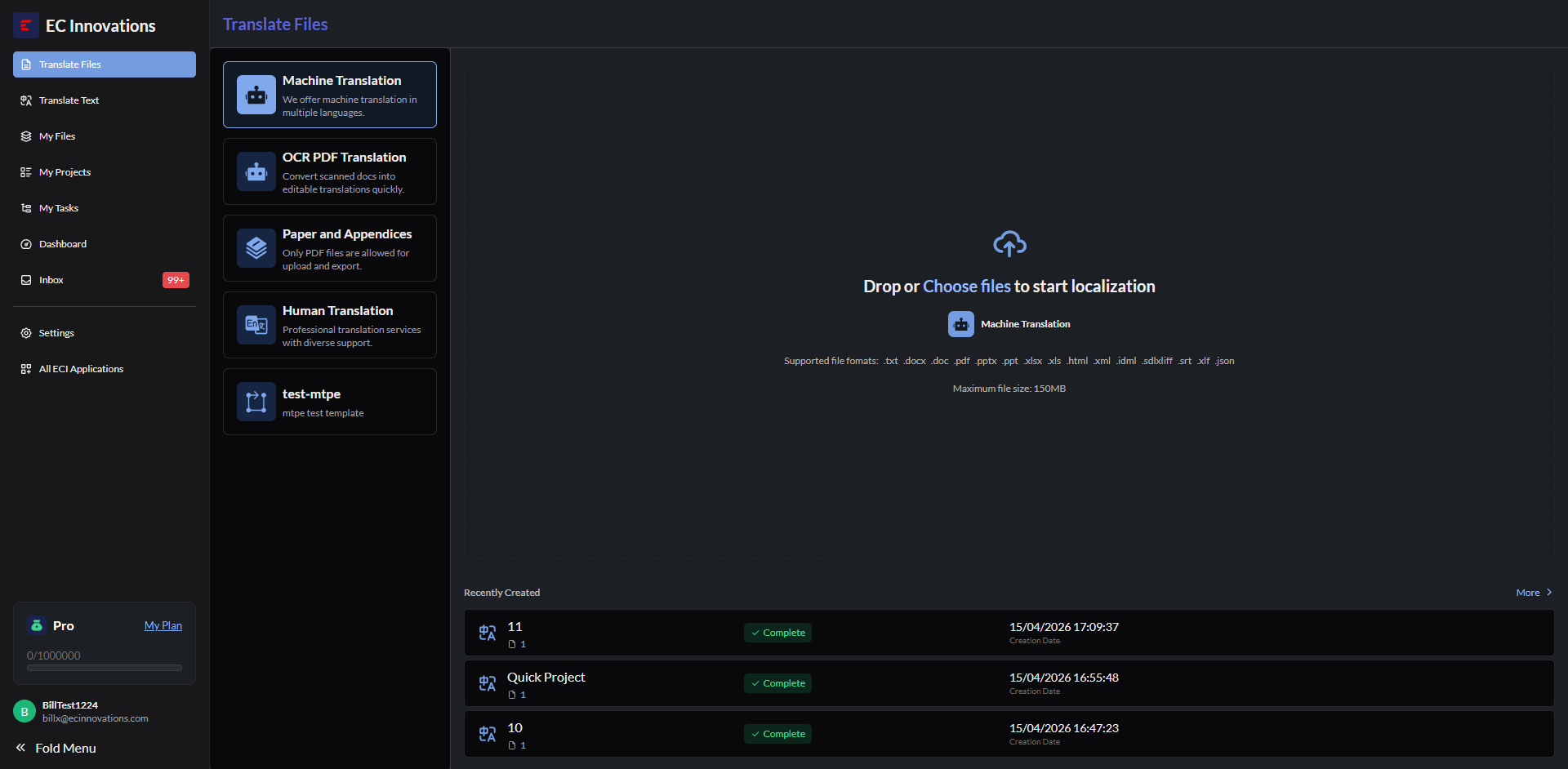
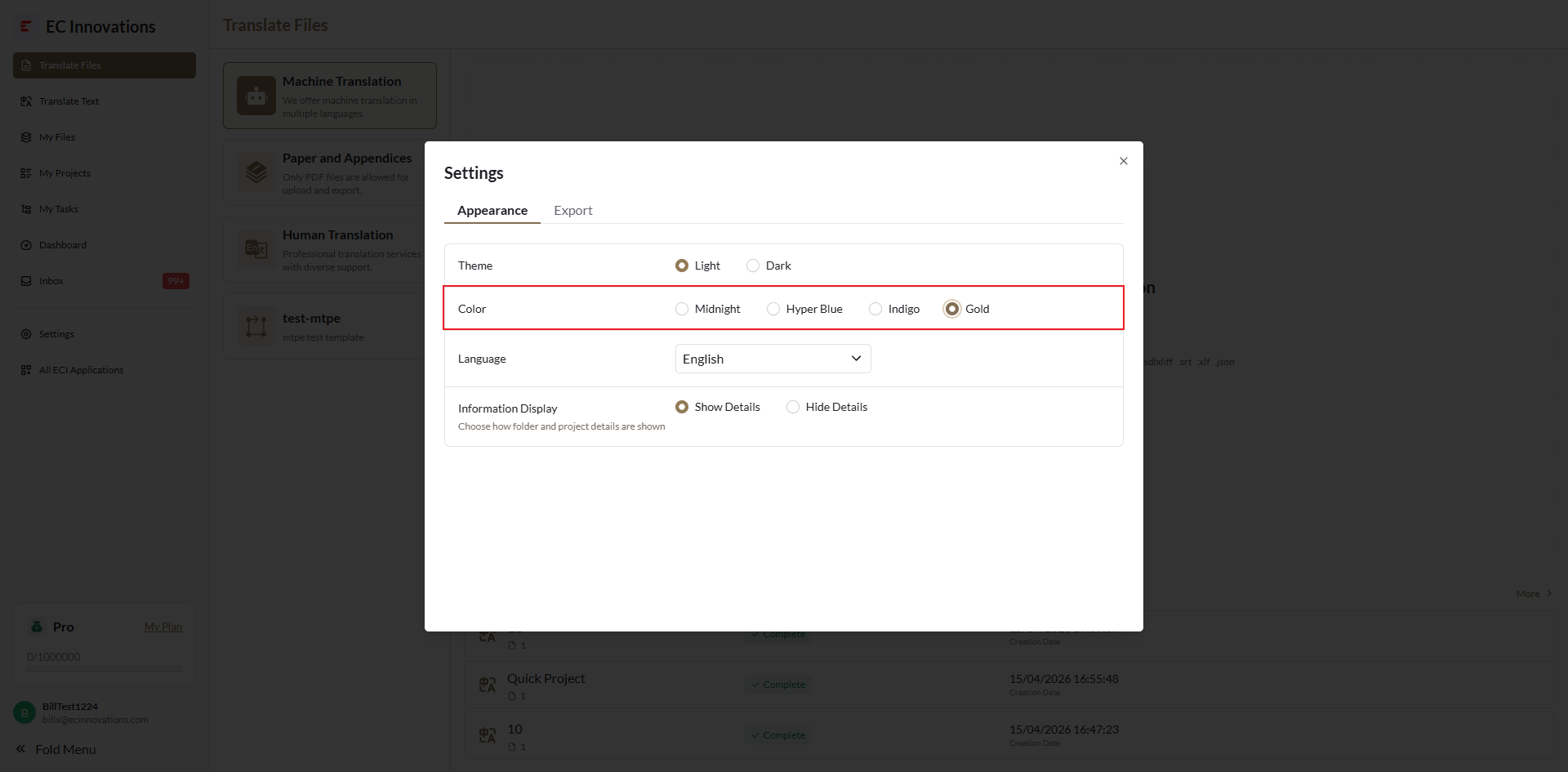
Color
You can select ‘Midnight’, ‘Hyper Blue’, ‘Indigo’, or ‘Gold’ to change the page color.
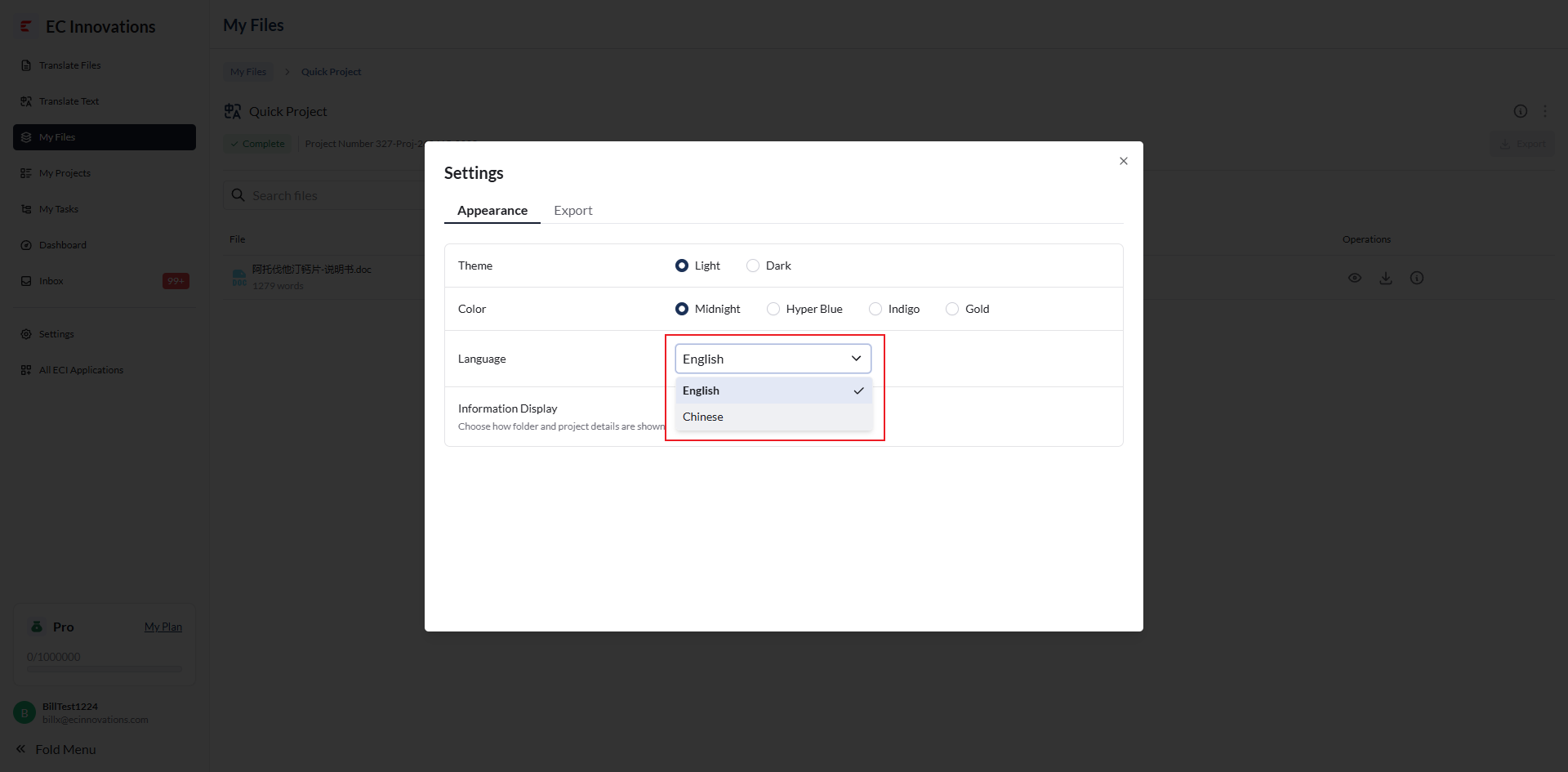
Language
You can select ‘English’ or ‘Chinese’ to change the page language.
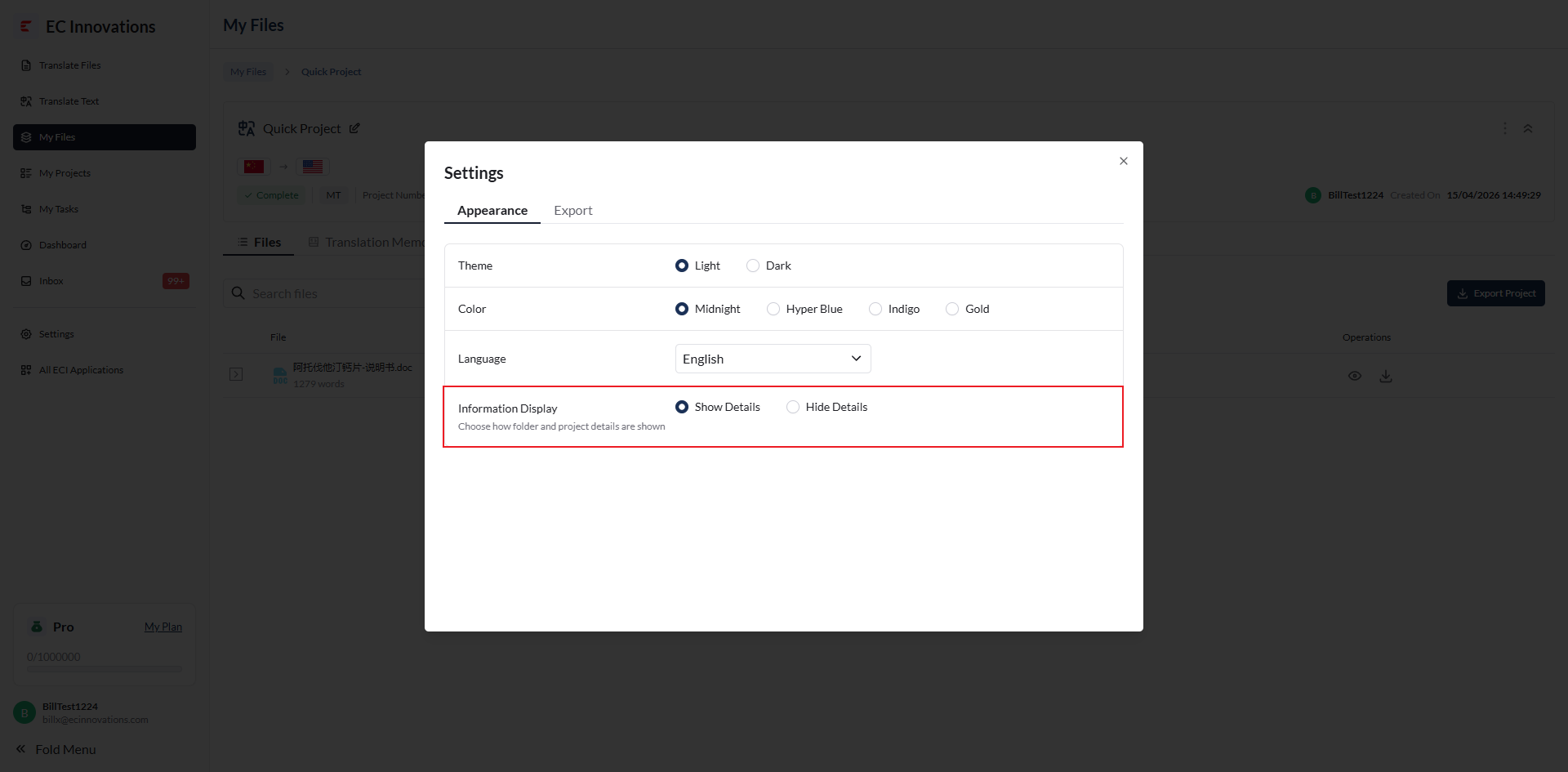
Information Display
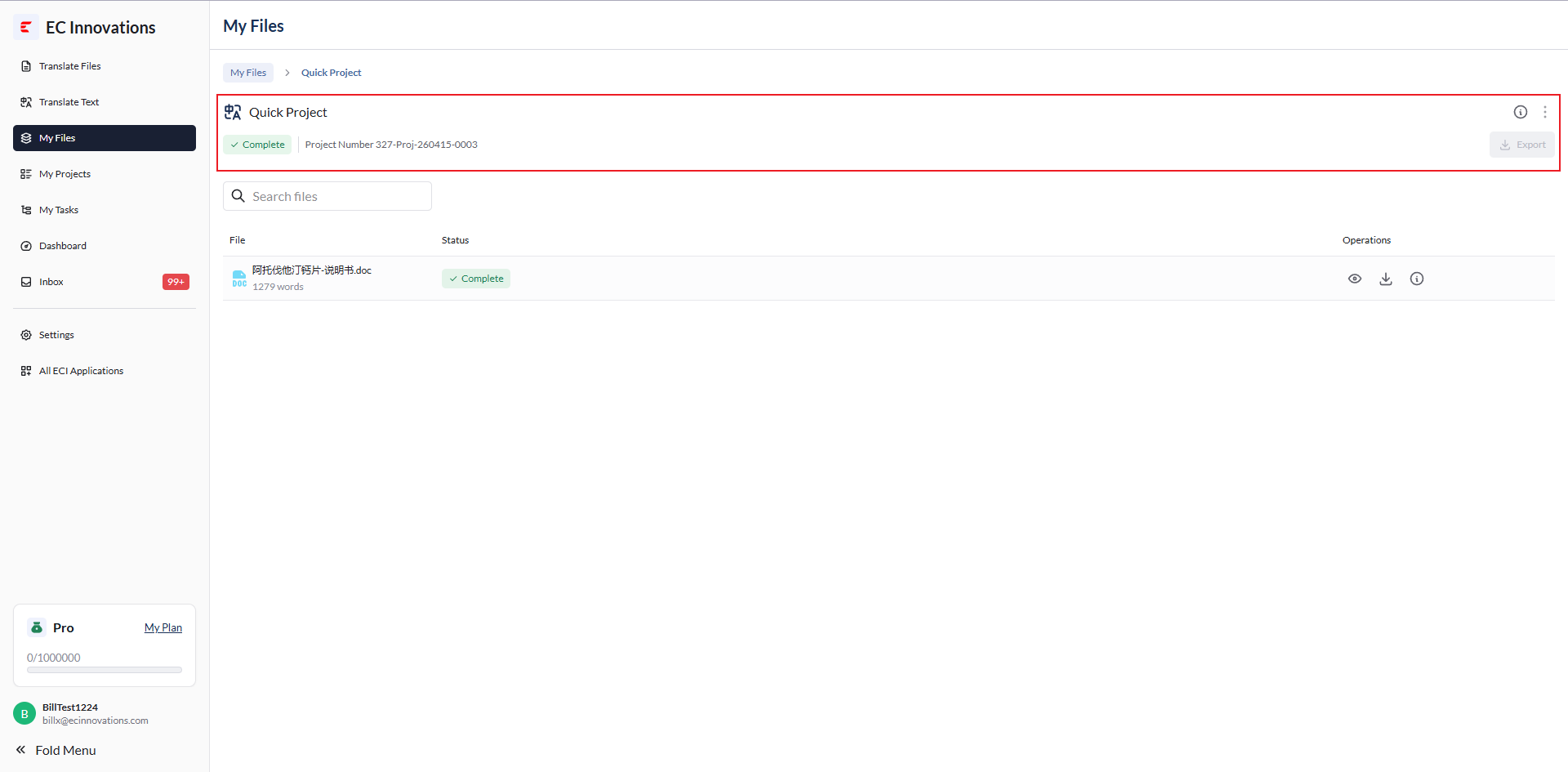
You can select ‘Show Details’ or ‘Hide Details’ to adjust how folder and project details are displayed.
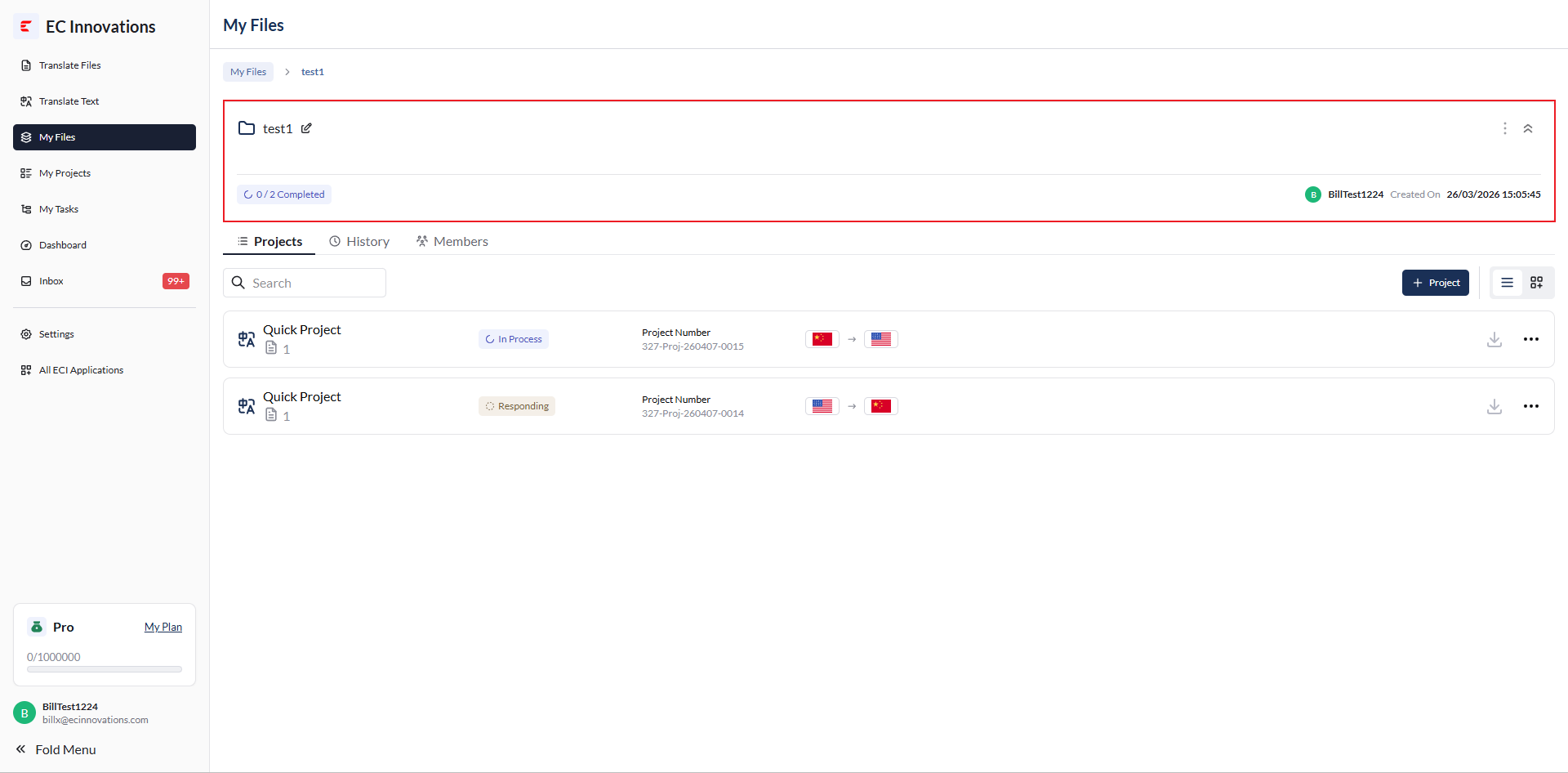
‘Show Details’: Shows all folder information.
‘Show Details’: Shows all project details.
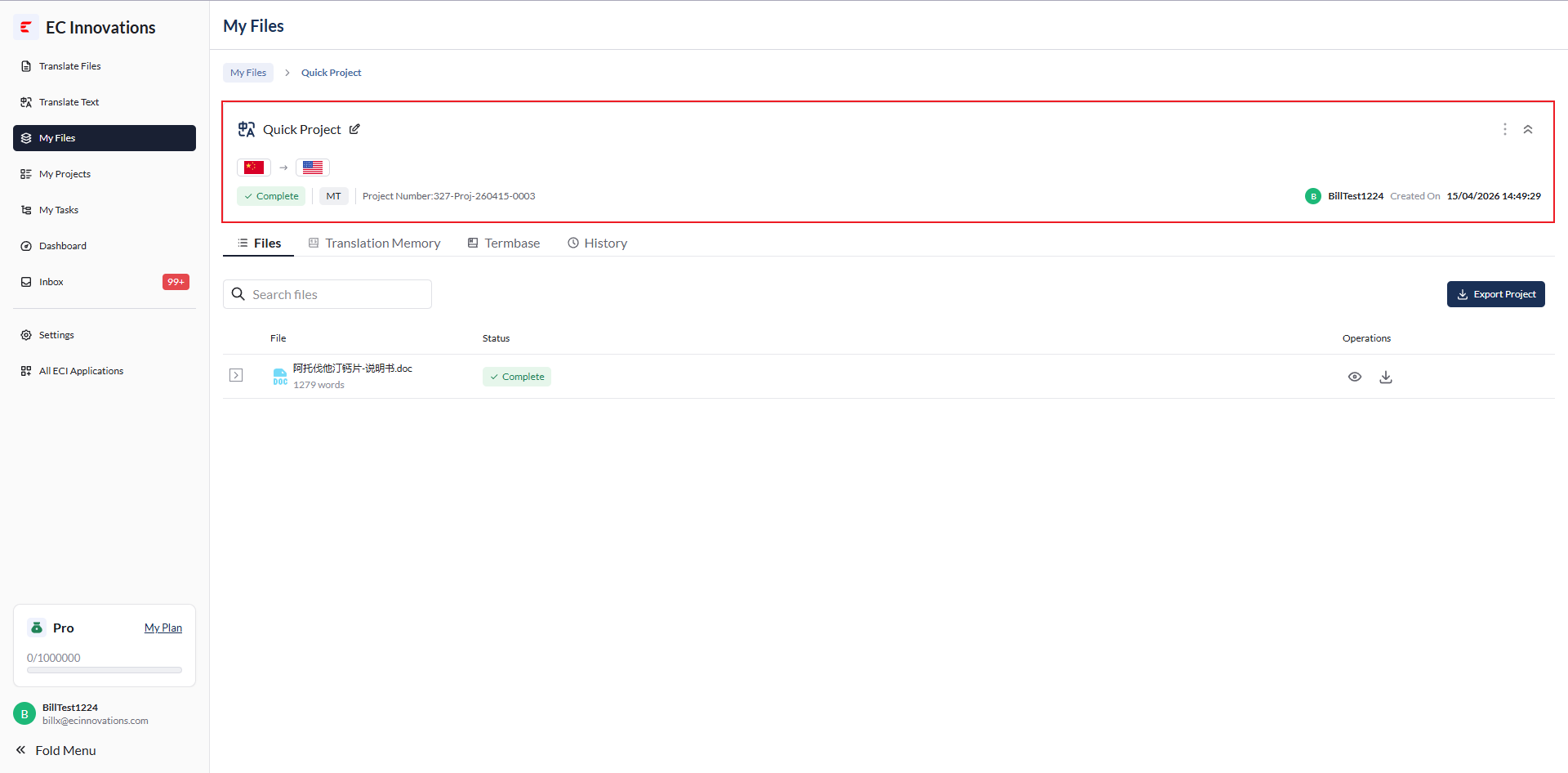
‘Hide Details’: Hides all folder information.
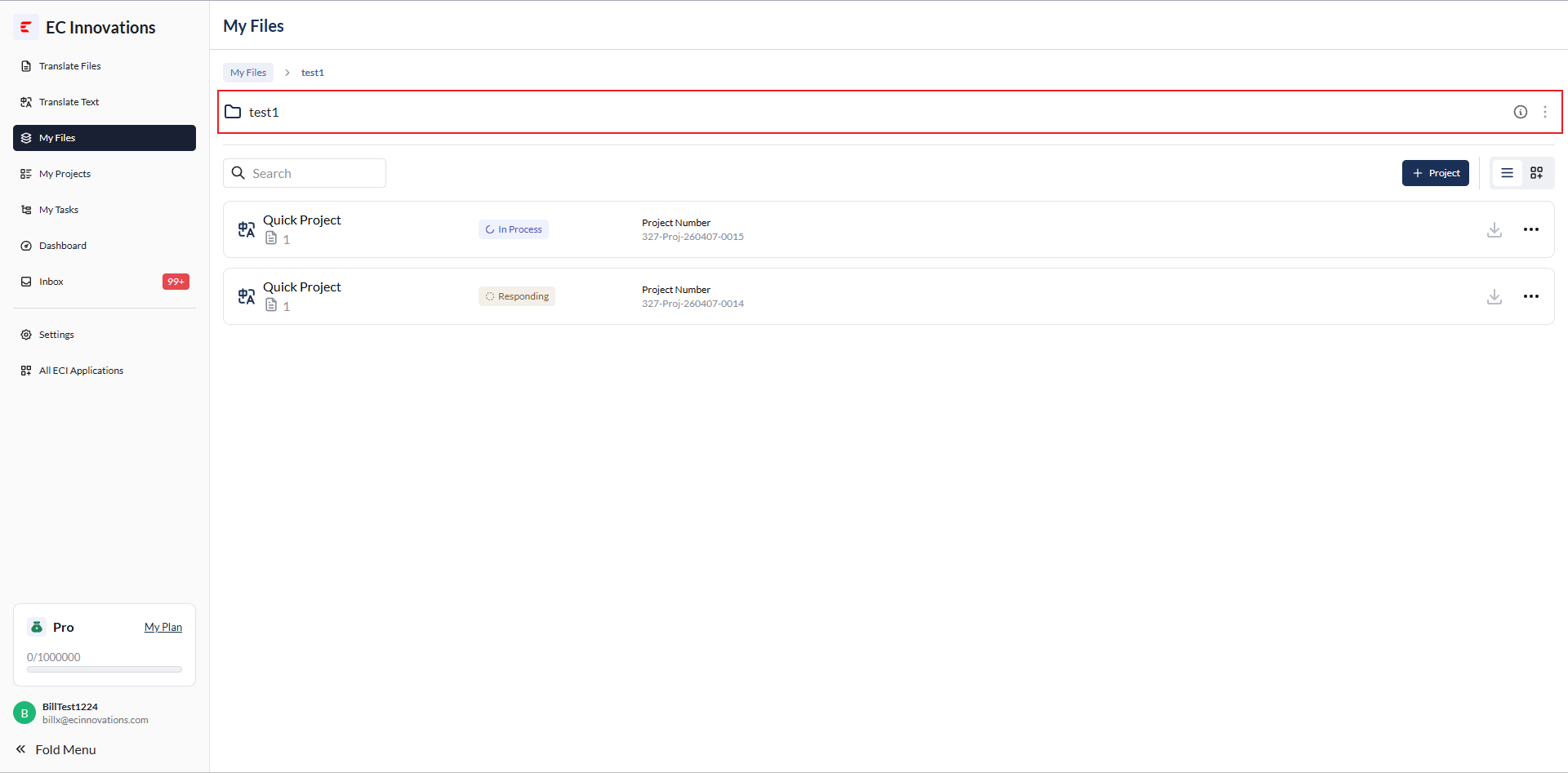
‘Hide Details’: Hides all project details.
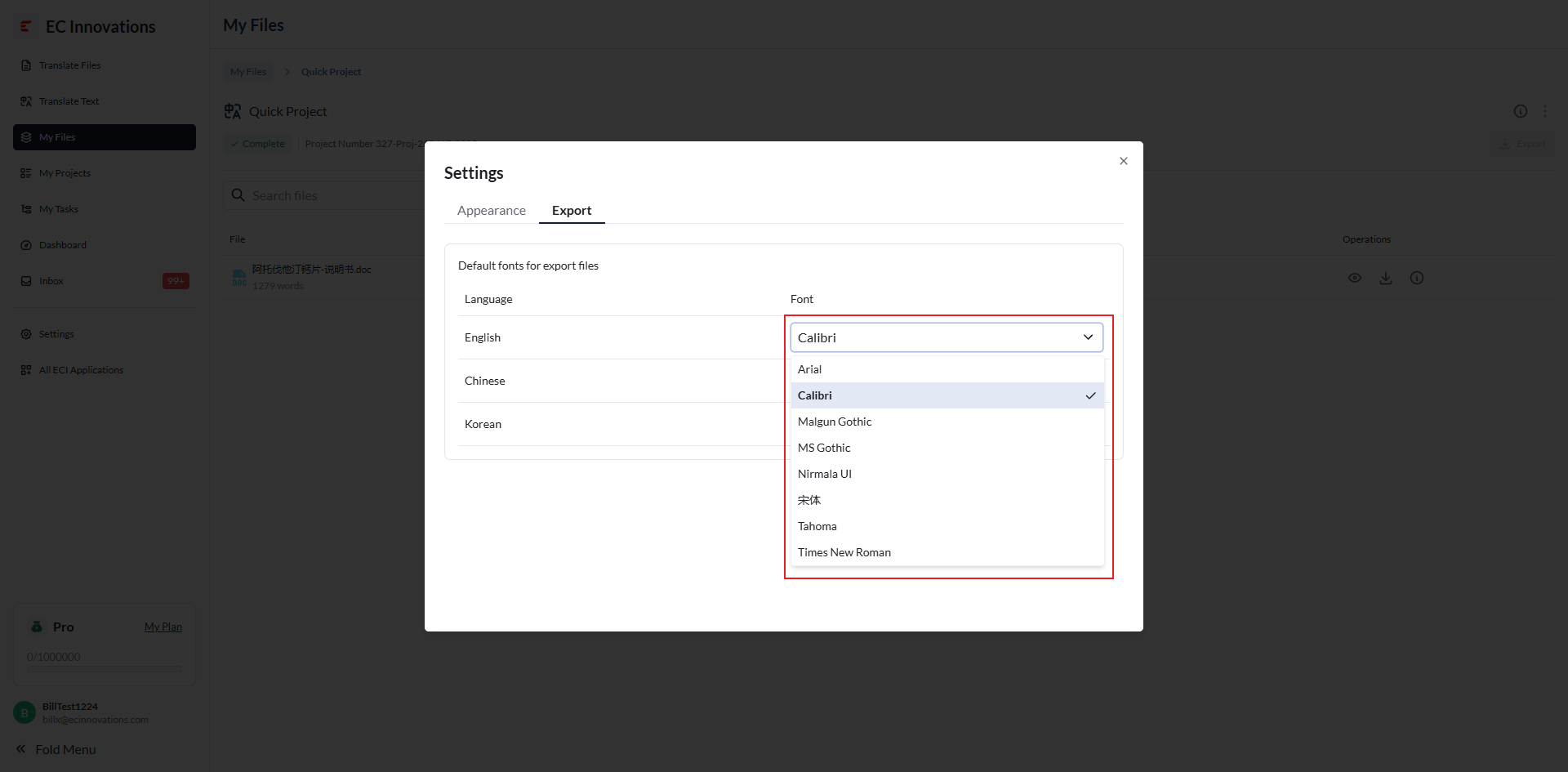
Default Fonts for Exported Files
You can select ‘Export’ to adjust the fonts used for different languages and update the default fonts for exported files.