AI Translate (Machine Translate)
Introduction
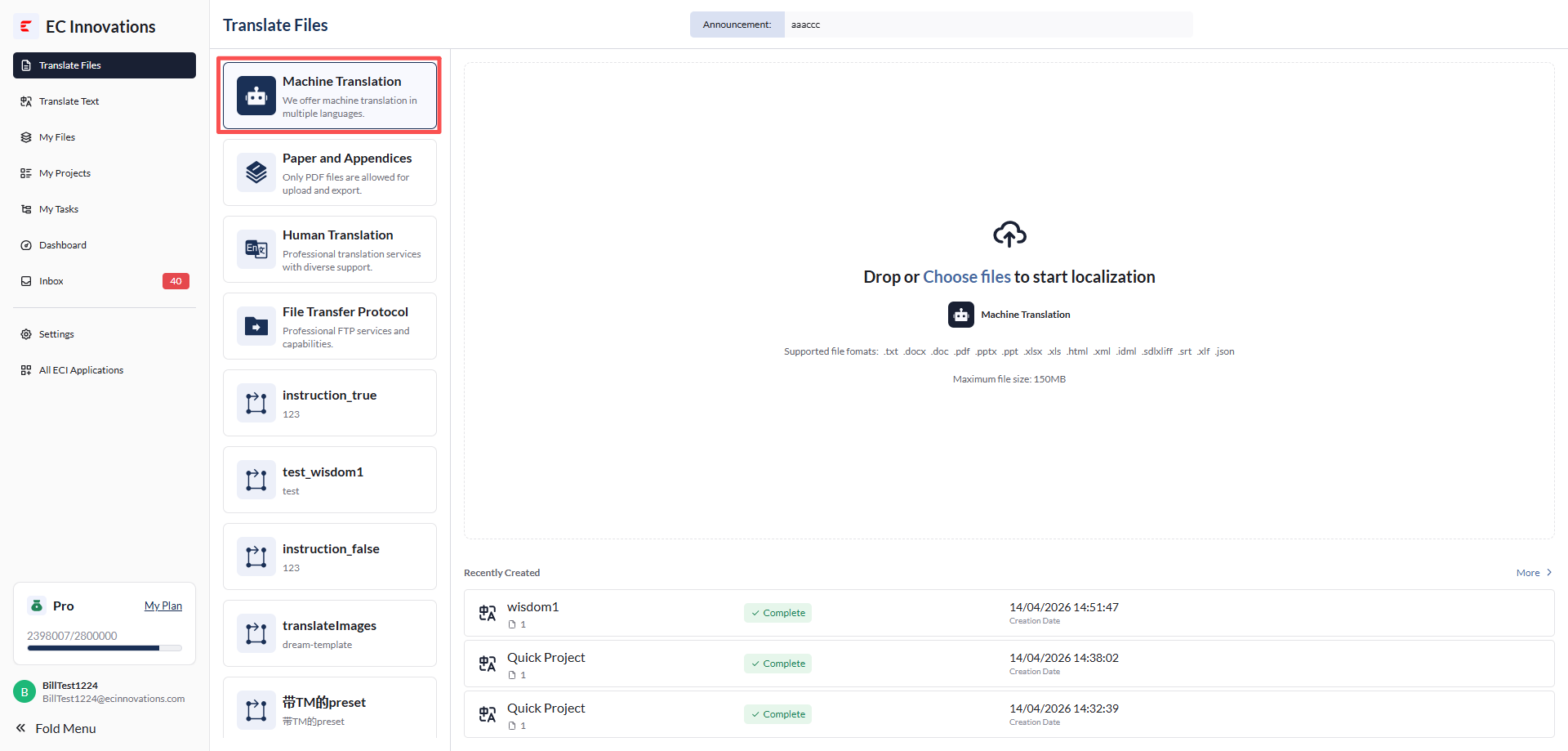
- Machine Translation (MT) uses ECI’s in-house AI models, covering fields such as healthcare, science, and patents, to deliver accurate and efficient translations. Users can simply click 'Machine Translate' to start the translation process and quickly generate the translated text.
Upload file
- Click 'Upload File', or drag and drop a file to upload it.
- Supported file types currently include:
- .docx
- .txt
- .doc
- .pptx
- .ppt
- .xlsx
- .xls
- .html
- .xml
- idml
- .sdlxliff
- .srt
- .xlf
- .json
- Each file can be up to 150 MB.
- The platform also supports language detection and word count calculation.
Model selection
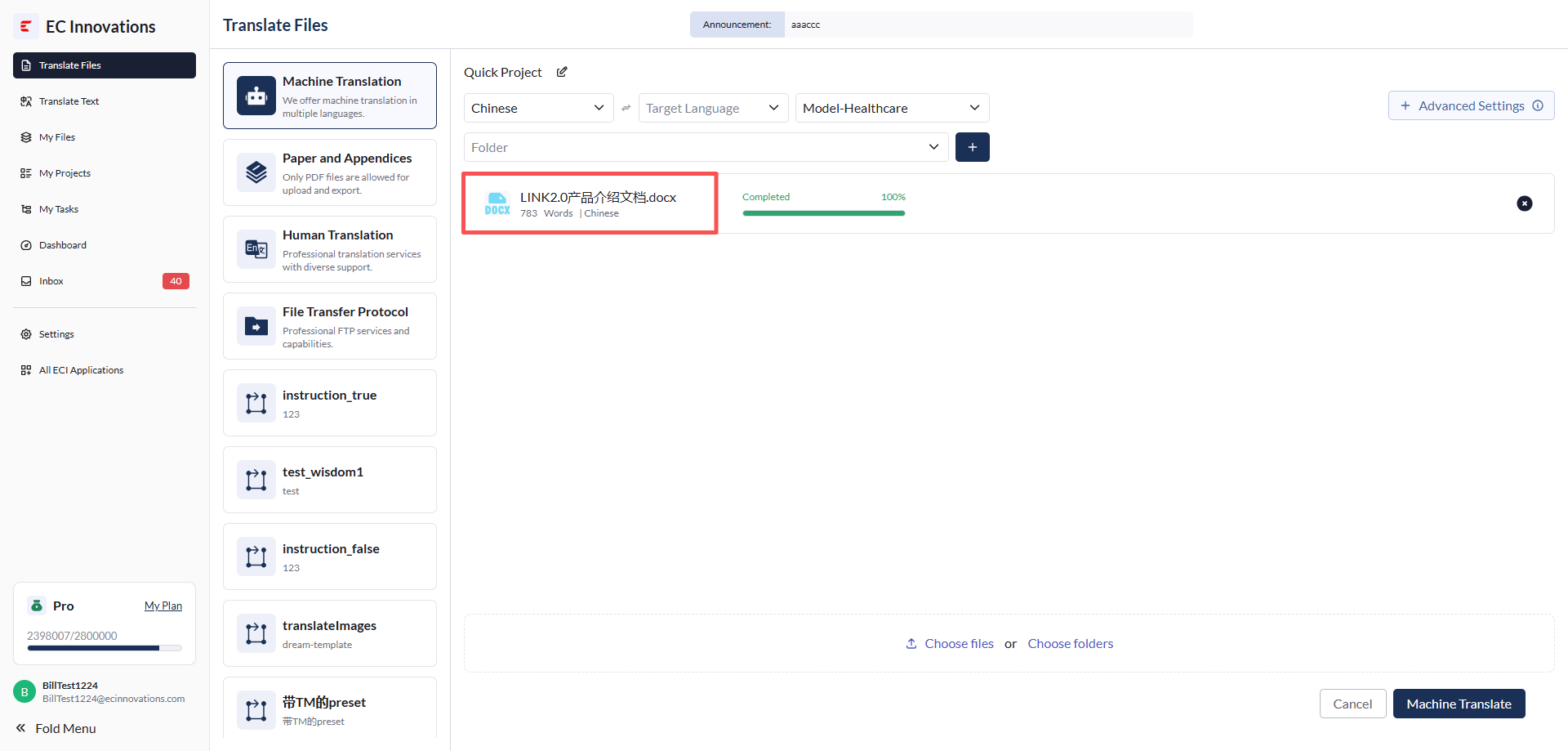
- The options in the Model drop-down list are based on the industry selected during user registration. For details, please contact your administrator.
Folder selection/creation
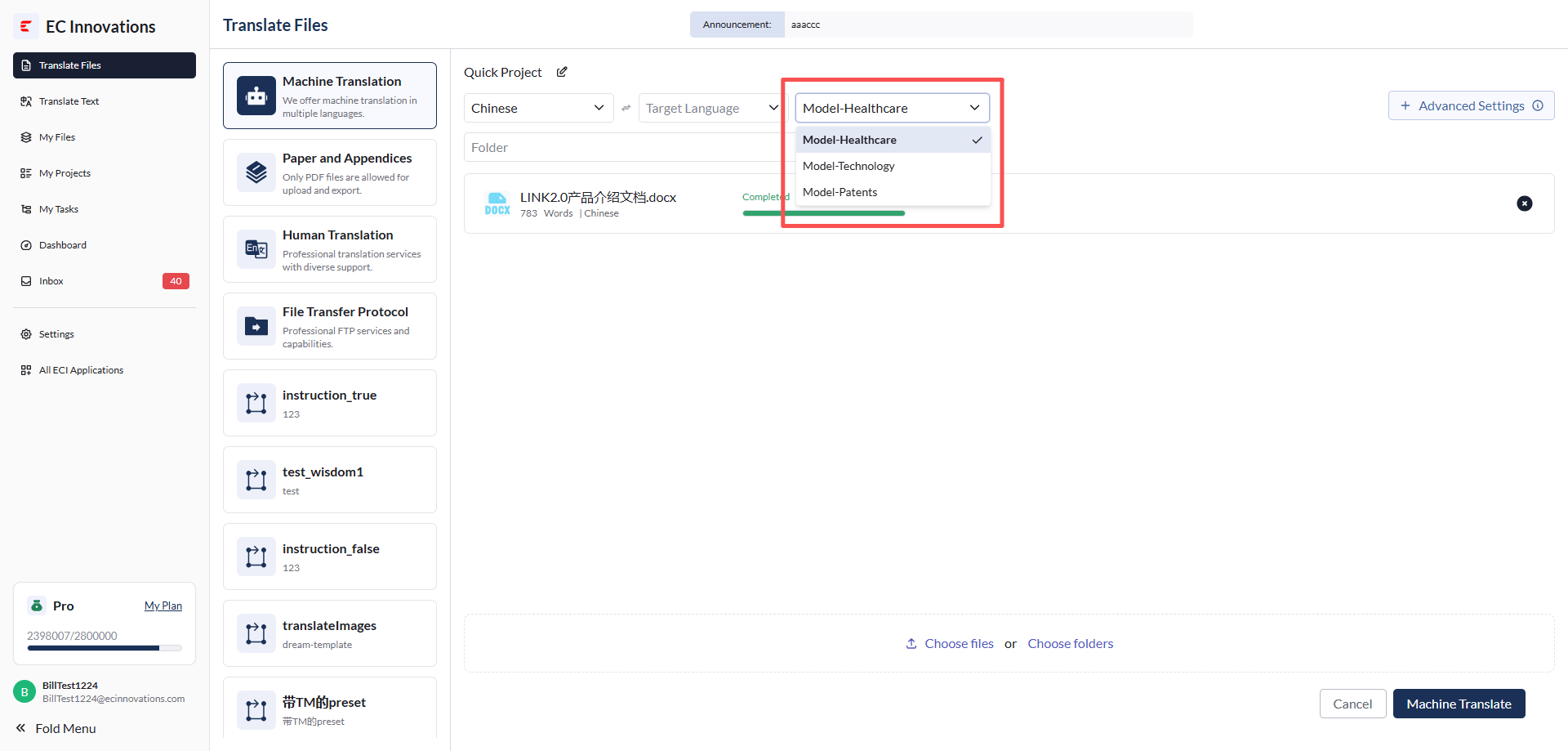
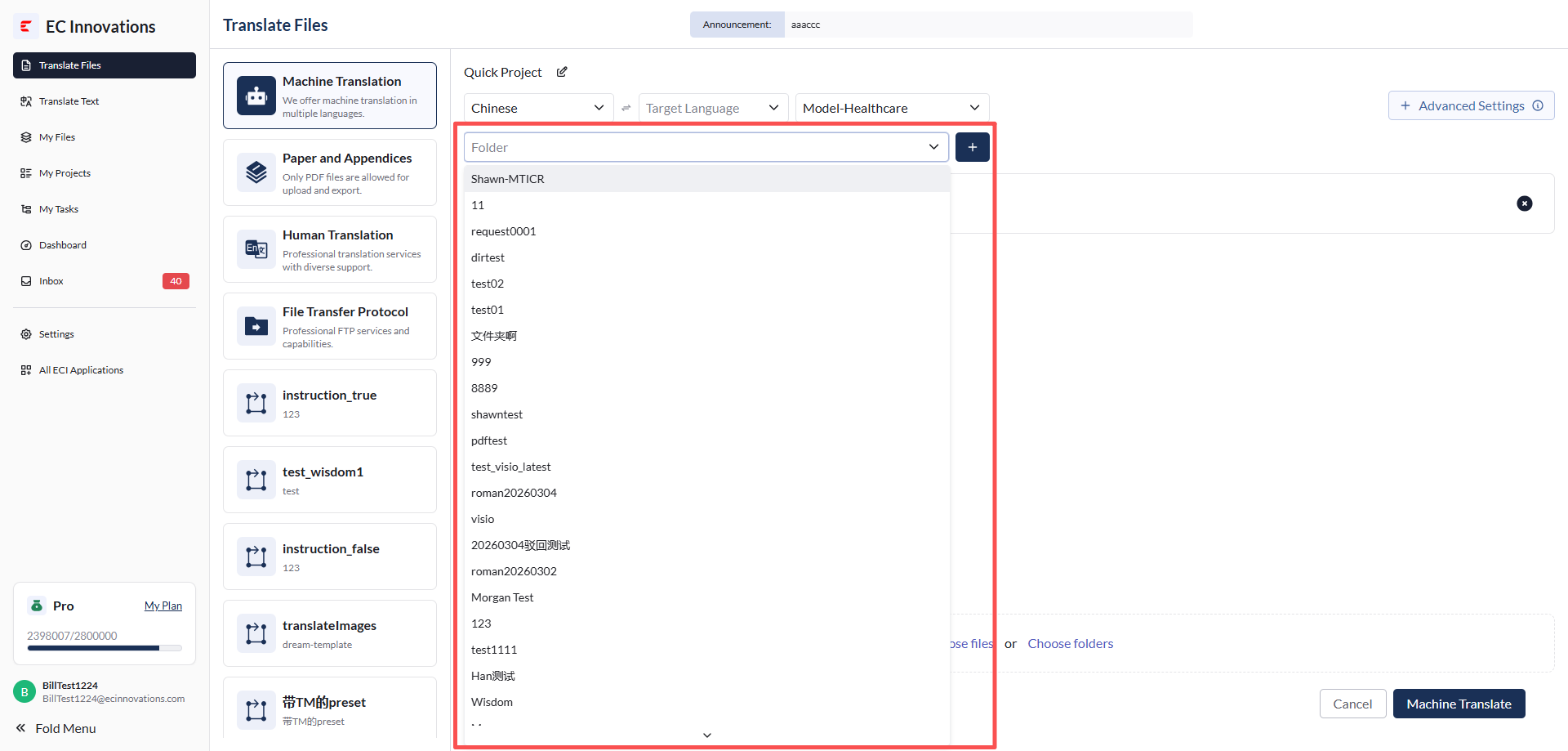
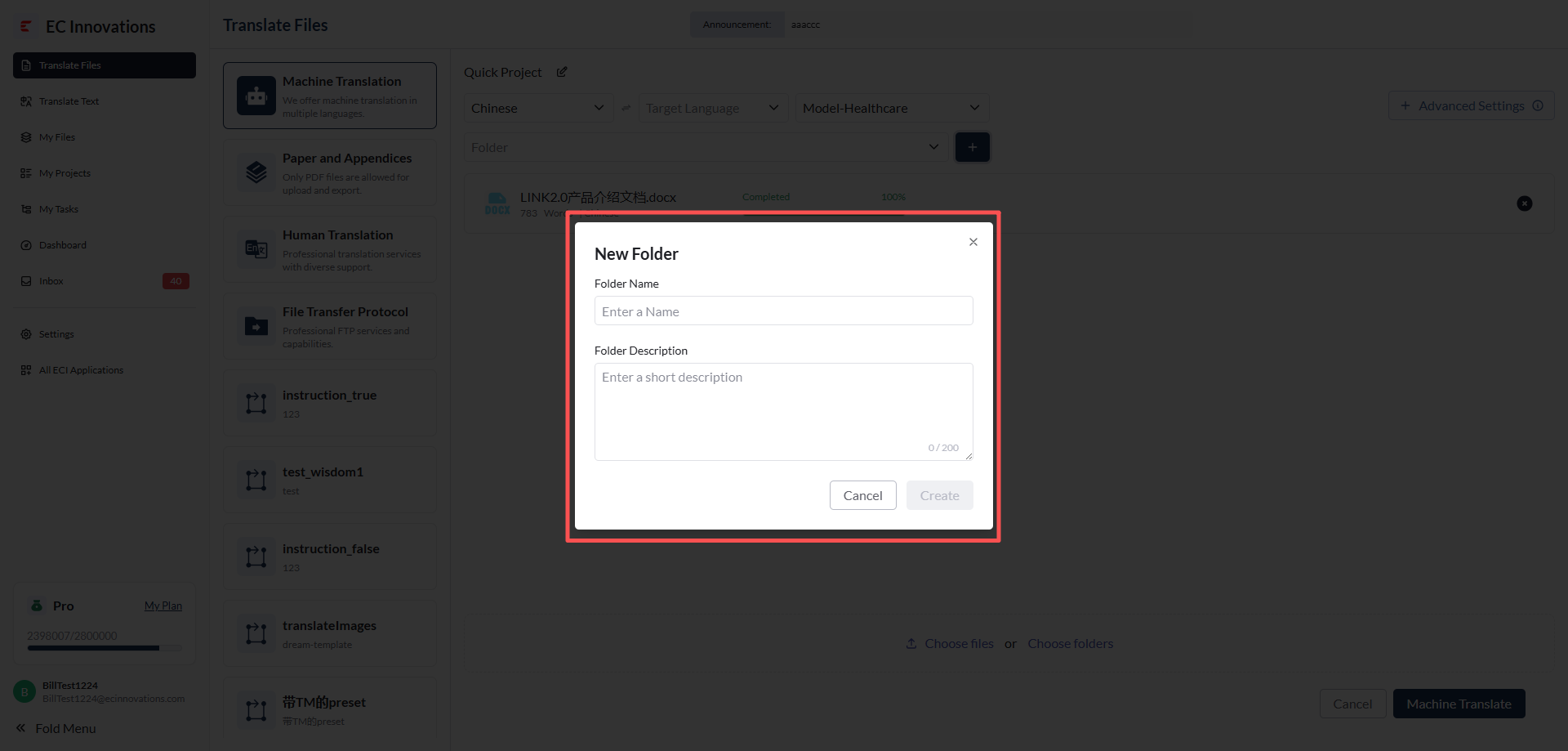
- When creating a project, you can select an existing folder or create a new one.
Advanced settings for AI translation
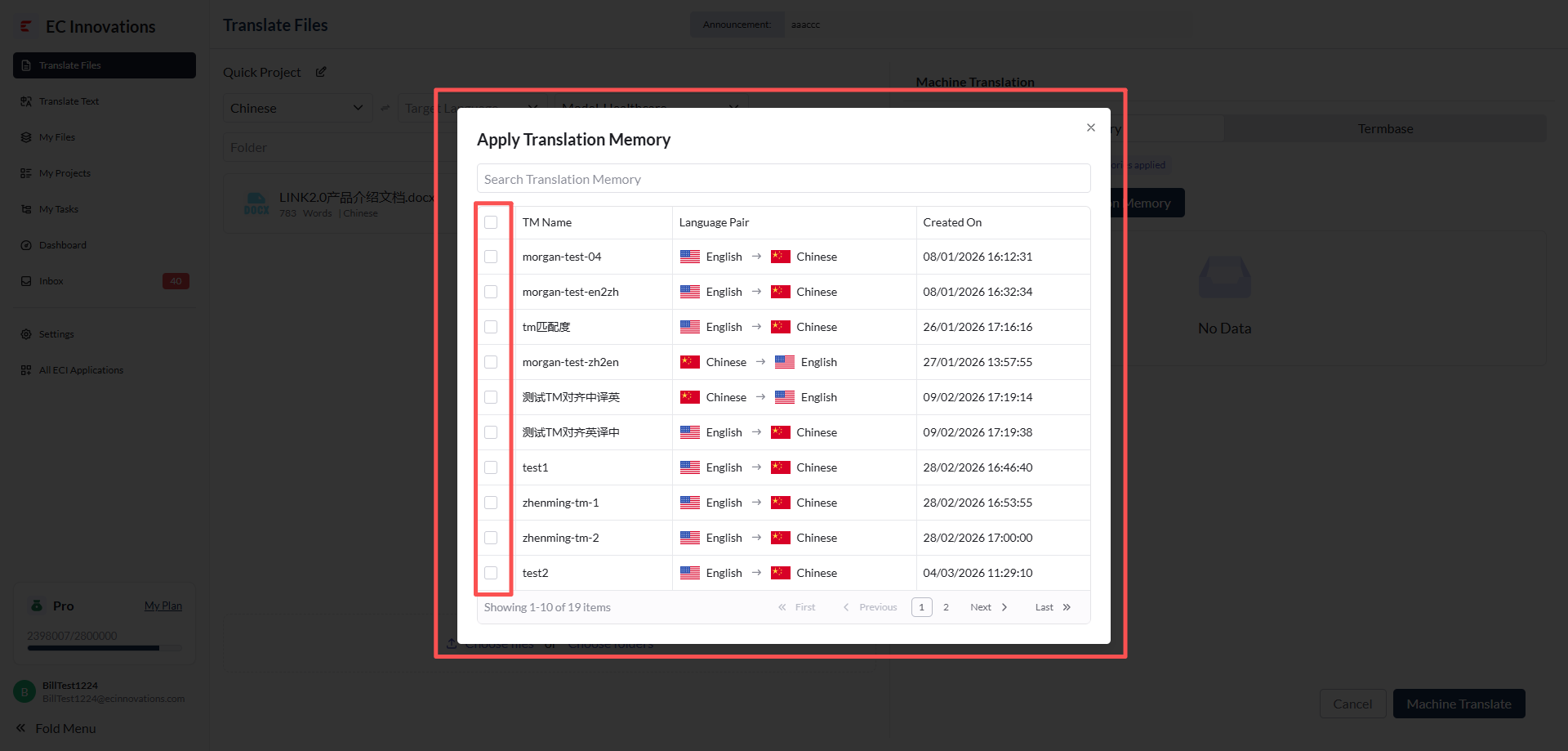
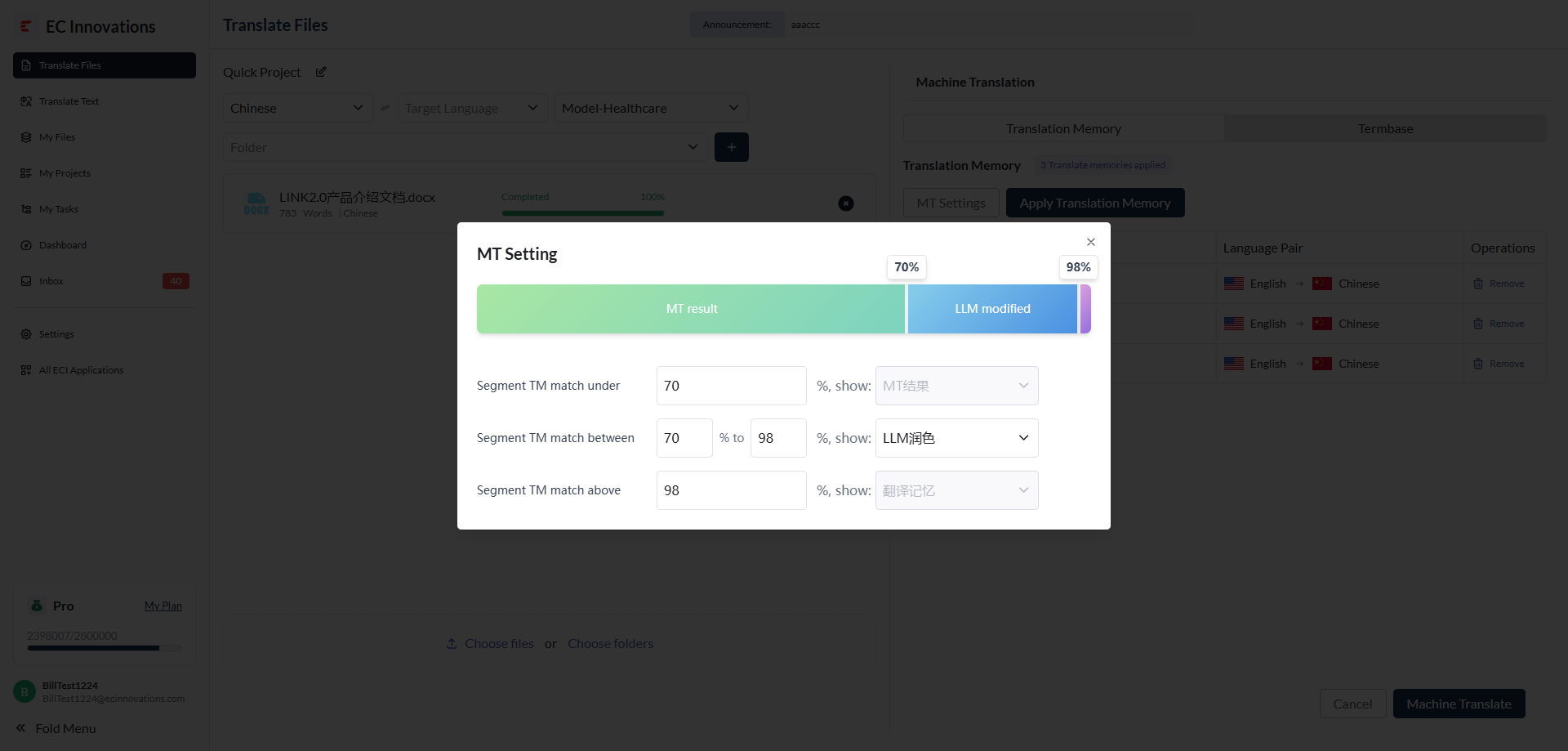
Apply translation memories.
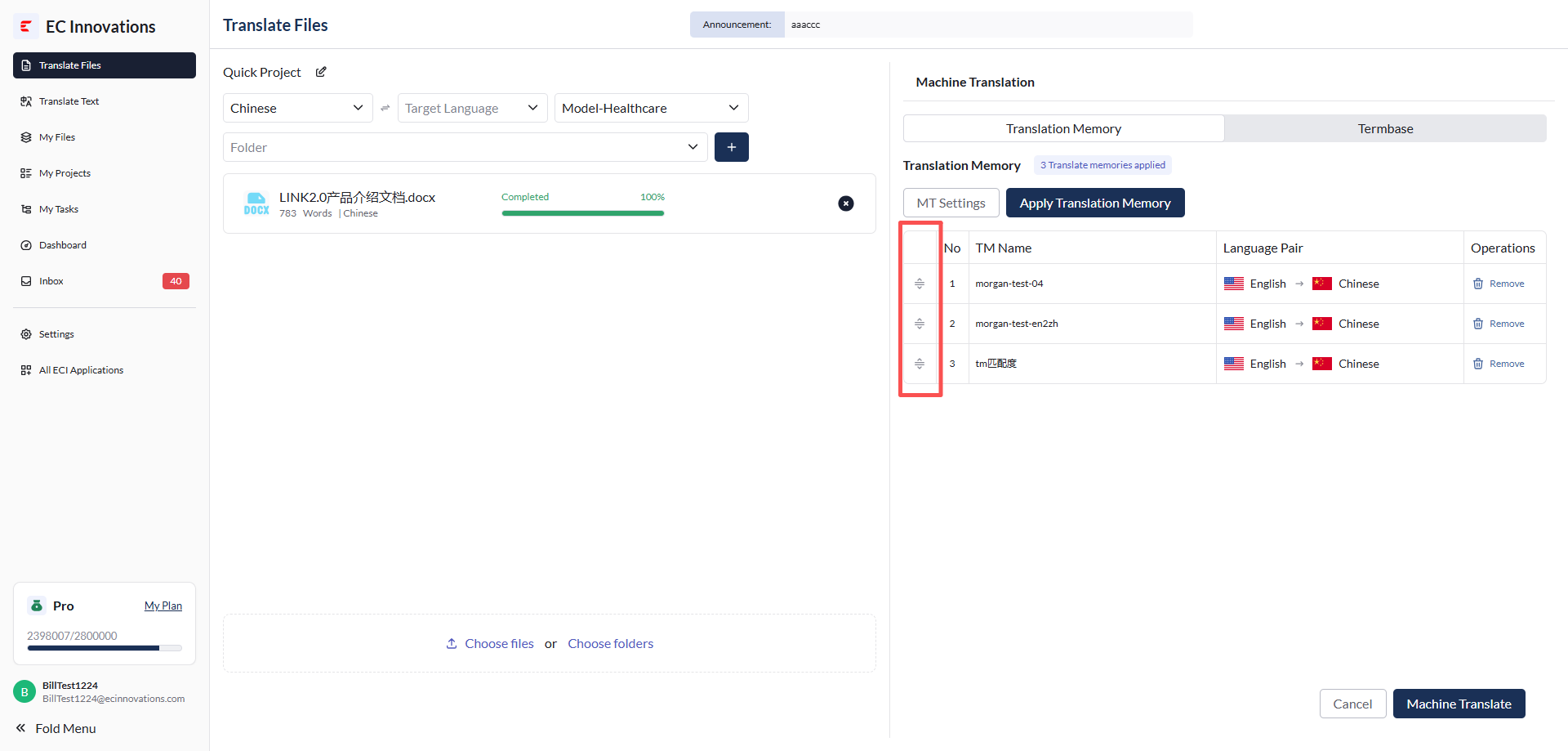
You can also drag and drop translation memories to set their order of use.
For AI translation, you can customize how translation memories, LLM models, AI results, and other resources are used based on the AI match level.
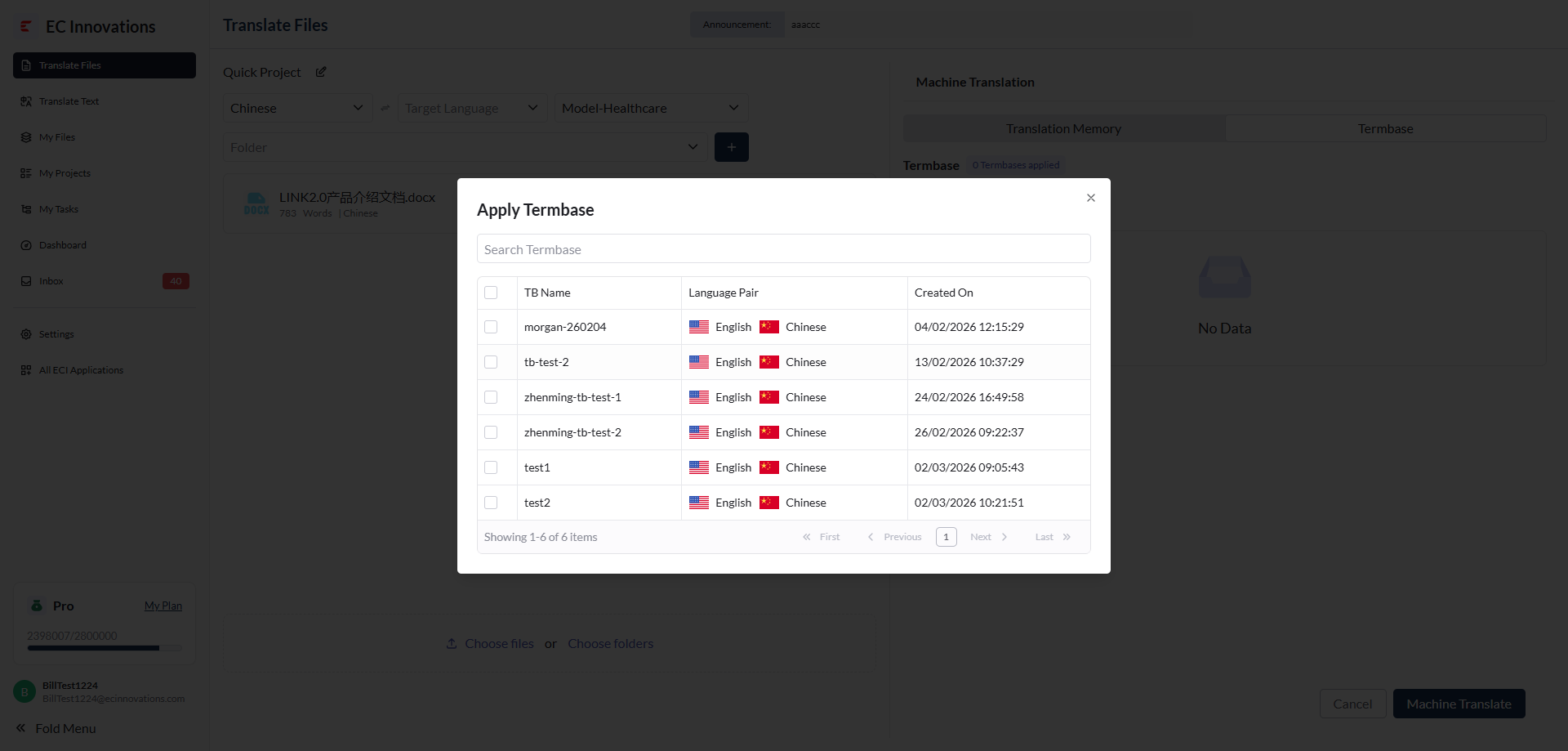
Apply termbases.
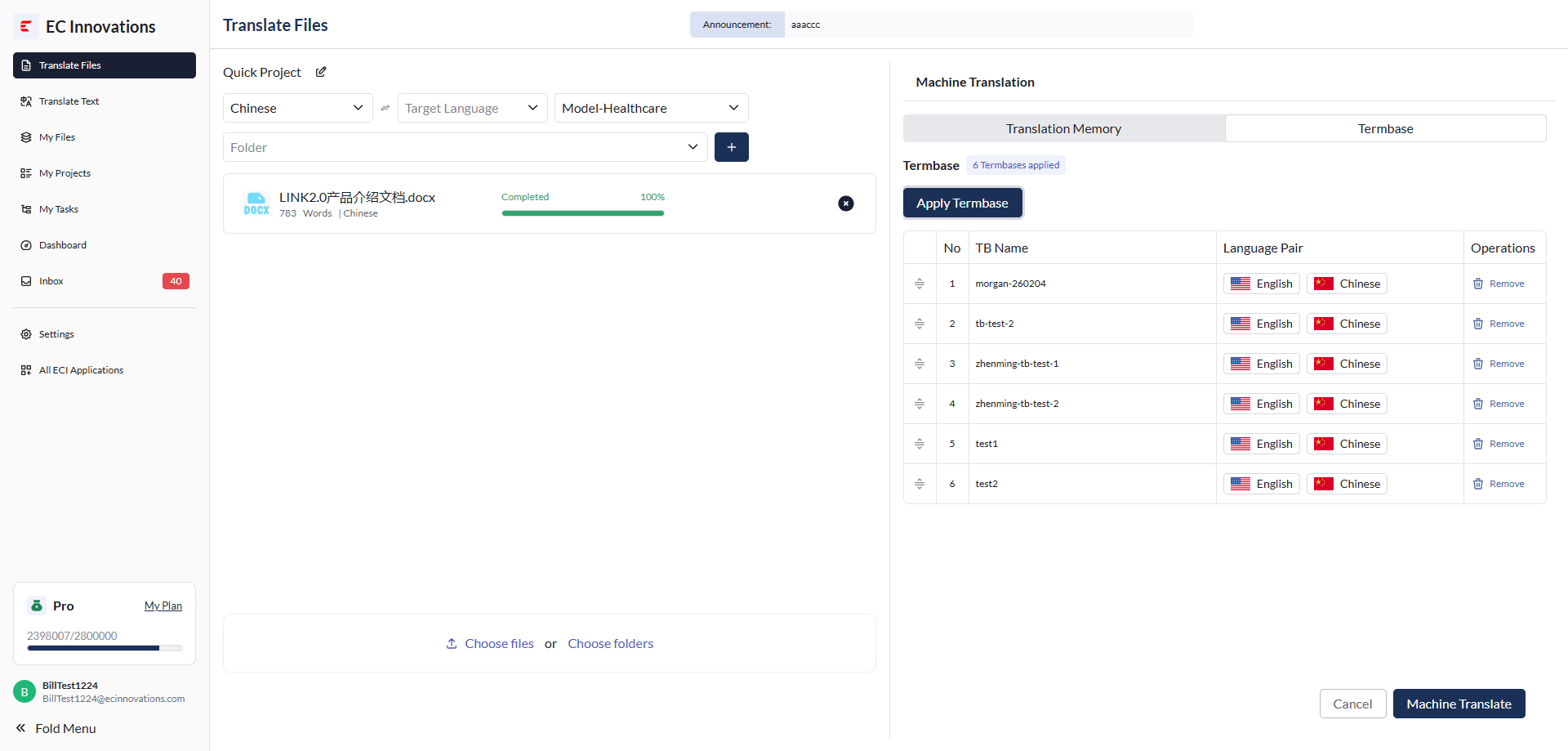
Submit the project.
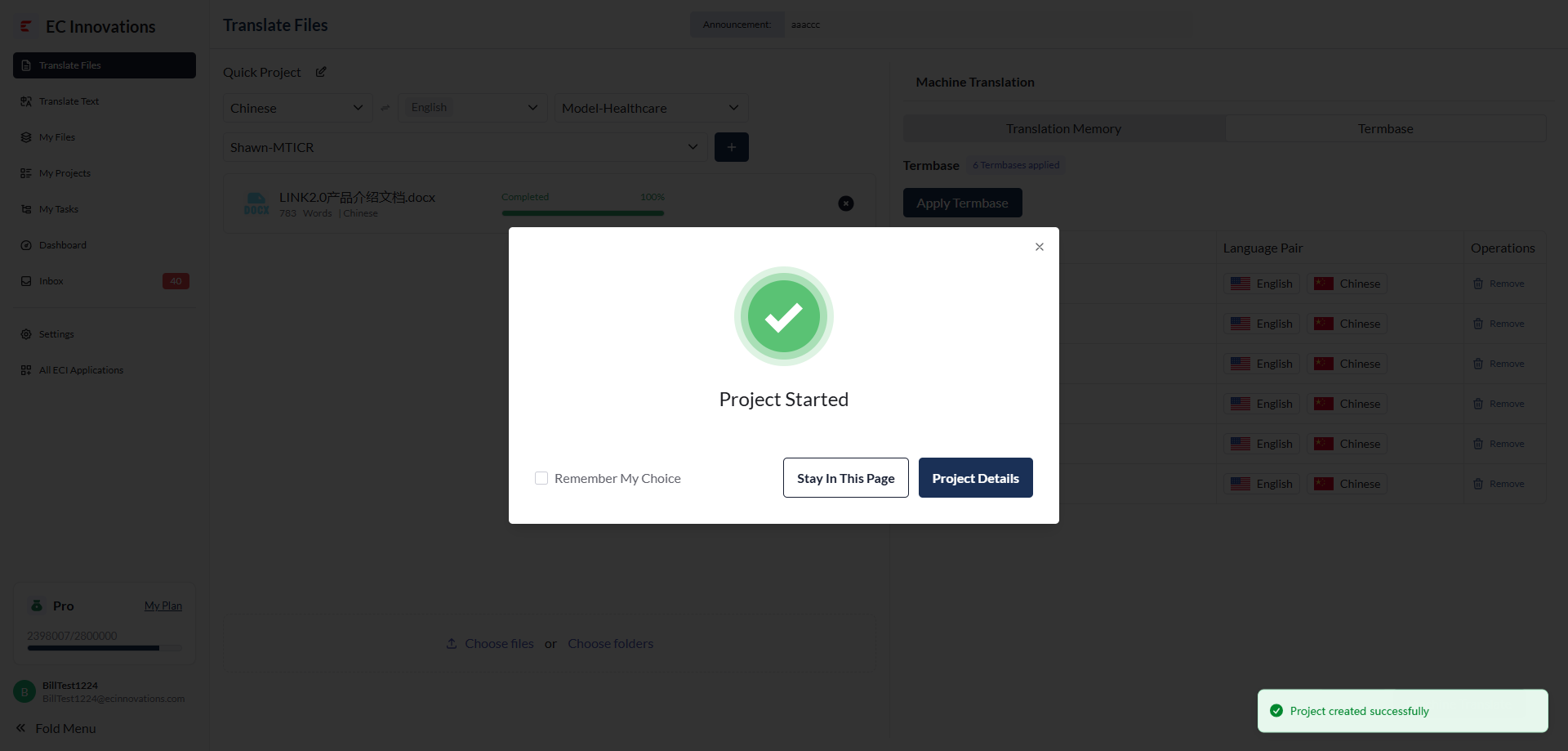
- Click 'Machine Translate' in the lower-right corner to submit the project.
- After the project is submitted, the platform will automatically generate a project number. You can either stay on the current page or go to the project details page.