How to Subscribe to ECI Link
My Plan
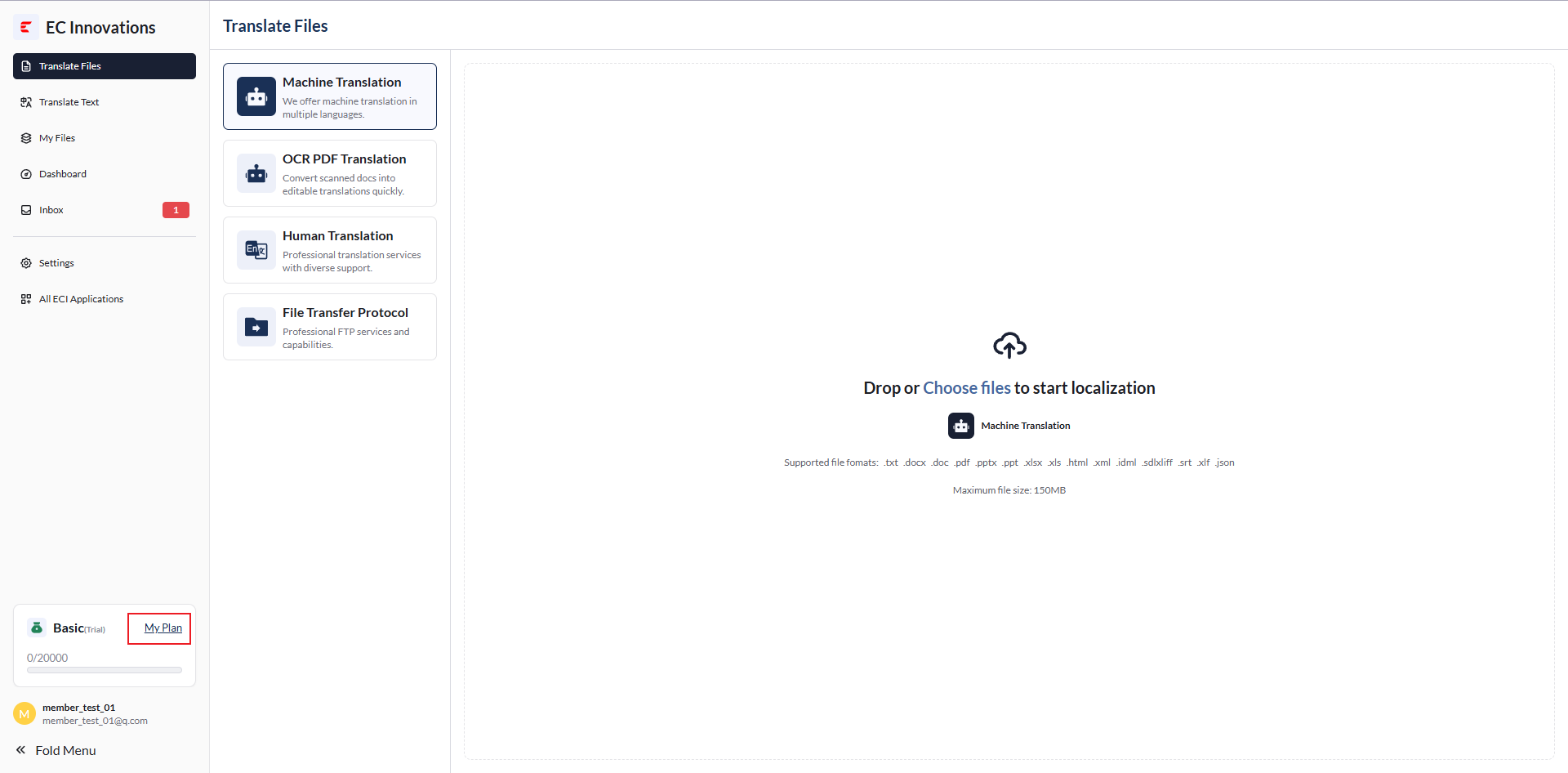
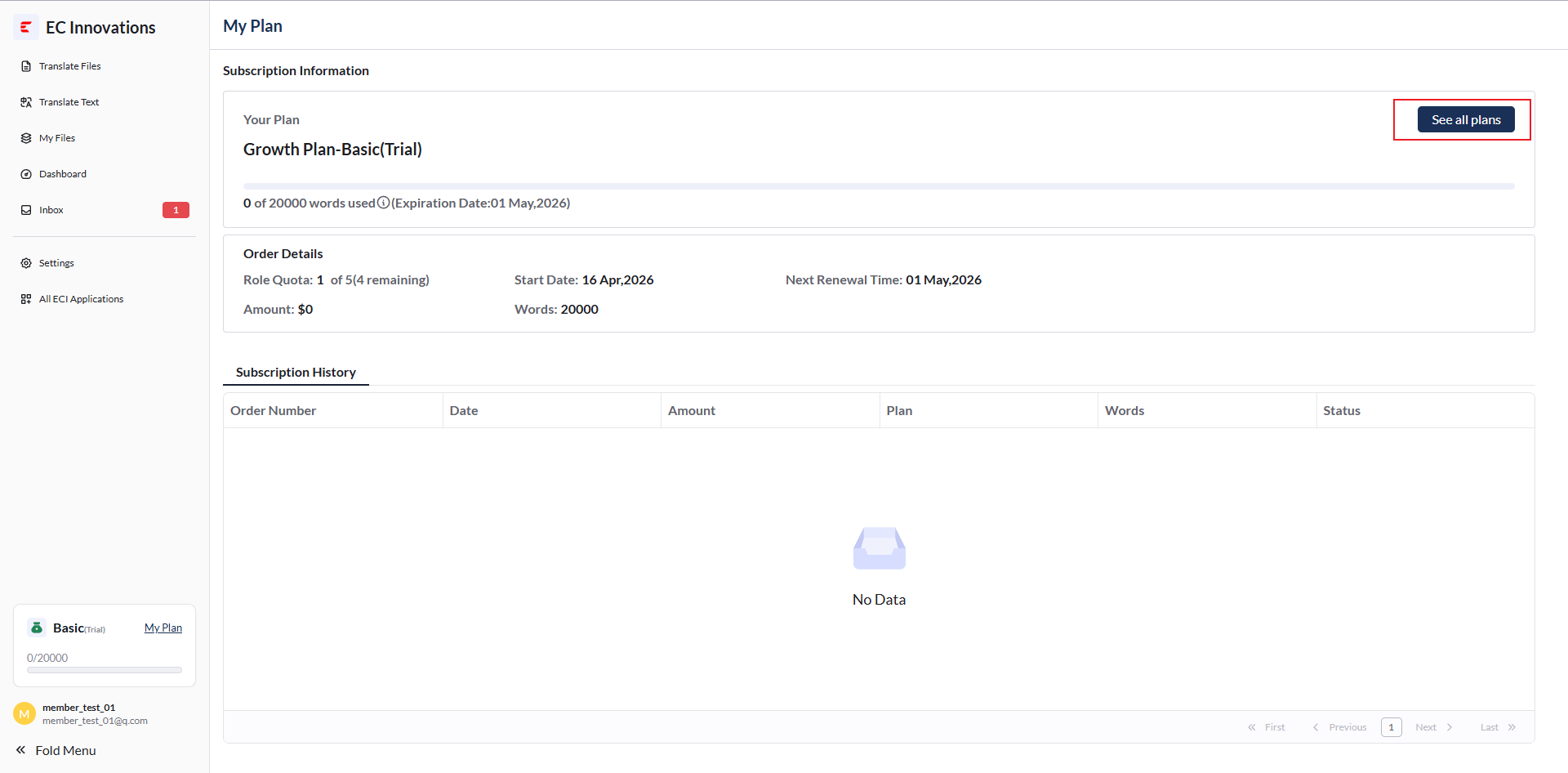
You can click ‘My plan’ to view your subscription plan.
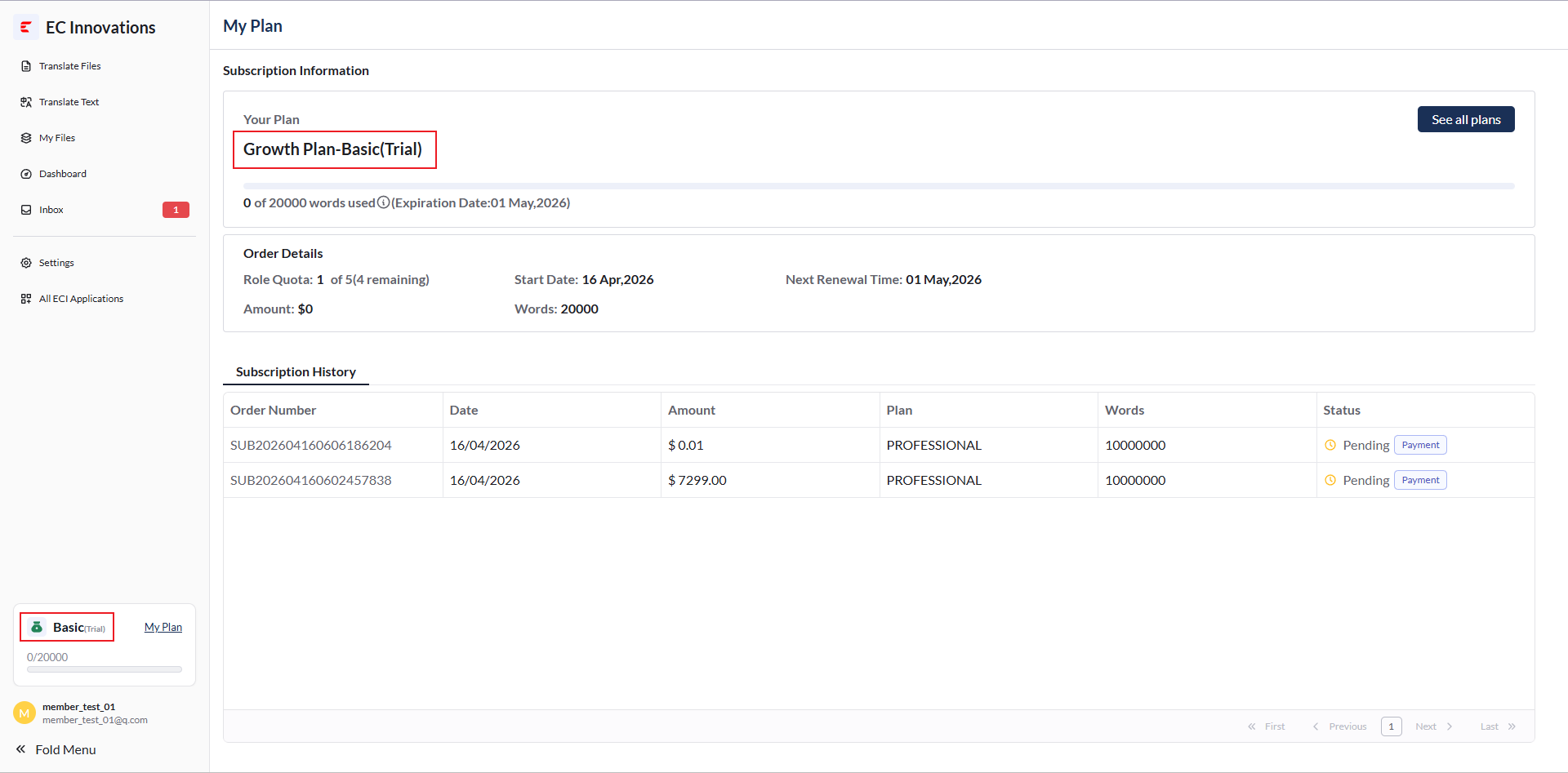
New User Trial Card
Before subscribing to ECI Link, new users receive a 15-day free trial card, which allows them to try selected features of the ‘Basic Edition’ plan.
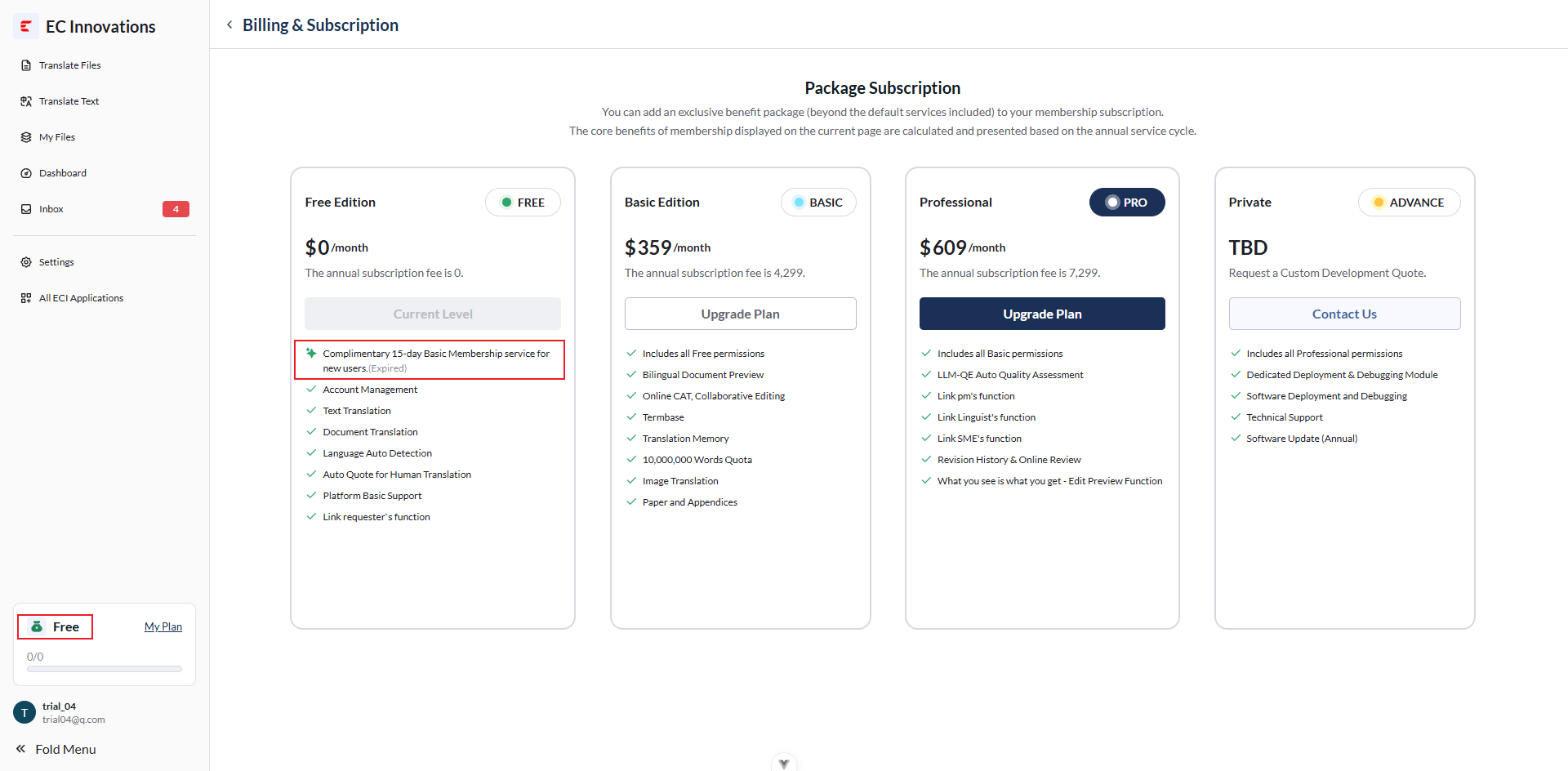
After 15 days, the plan will return to ‘Free’.
How to Subscribe
Click ‘See All plans’ to go to the plan subscription page.
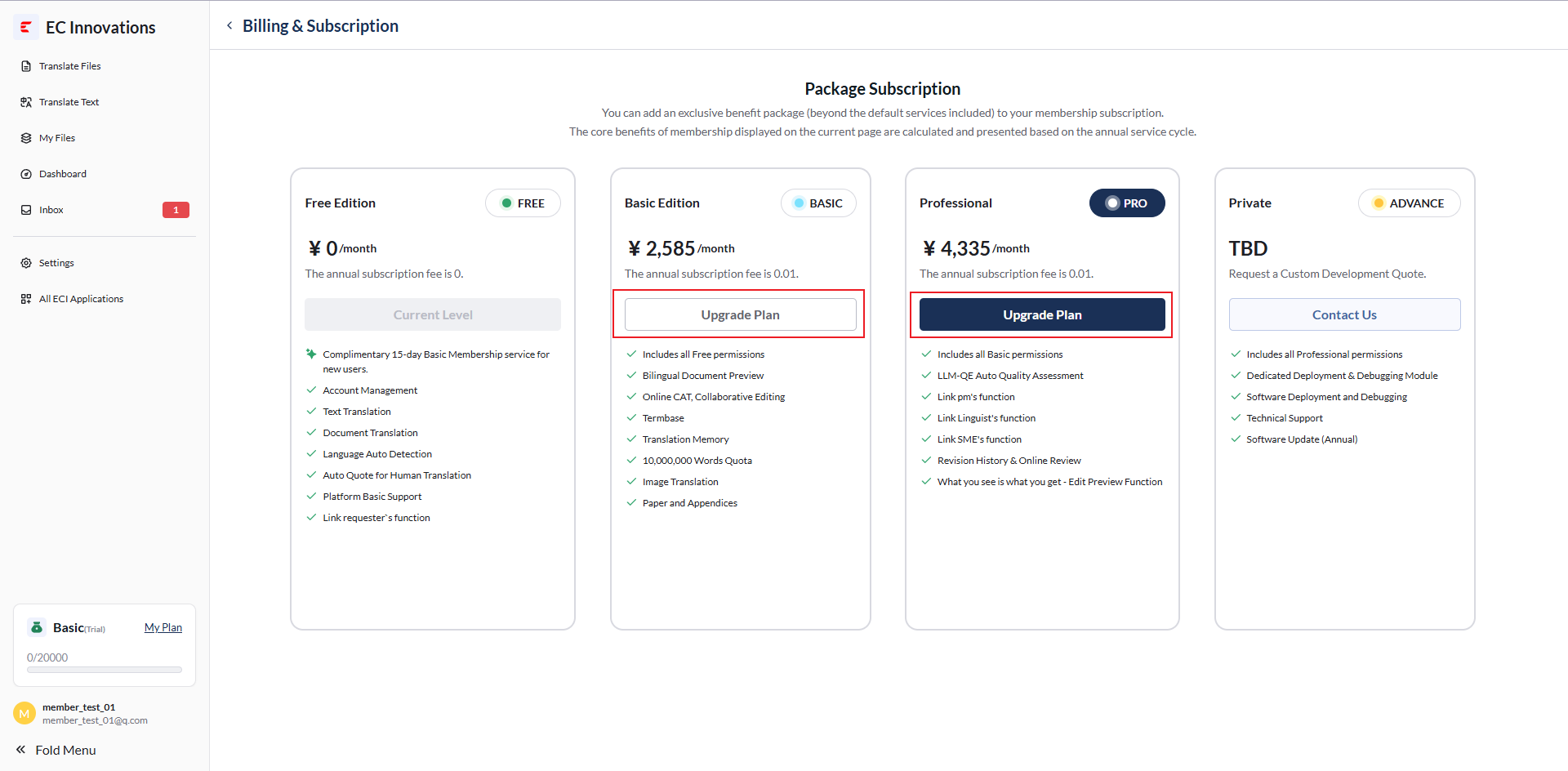
ECI Link currently offers three subscription plans.
To select the ‘Basic Edition’ or ‘Professional’ plan, click ‘Upgrade plan’ to go to the plan payment page.
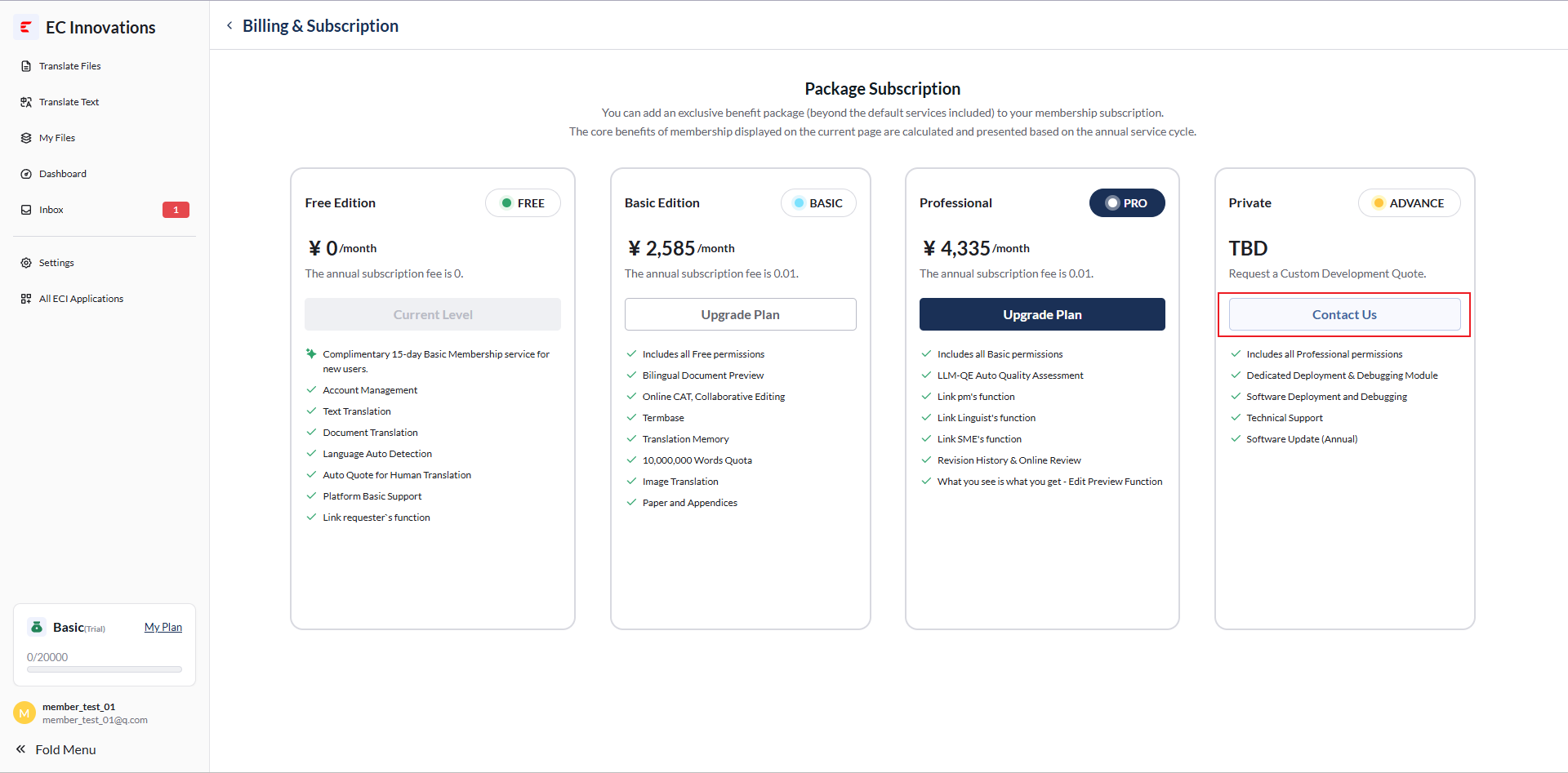
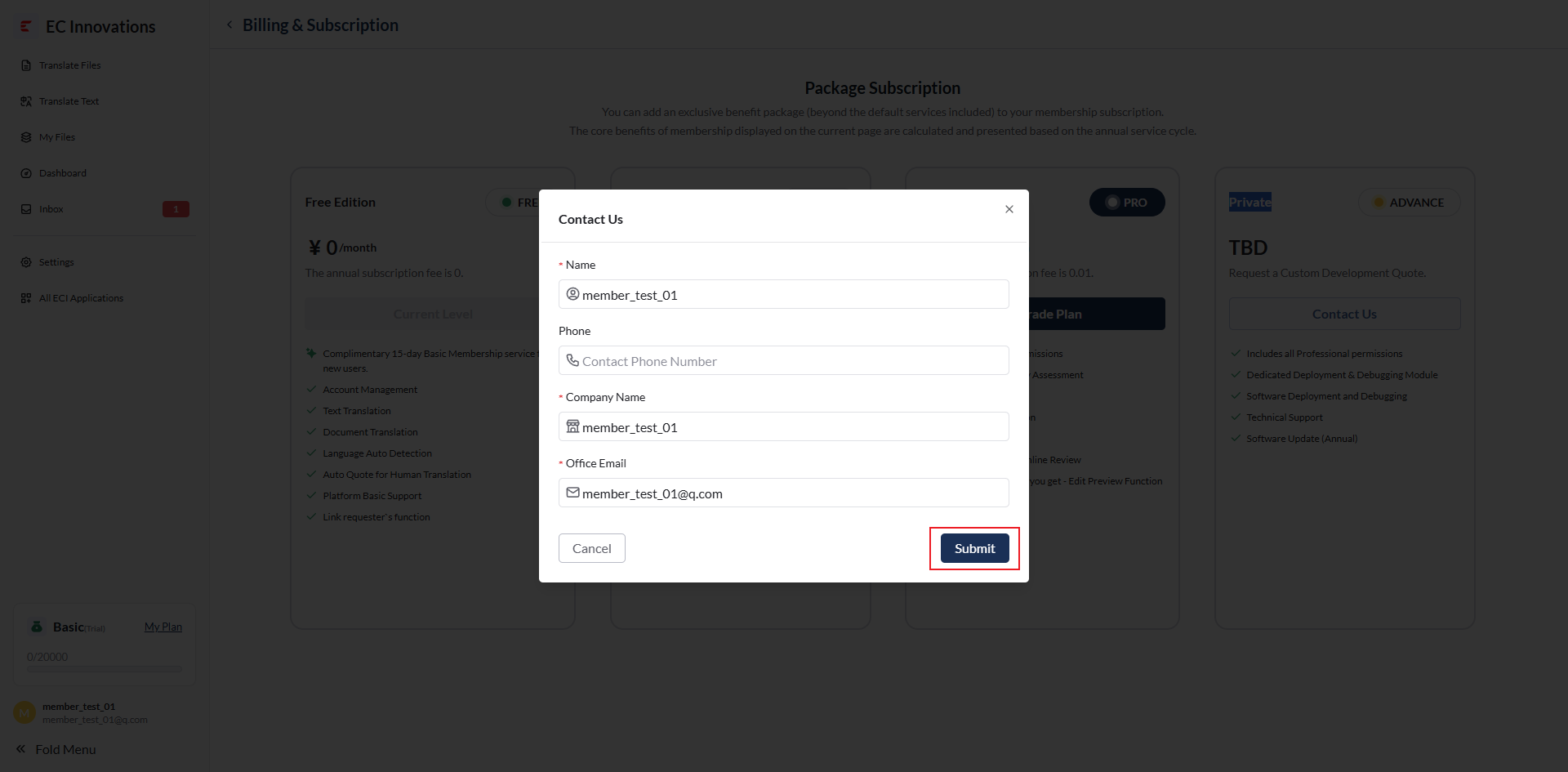
To select the ‘Private’ plan, click ‘Contact Us’, fill in your personal information, and click ‘Submit’. A dedicated customer support representative will contact you.
How to Pay
If you are located in the United States or Europe, you can pay with PayPal.
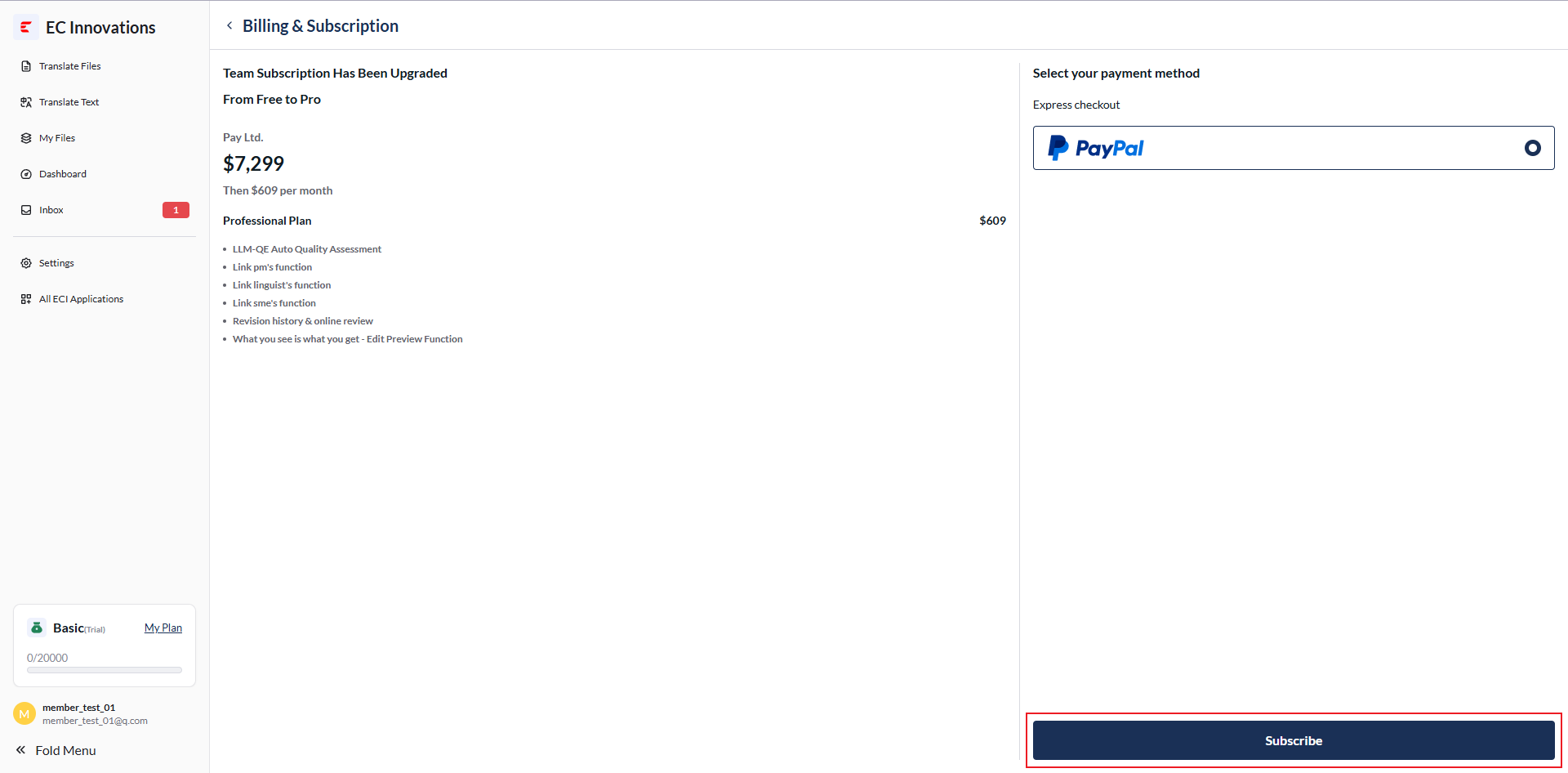
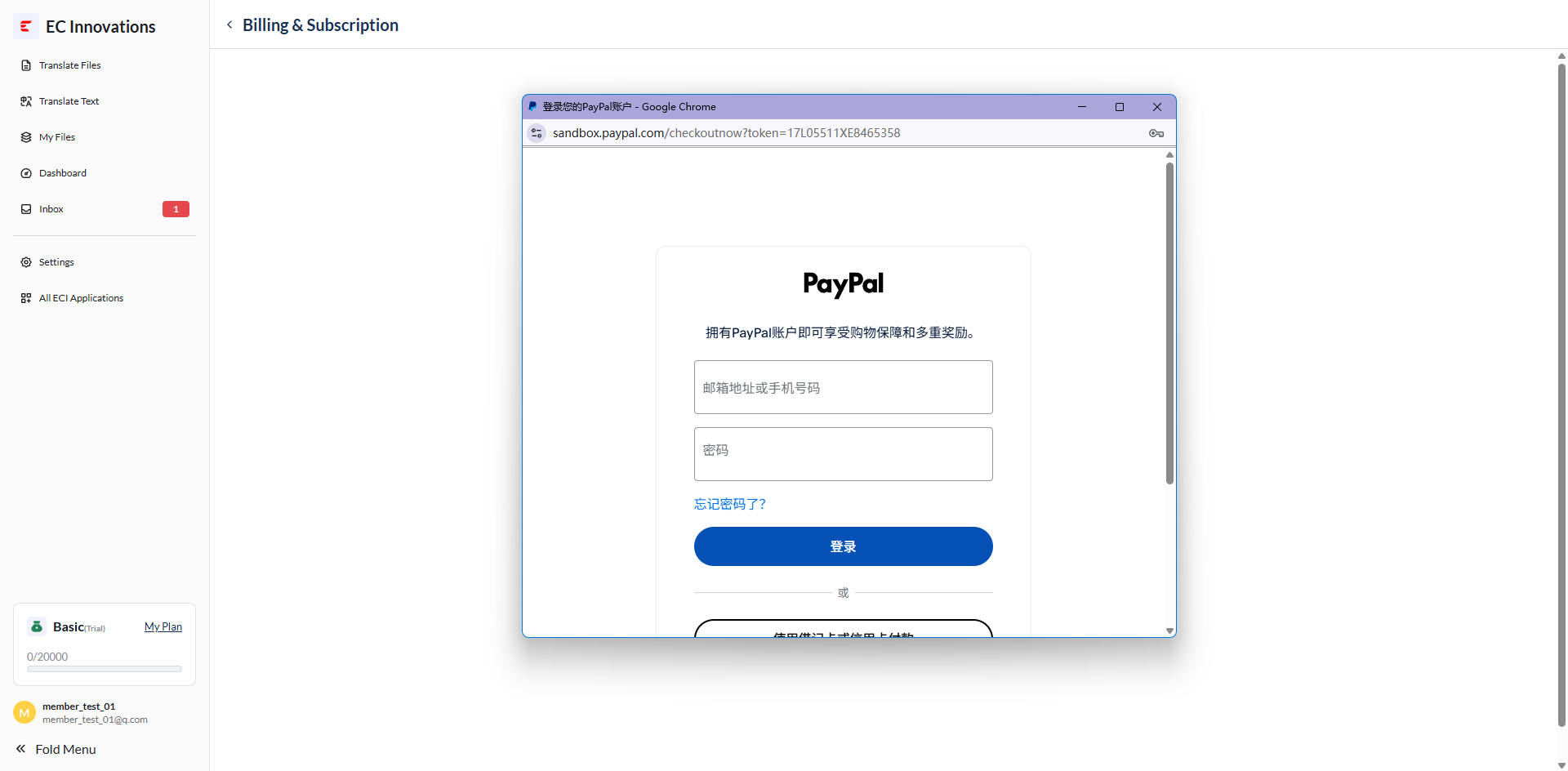
Click ‘Subscribe’ to go to the payment page, then sign in to PayPal to complete the payment.
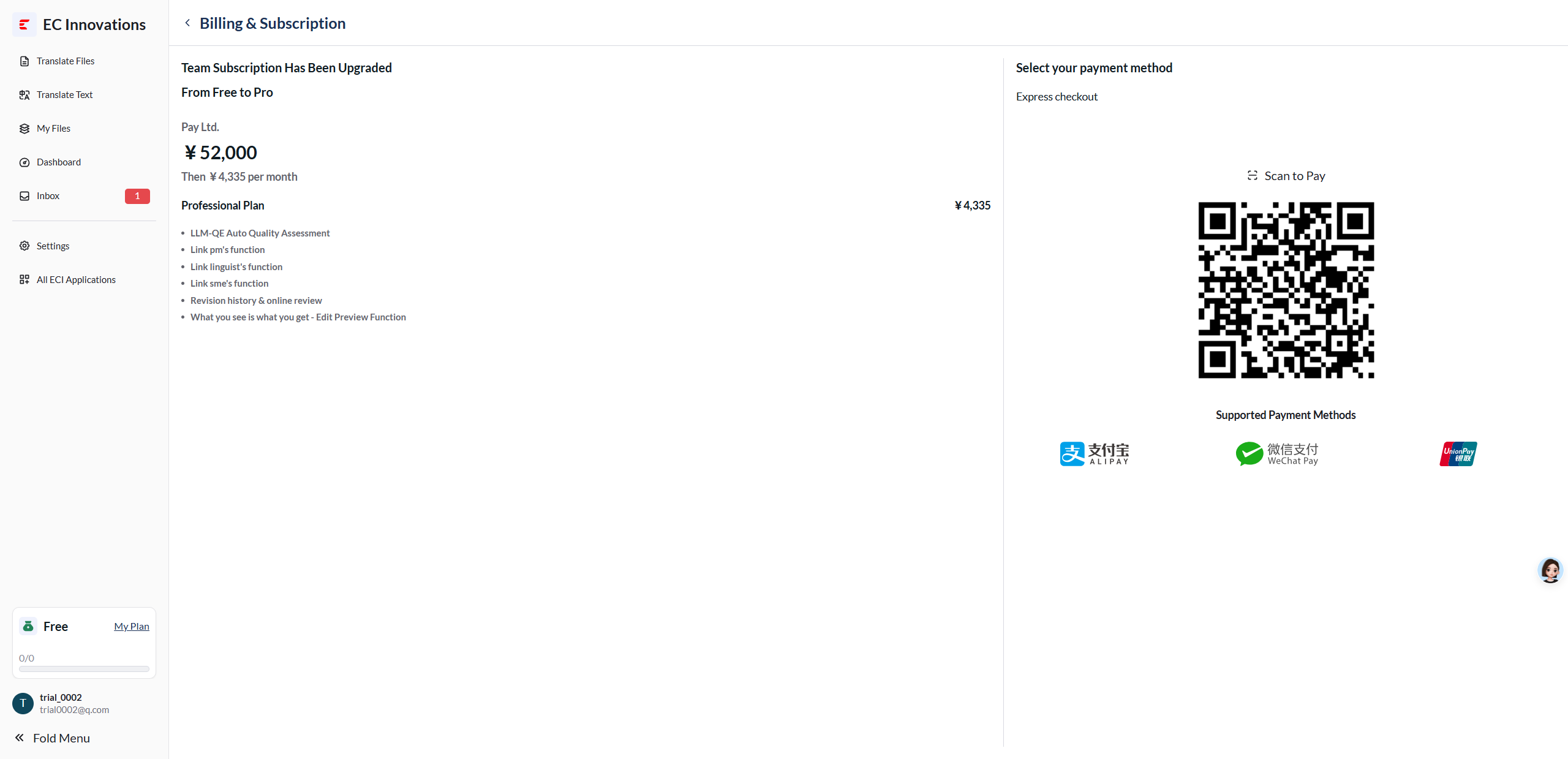
If you are located in Hong Kong, you can pay by scanning the QR code.
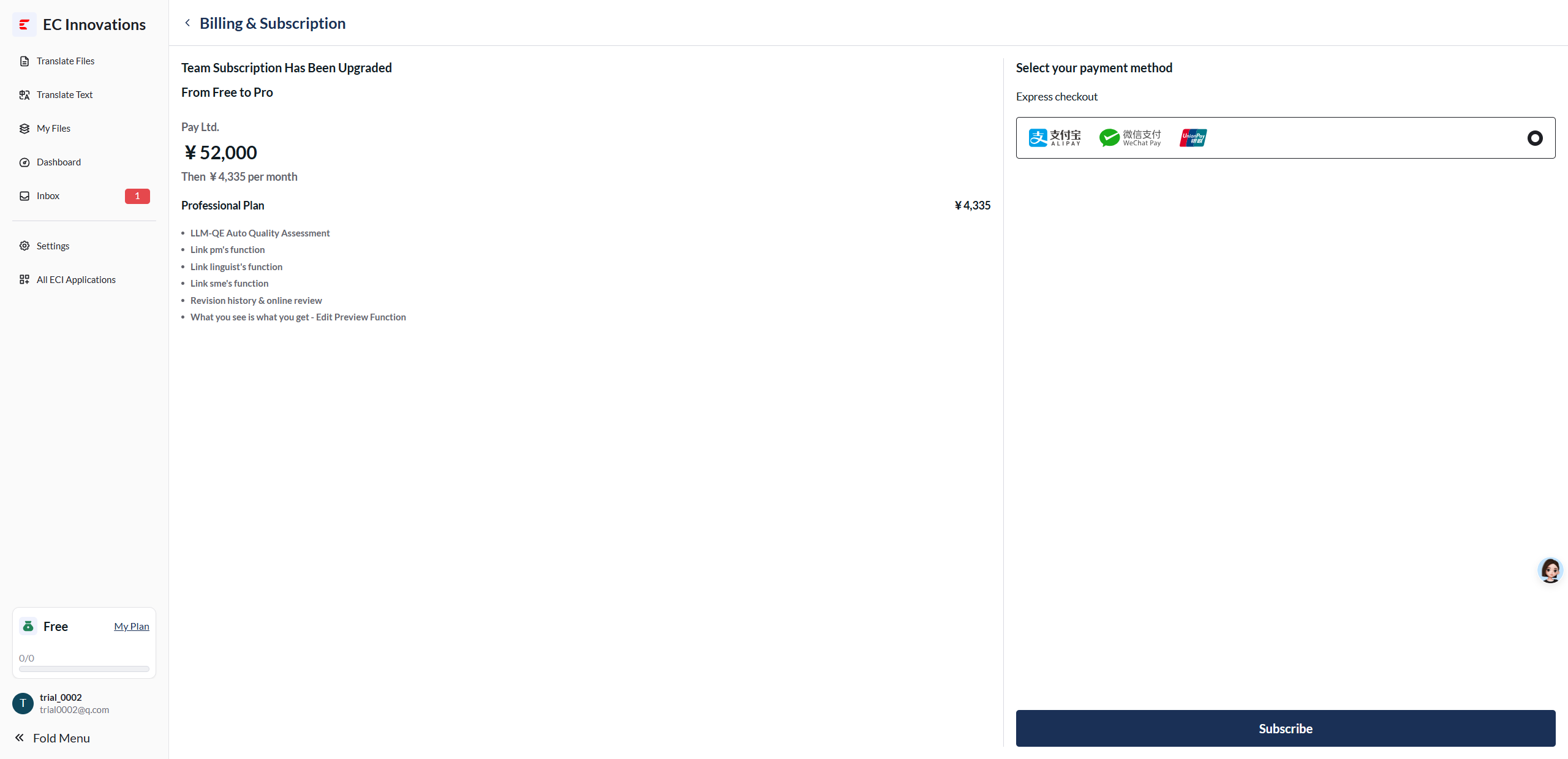
Click ‘Subscribe’ to go to the payment page, then scan the QR code to complete the payment.