File Transfer Protocol
Introduction
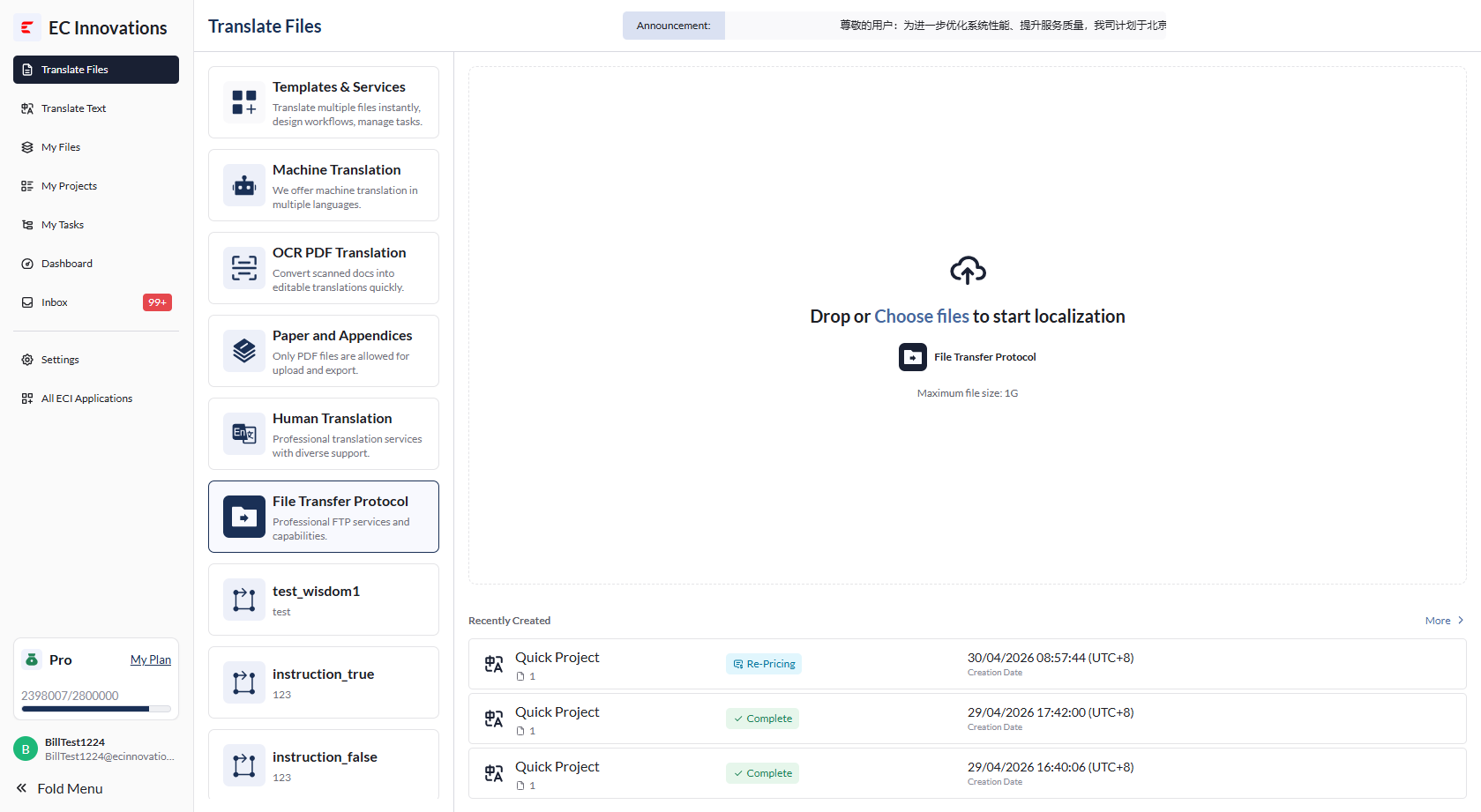
- File Transfer Protocol is designed to help you manage large-file translation requests. This workflow remains available on an ongoing basis, so you can send files or compressed file packages to our PM at any time. The PM will then handle the offline translation process. Users can click ‘File Transfer Protocol’ to start the translation workflow.
Upload Files
- Click ‘Upload File’, or drag and drop a file to upload it.
- All file types are currently supported.
- Each file can be up to 1 GB.
Select or Create a Folder
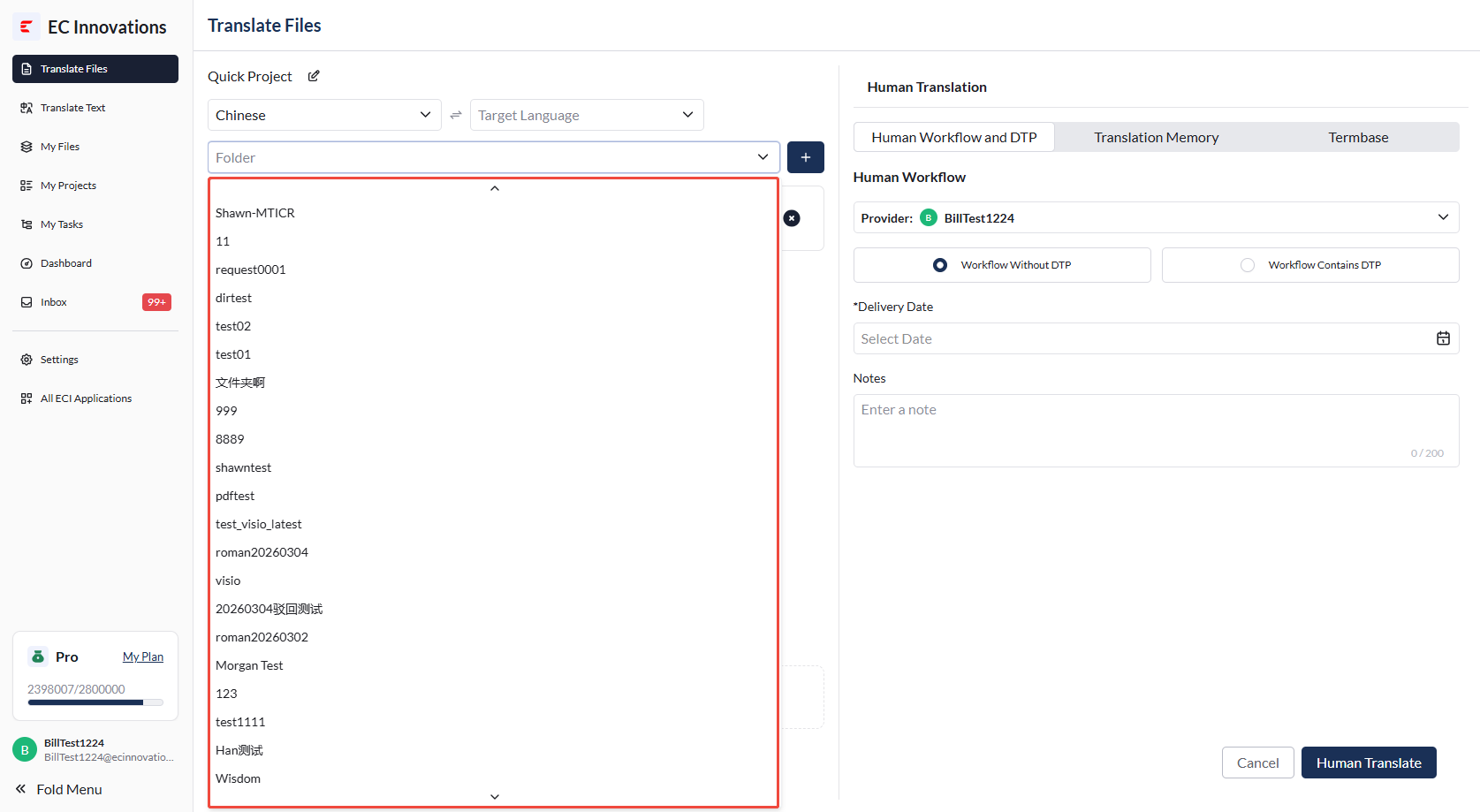
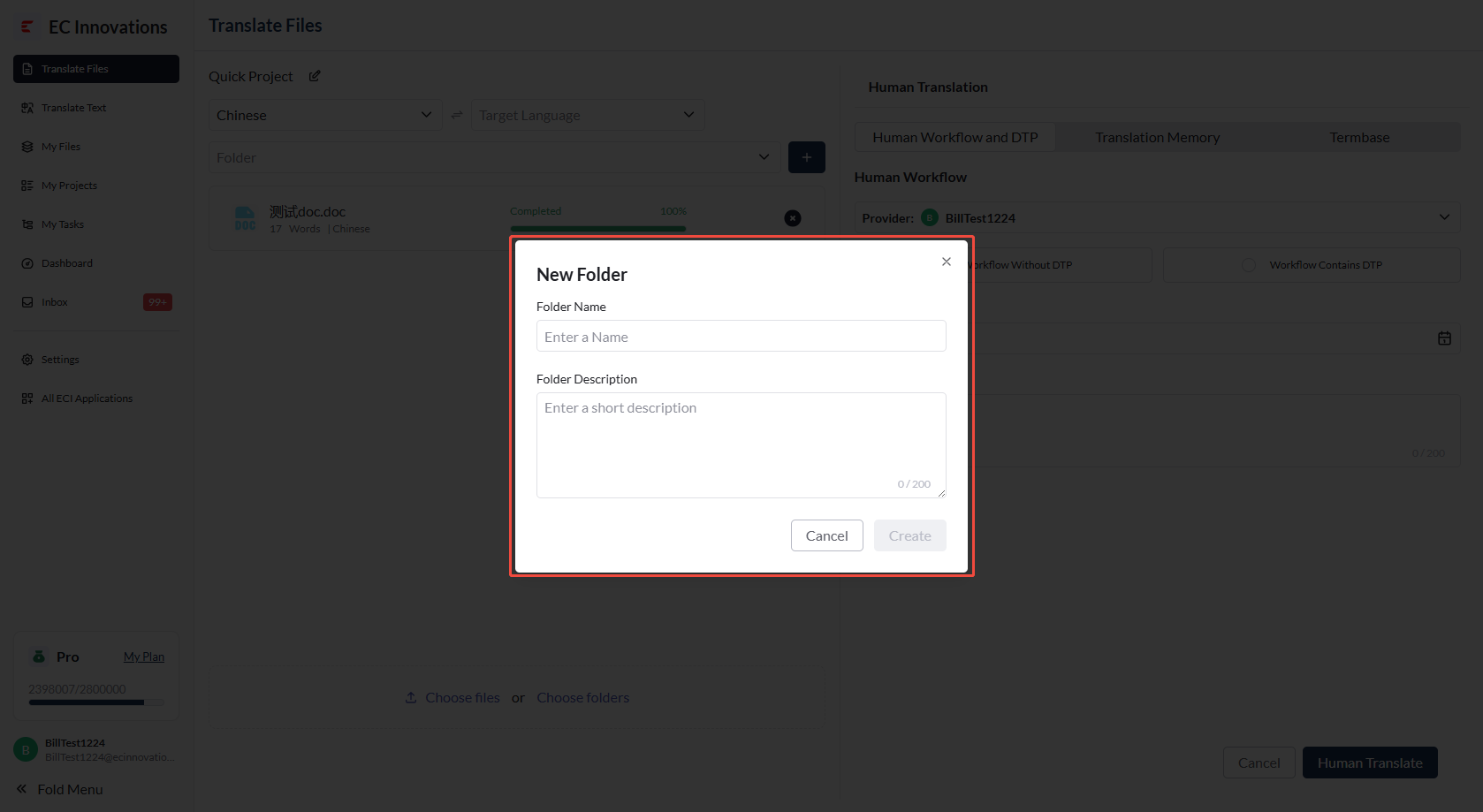
- When creating a project, you can select an existing folder or create a new one.
File Transfer Protocol Settings
Human Workflow Settings
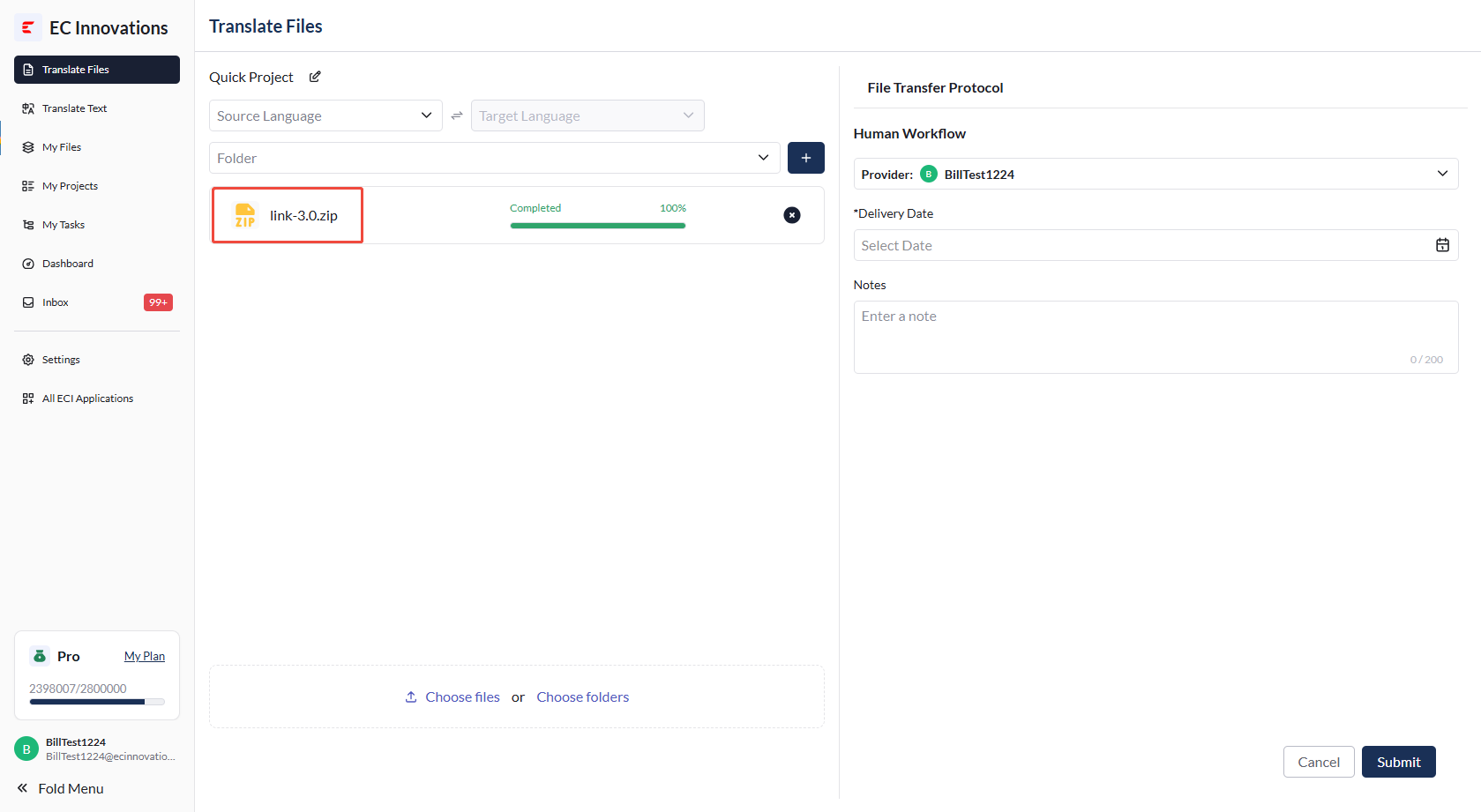
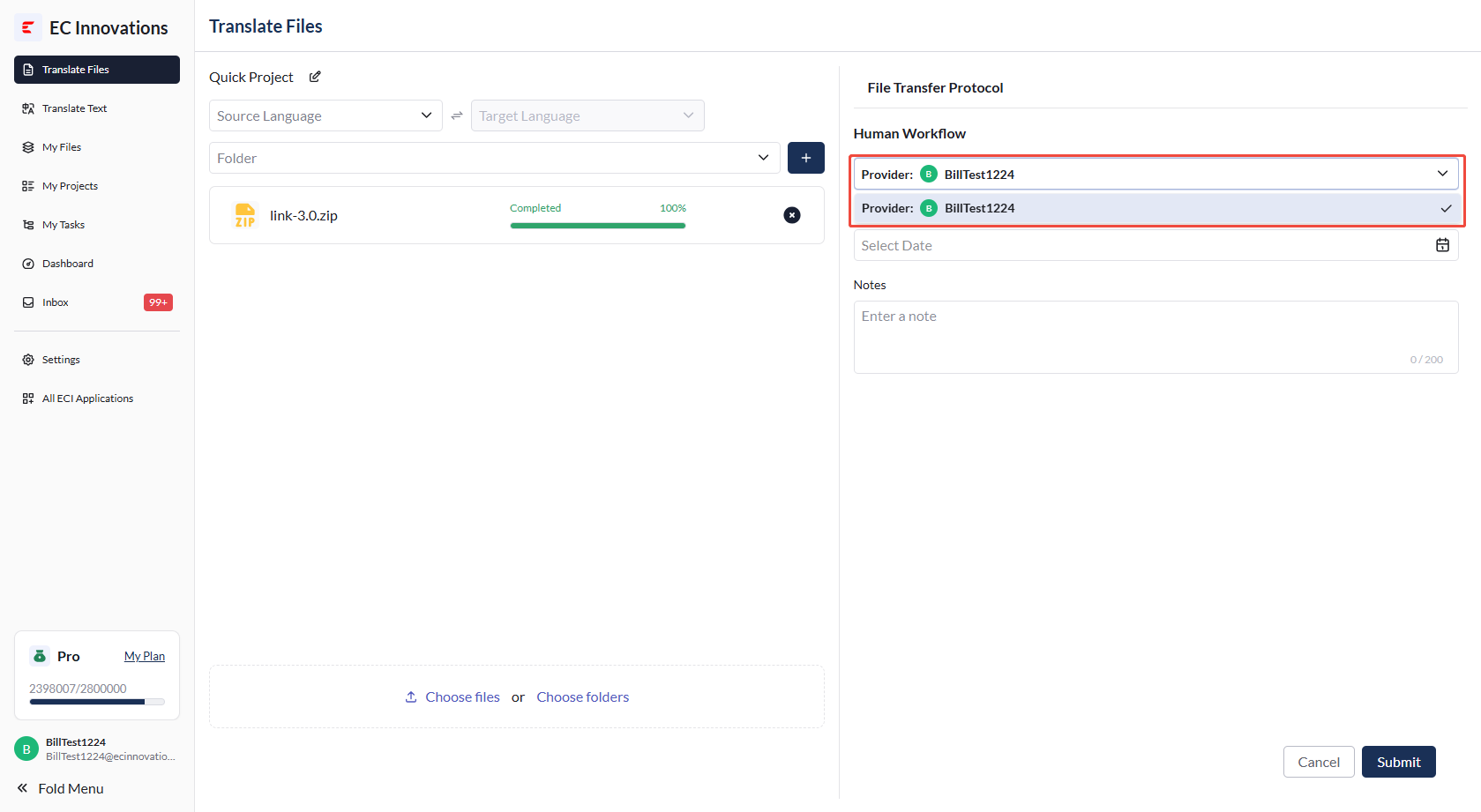
- A vendor must be selected for the file transfer workflow. The first vendor is selected by default. For details, please contact us.
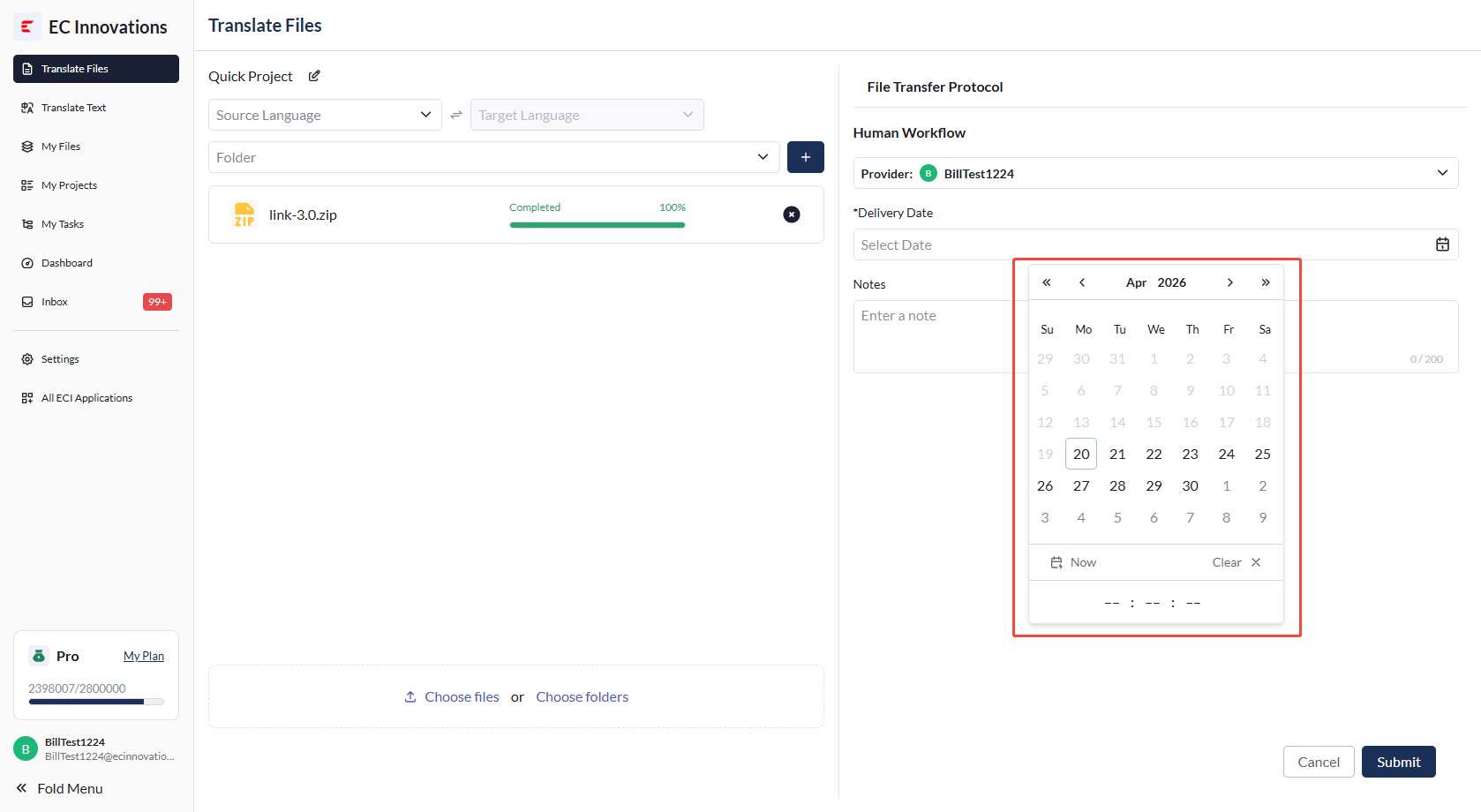
- You need to select the expected delivery date for the file transfer workflow.
Submit the Project
- Click ‘Submit’ in the lower-right corner.
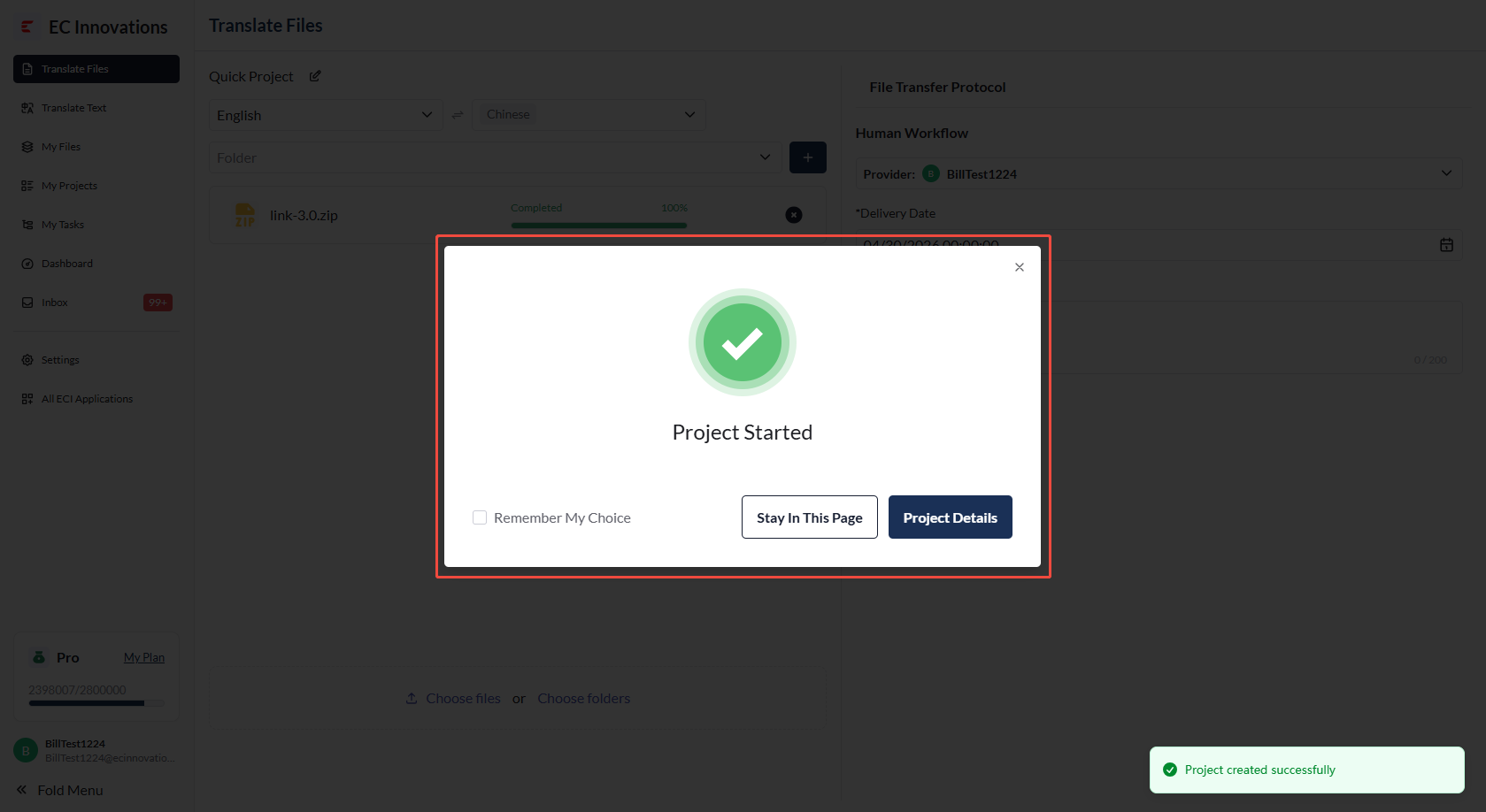
- After the project is submitted, the platform will automatically generate a project number. You can either stay on the current page or go to the project details page.