File Upload
Introduction
Files can be uploaded in two main ways: by dragging and dropping them, or by clicking to upload. Both individual files and folders are supported.
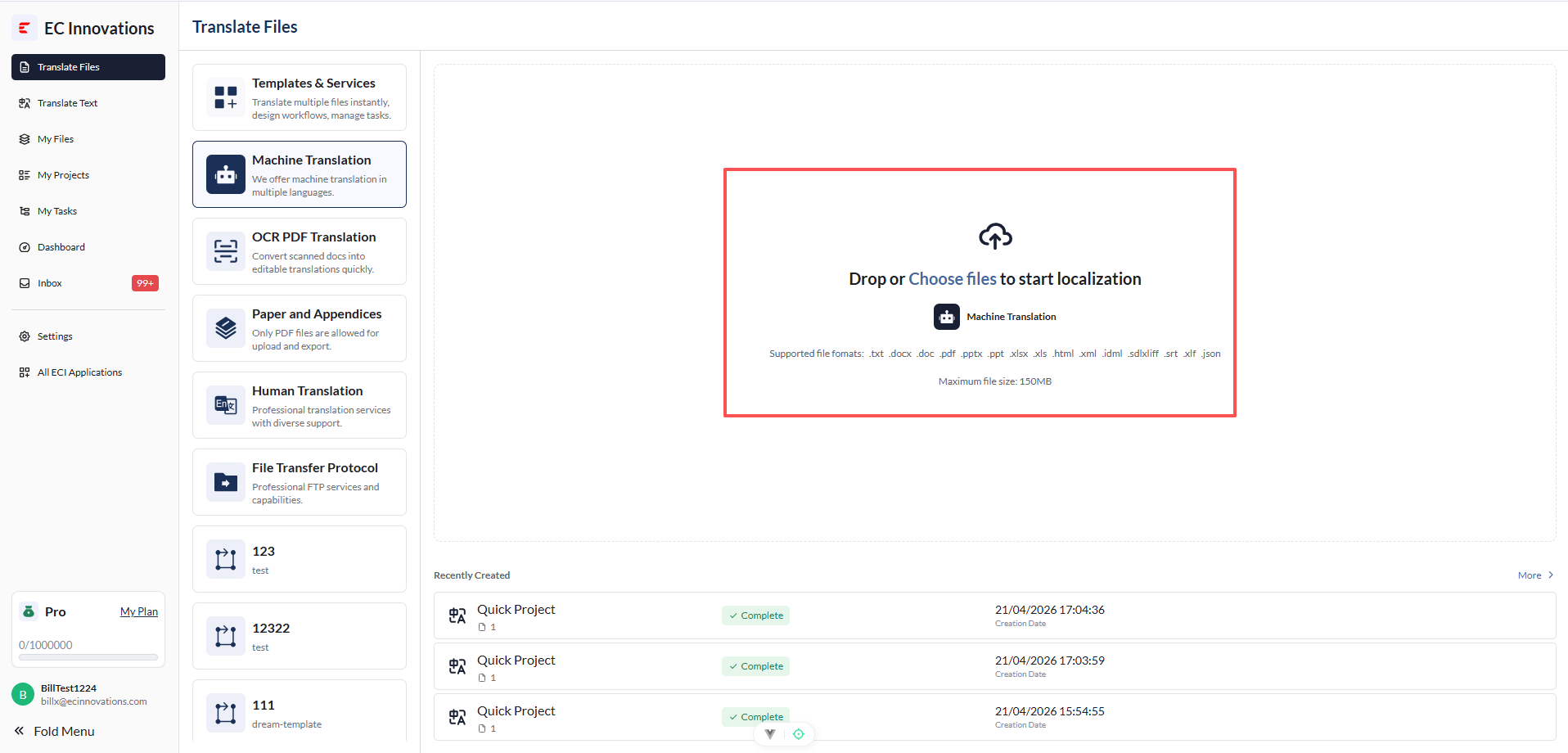
File Upload Workflows
File upload supports the following business workflows:
- AI Translation Workflow: ✨ For detailed steps, see AI Translation.
- Human Translation Workflow: ✨ For detailed steps, see Human Translation.
- File Transfer Workflow: ✨ For detailed steps, see File Transfer Protocol.
- Paper and Appendices Translation Workflow: ✨ For detailed steps, see Paper and Appendices Translation.
Note: In ECI Link TMS workflow management, human translation workflows and file transfer workflows are currently the main supported workflows. Other translation workflows are not supported at this time.