Announcement Management
Introduction
- Announcement Management allows User Administrators to create and publish announcements to all users, sharing system updates and important notices.
 Note: This module is visible only to users with the User Administrator role. For special requests, please contact us.
Announcement List
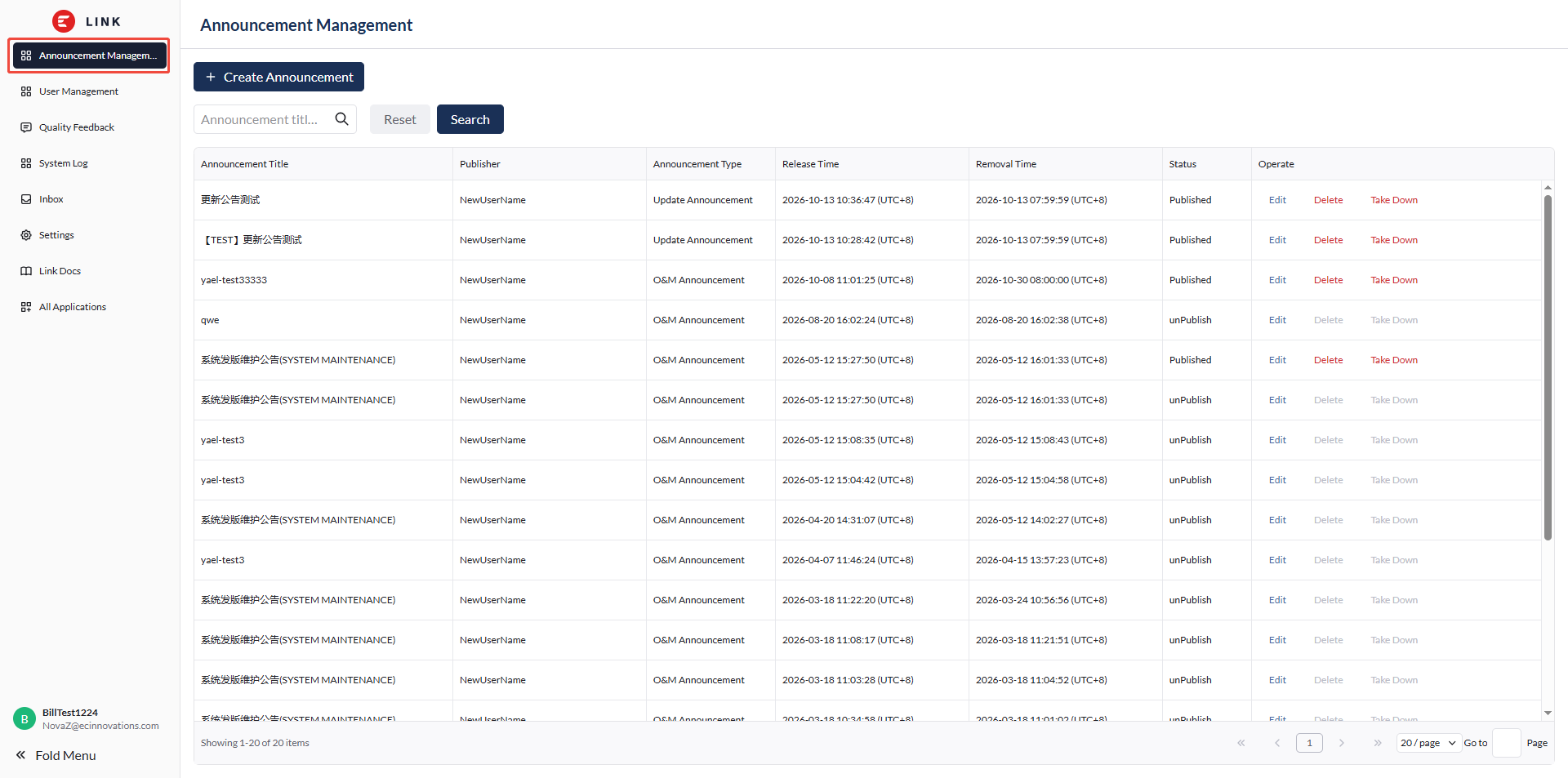
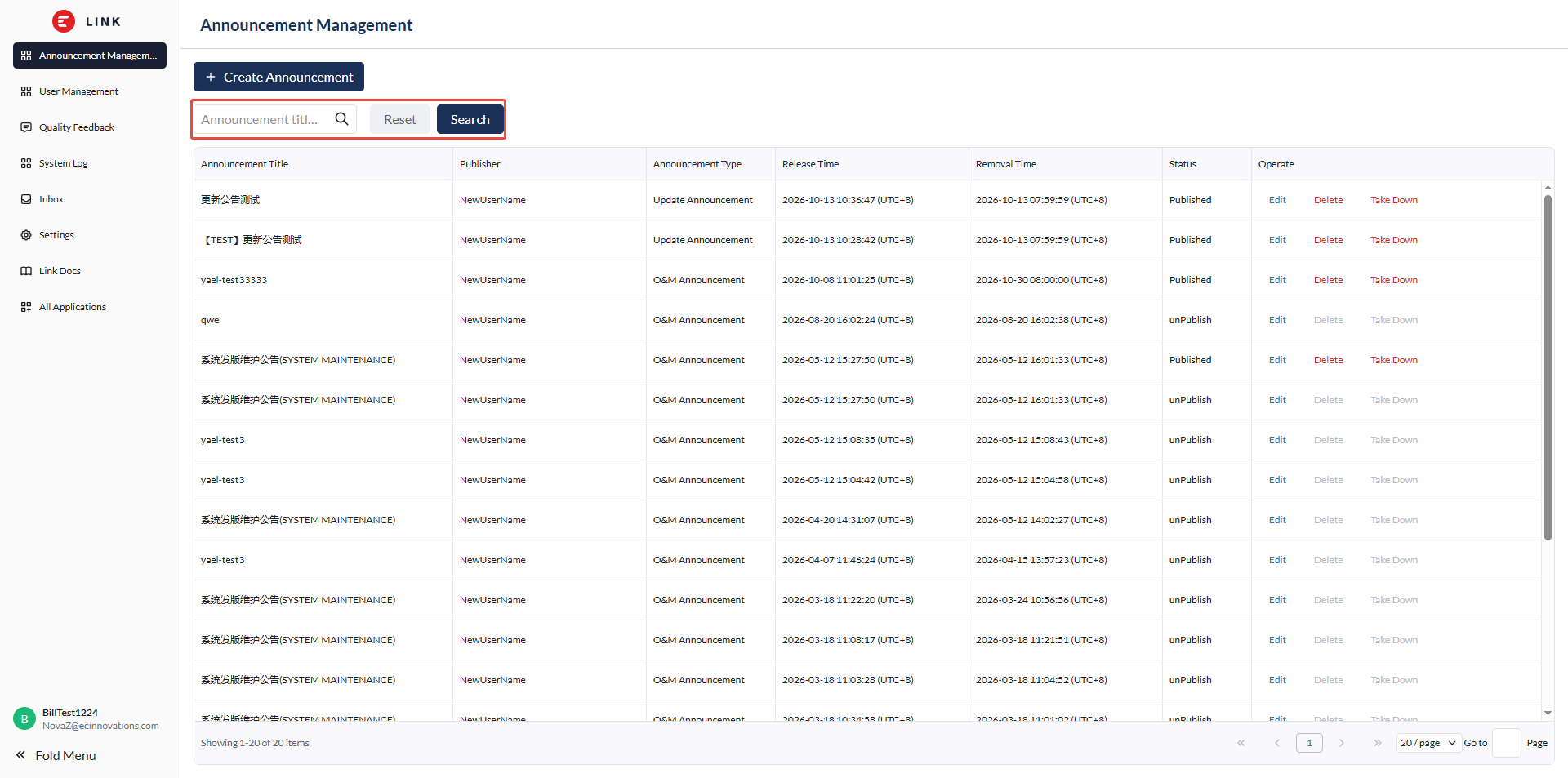
- Click ‘Announcement Management’ in the left-hand menu to open the announcement list. All announcements are displayed by default. You can search for announcements by title.
Create an Announcement
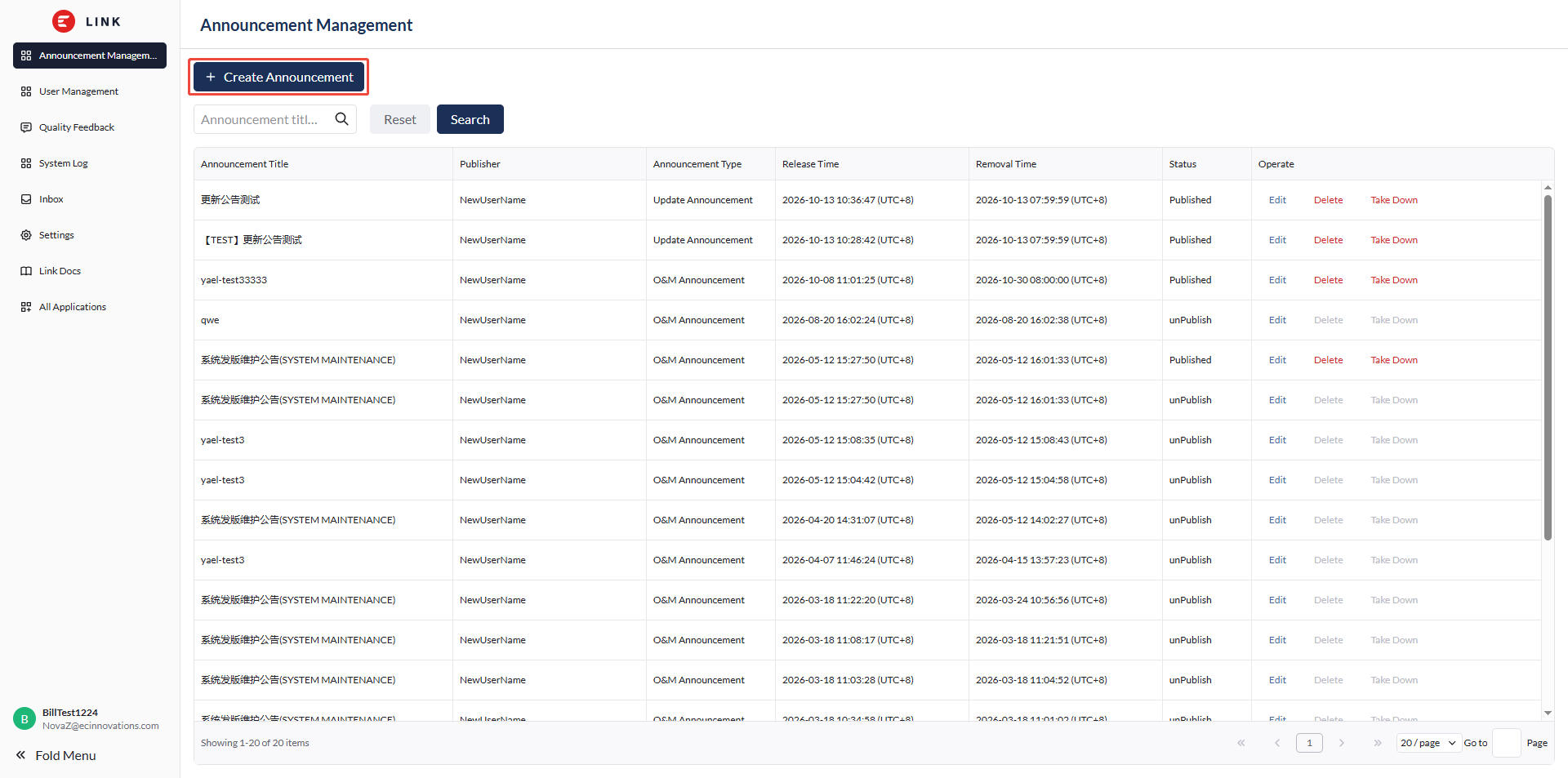
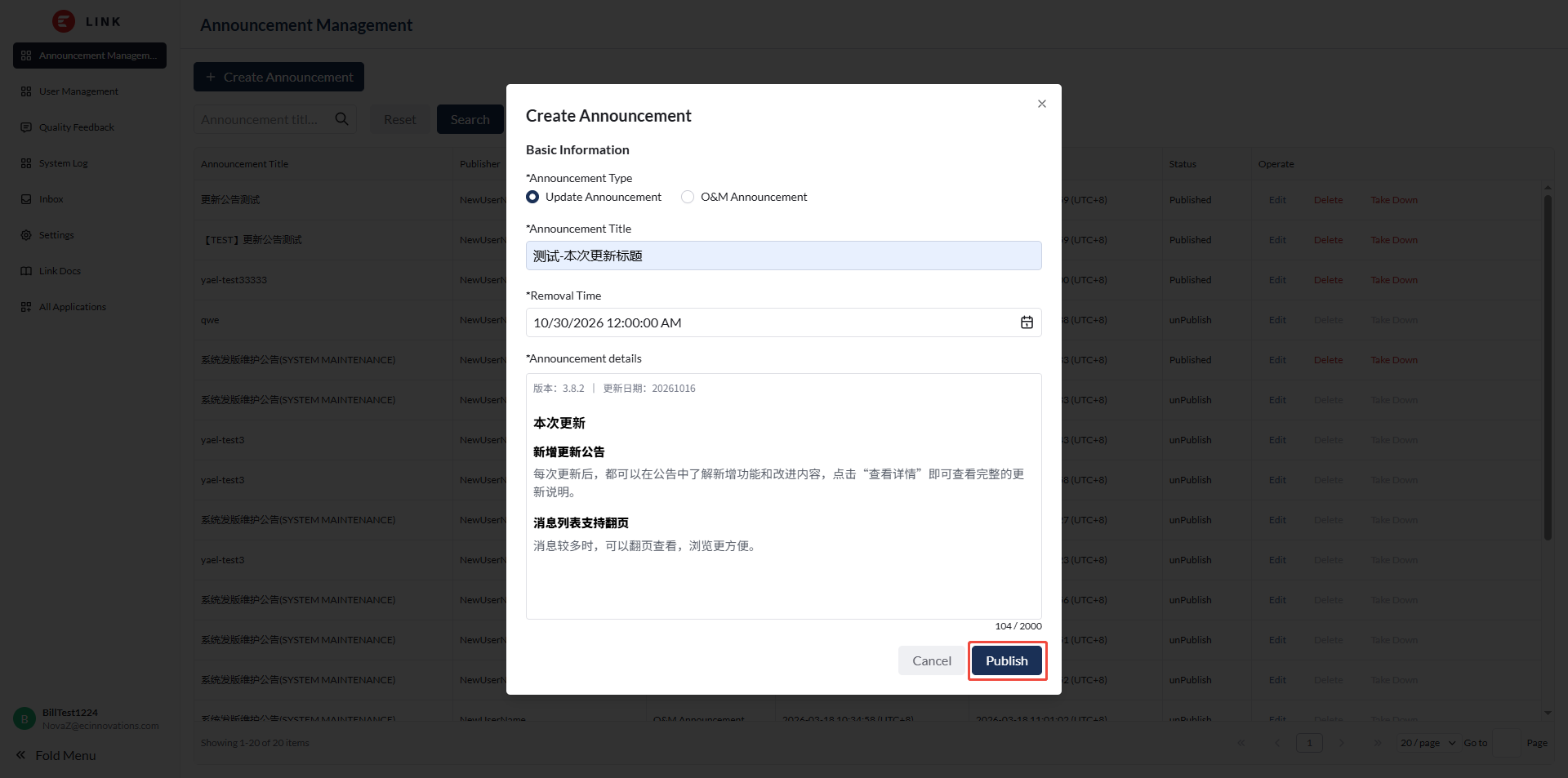
- Click ‘Create Announcement’ in the upper-left corner to open the creation dialog. Enter the announcement title, type, removal time, and content.
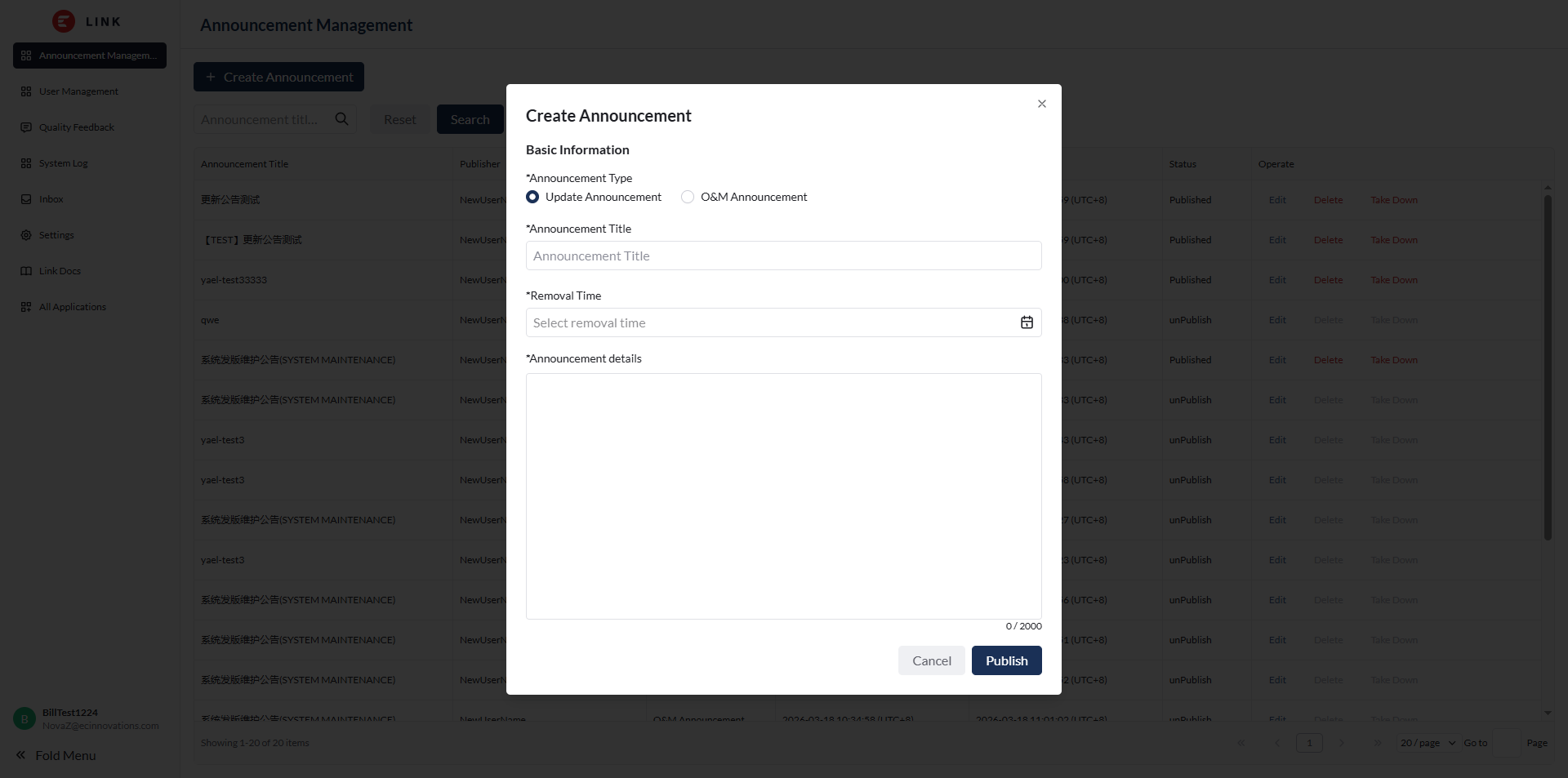
- You can prepare the announcement content in Microsoft Word, WPS, or other office applications, then copy and paste it into ‘Announcement details’. The content editor supports most formatting styles.
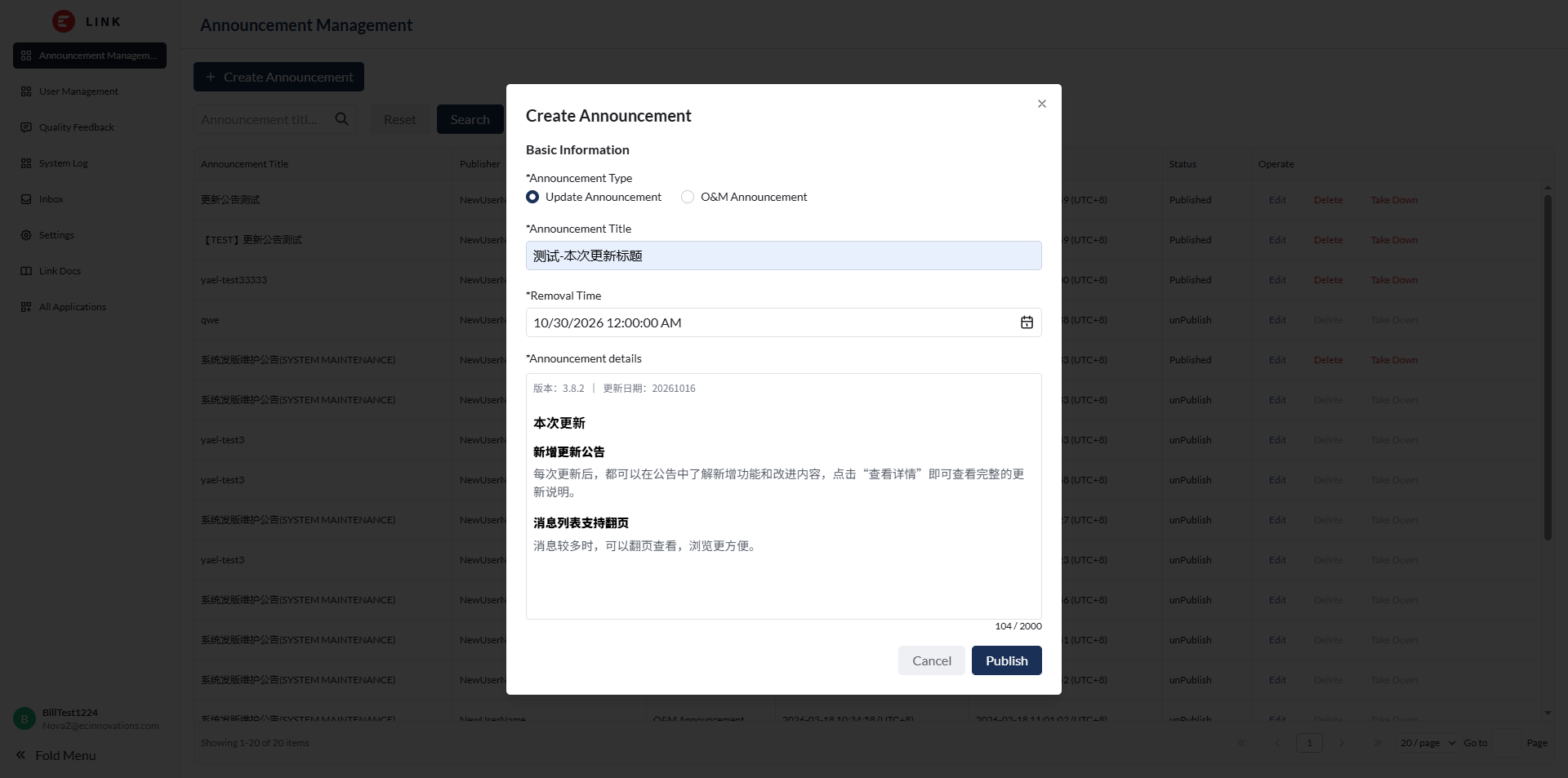 For special formatting requirements, please contact us.
- After entering all the information, click ‘Publish’ to publish the announcement.
Edit an Announcement
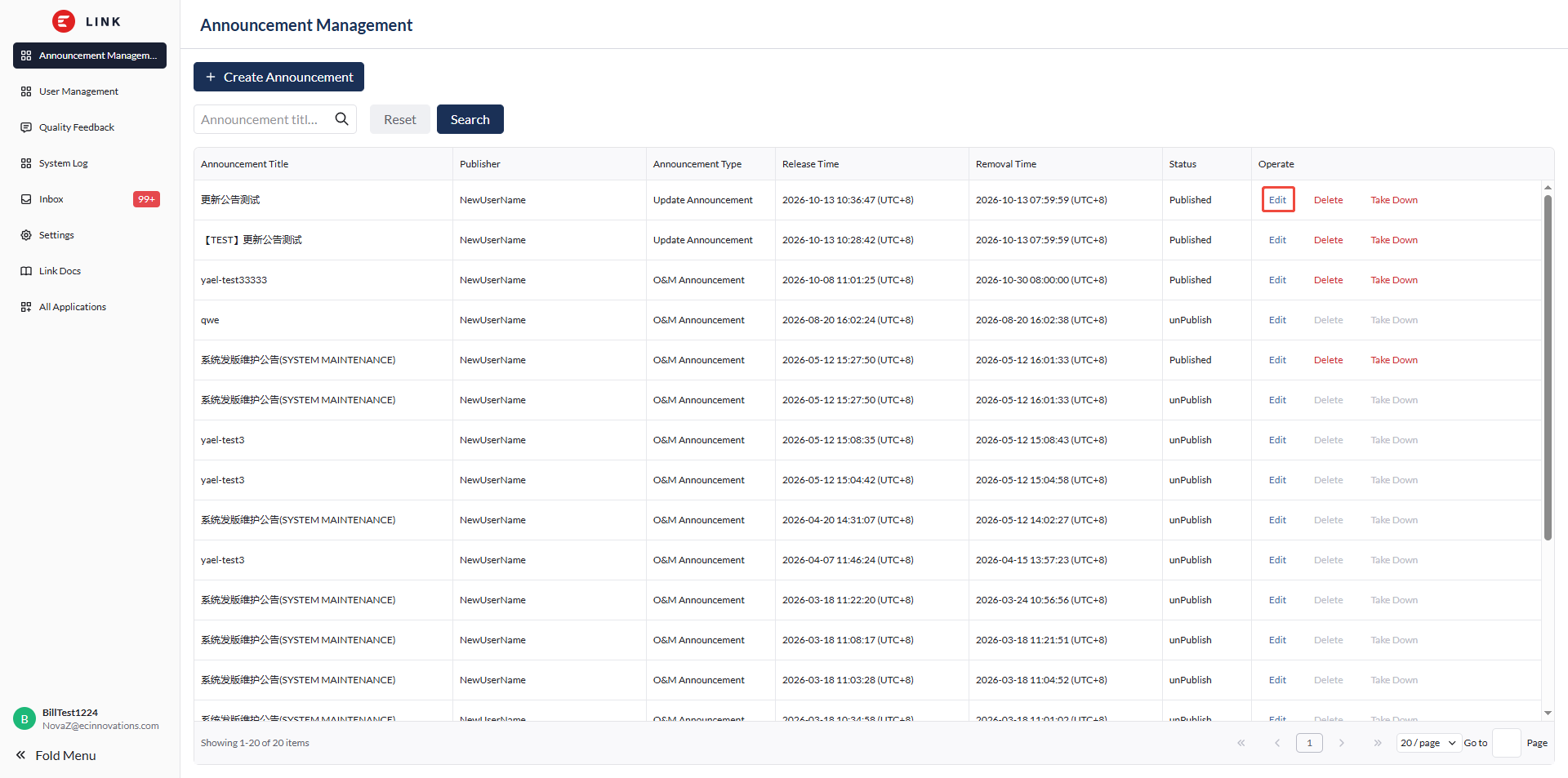
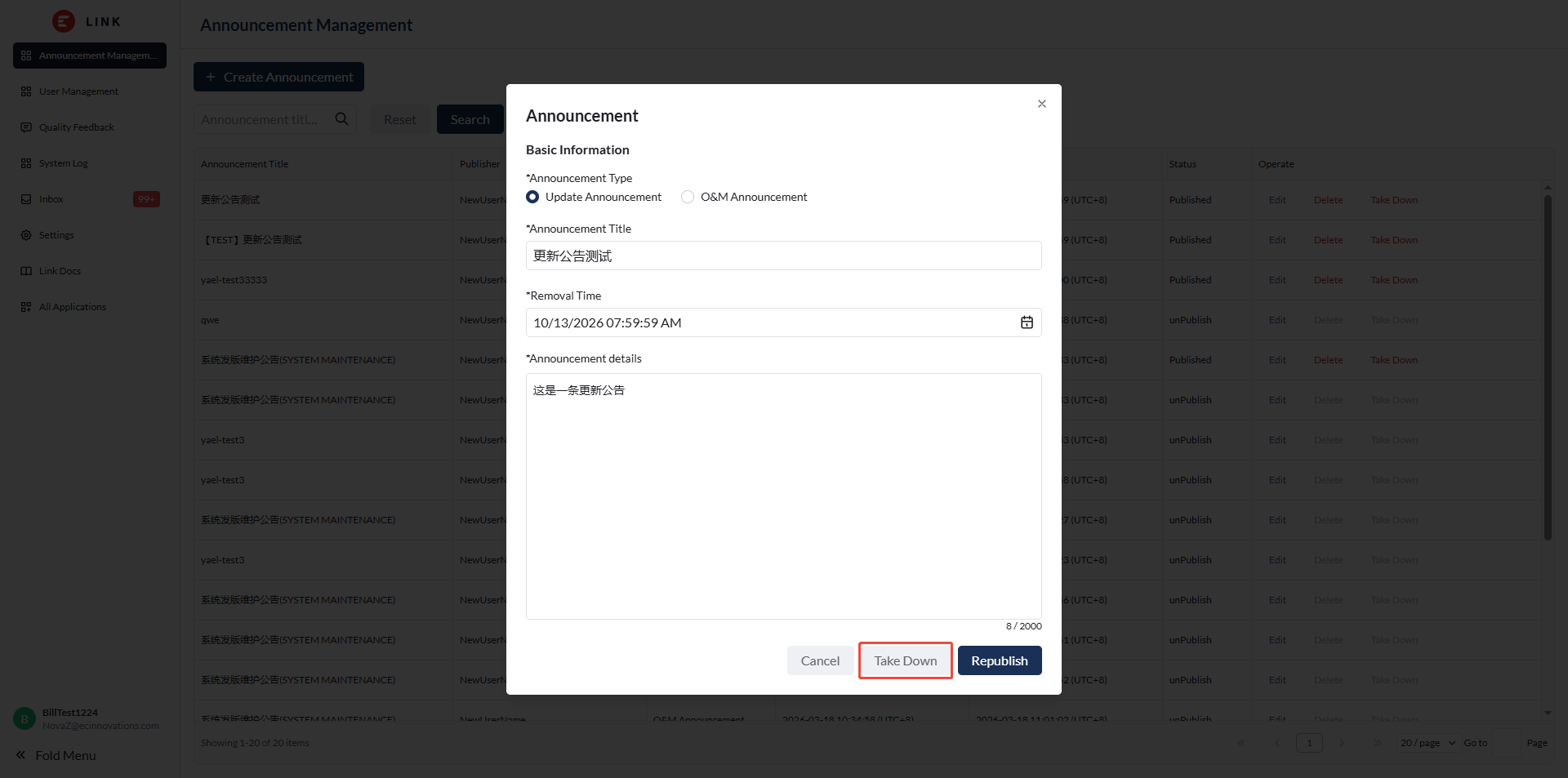
- Click ‘Edit’ in the action column on the right side of the announcement list to open the editing dialog.
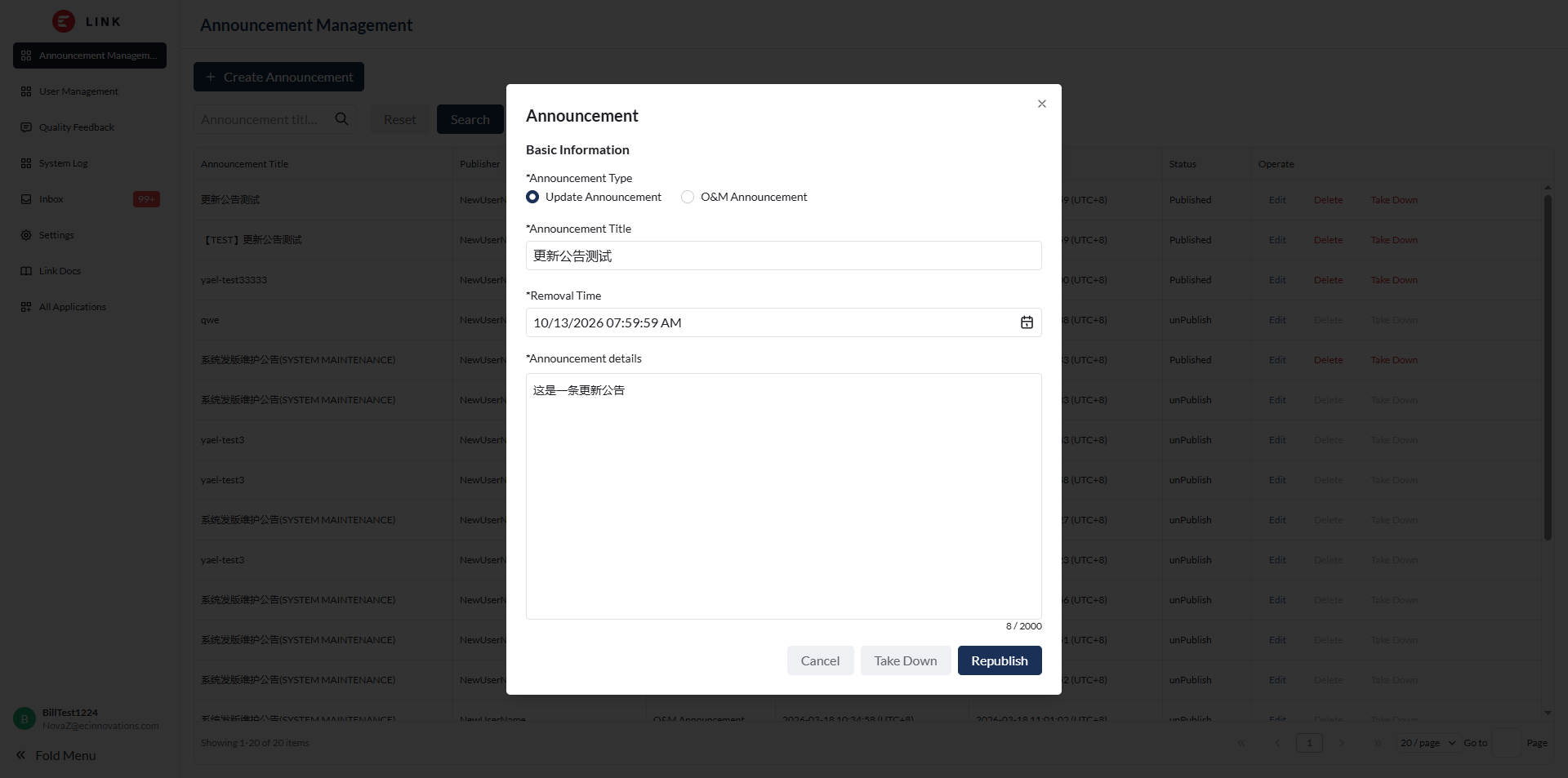
- You can update the announcement title, type, removal time, and content.
- Once you have finished editing, click ‘Republish’ to publish the updated announcement.
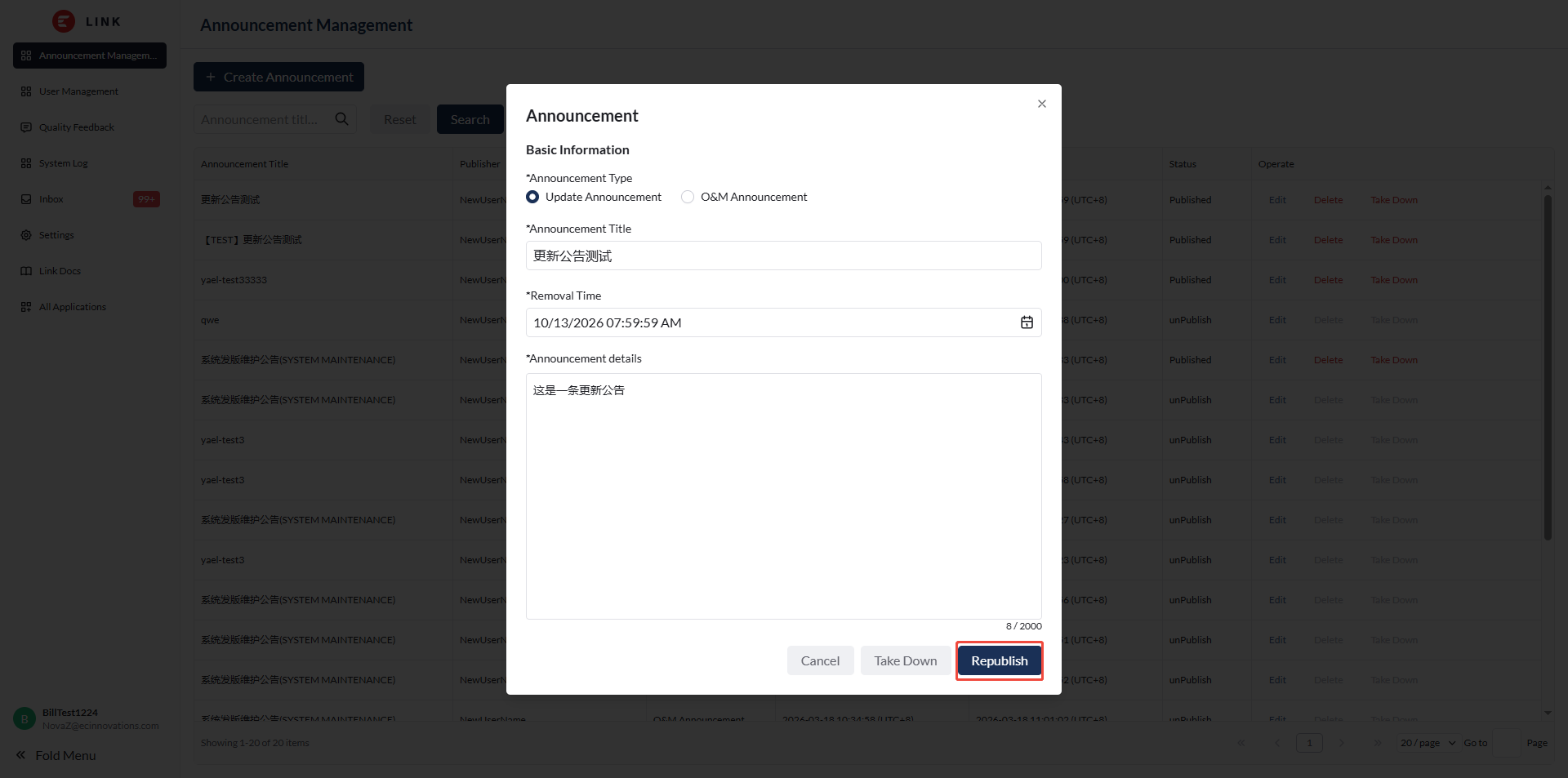
- If the announcement is still published, you can also click ‘Take Down’ in this dialog to take it down directly.
Delete an Announcement
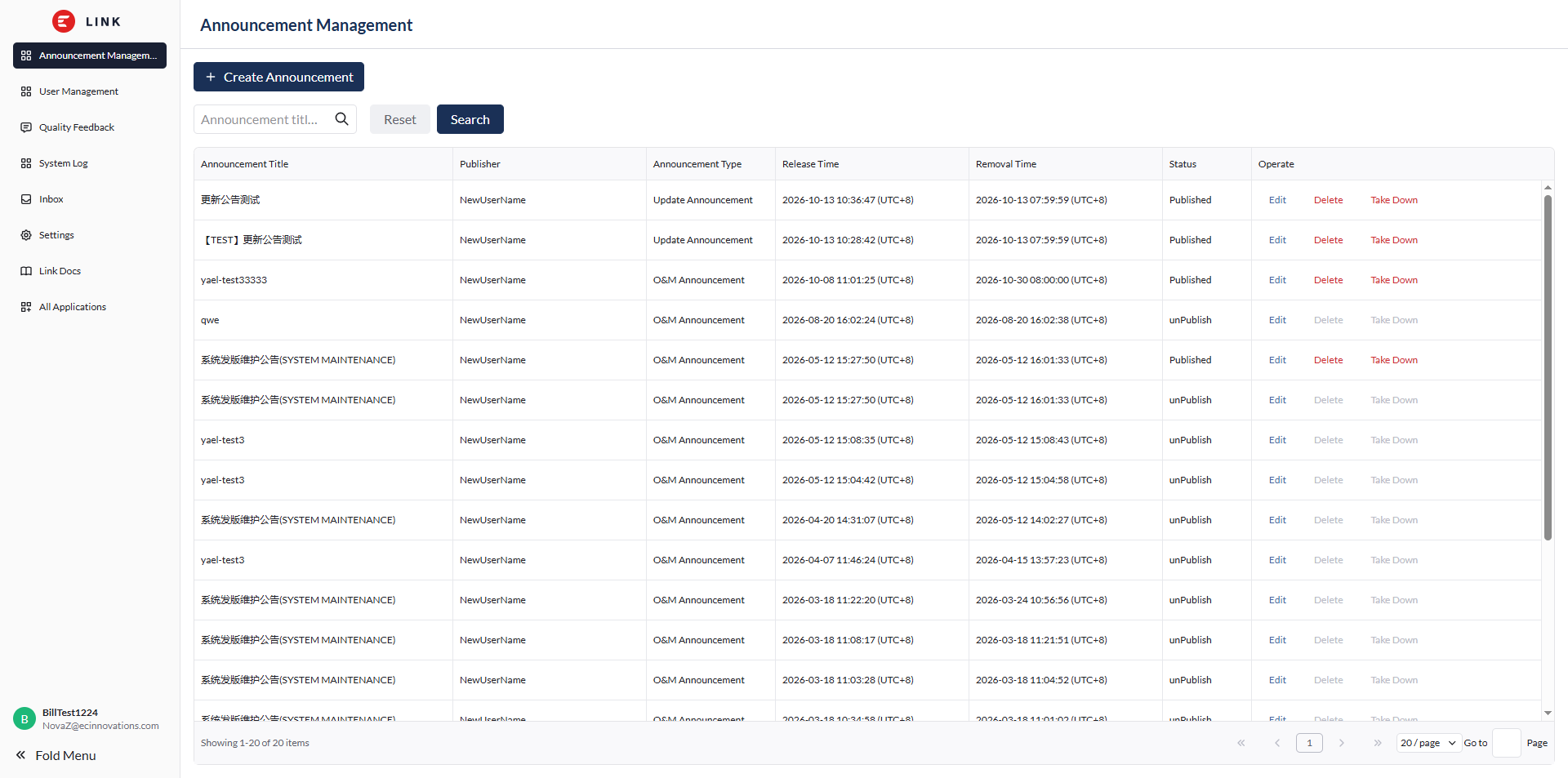
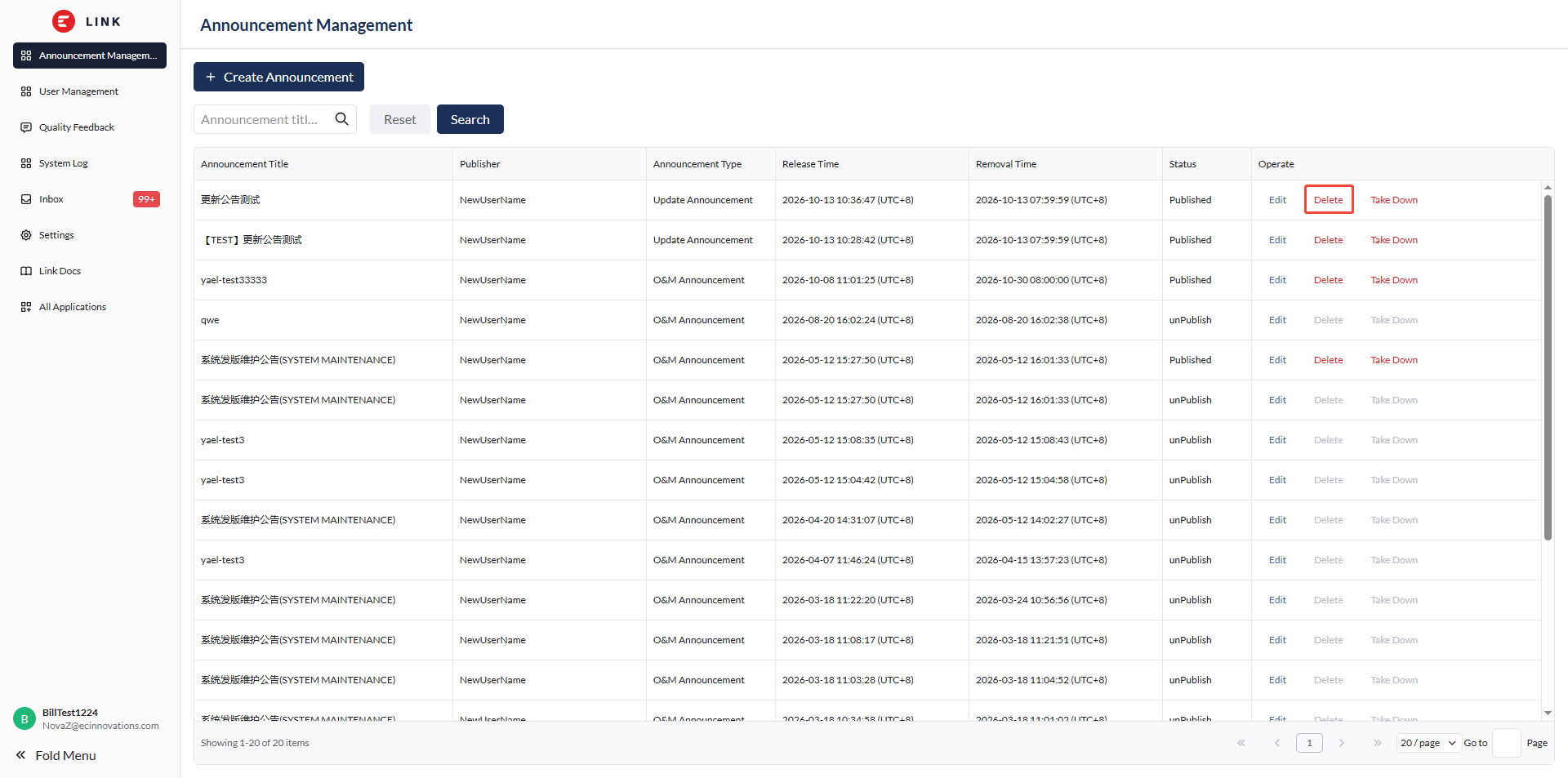
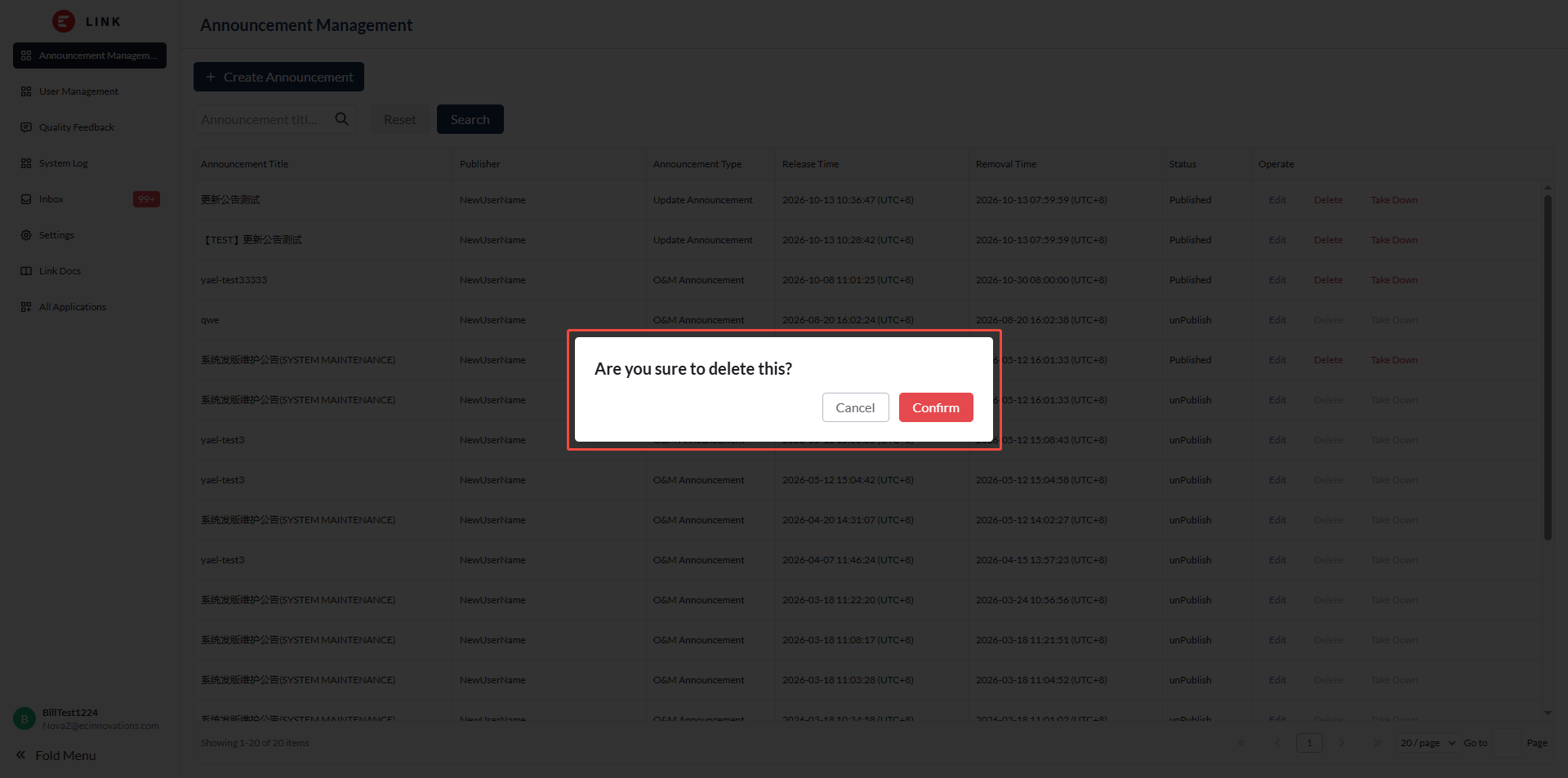
- For announcements that have been taken down, click ‘Delete’ in the action column on the right side of the announcement list to delete them.
Take Down an Announcement
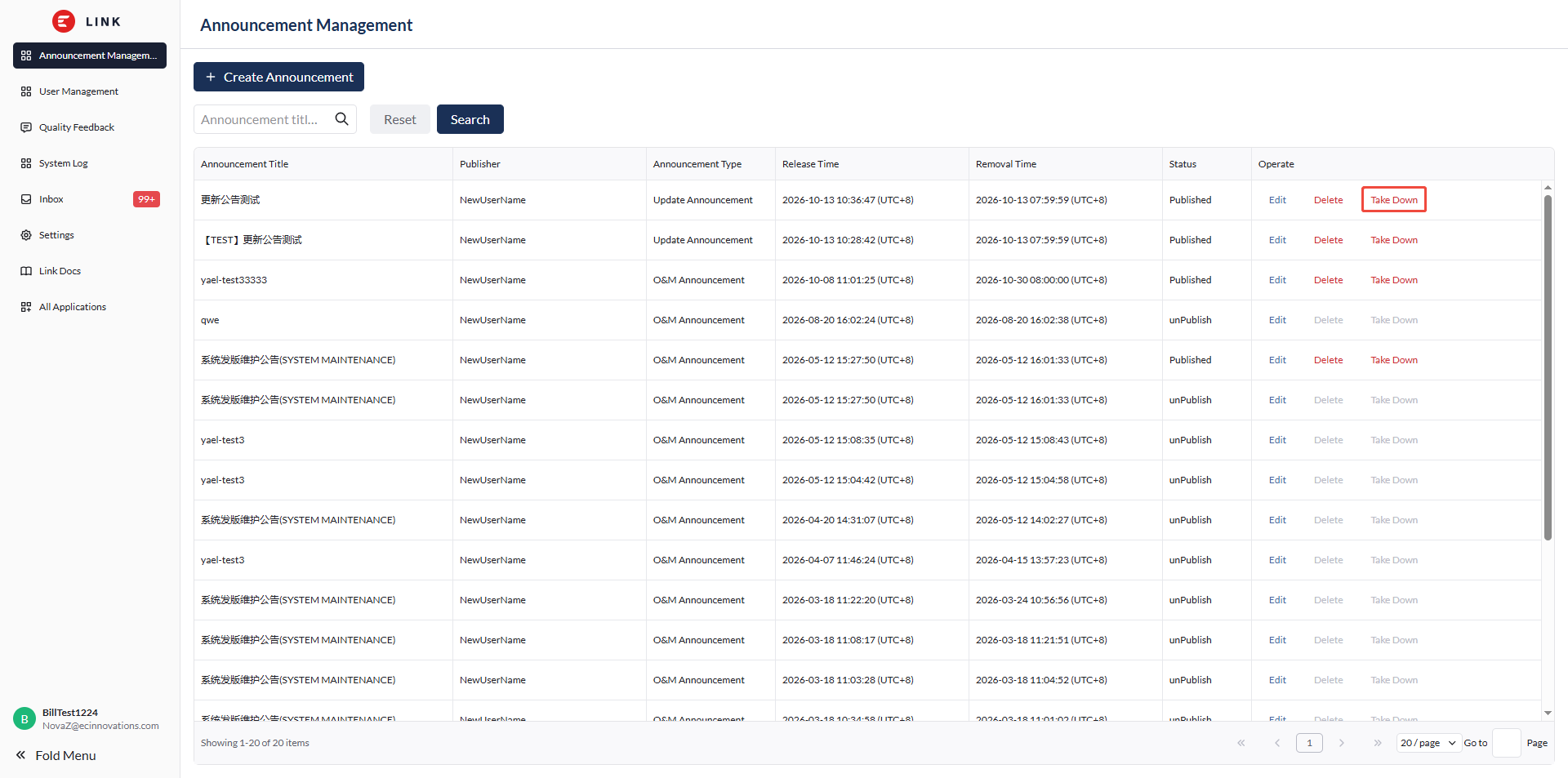
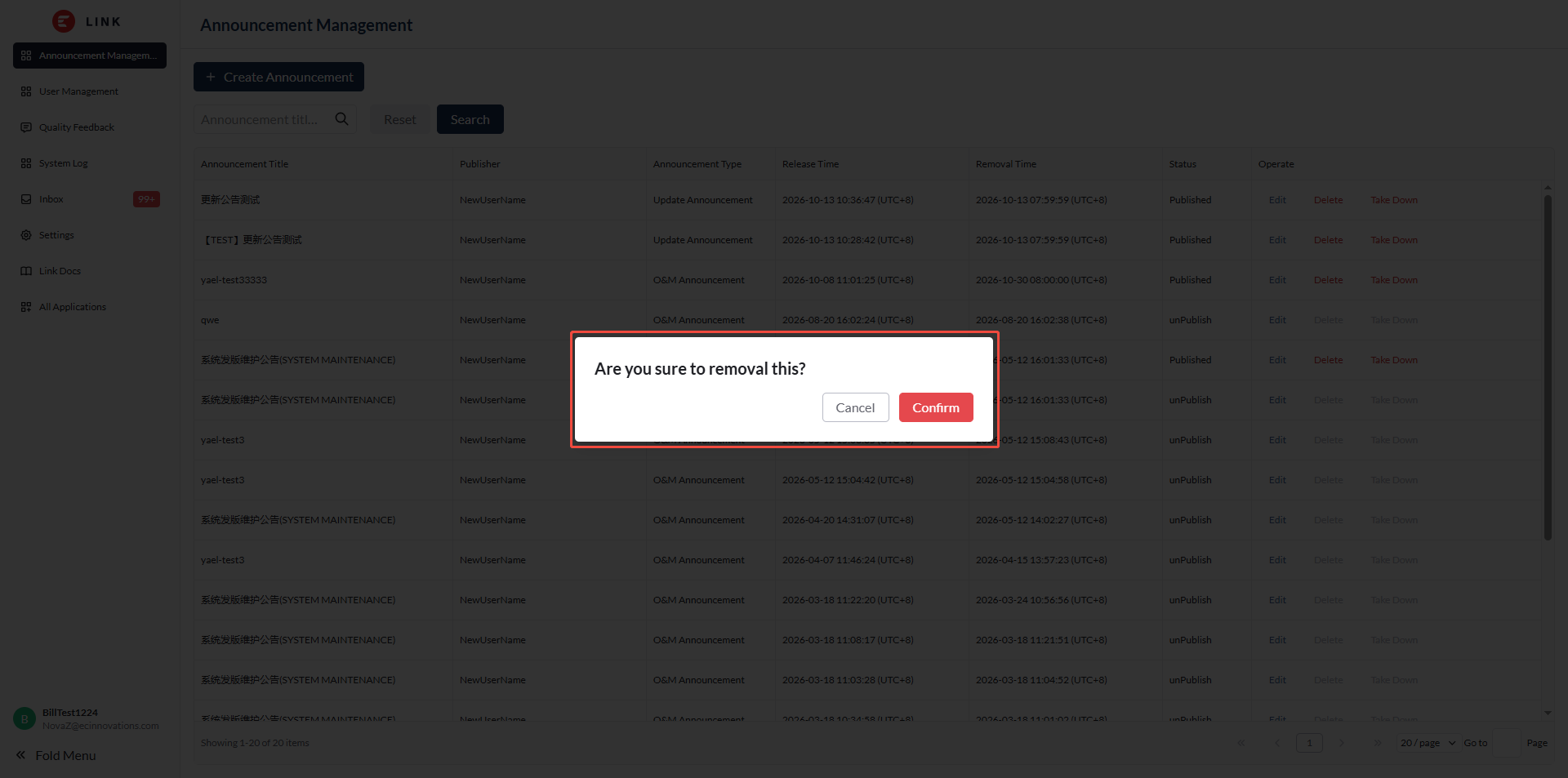
- For announcements that are still published, click ‘Take Down’ in the action column on the right side of the announcement list to take them down.